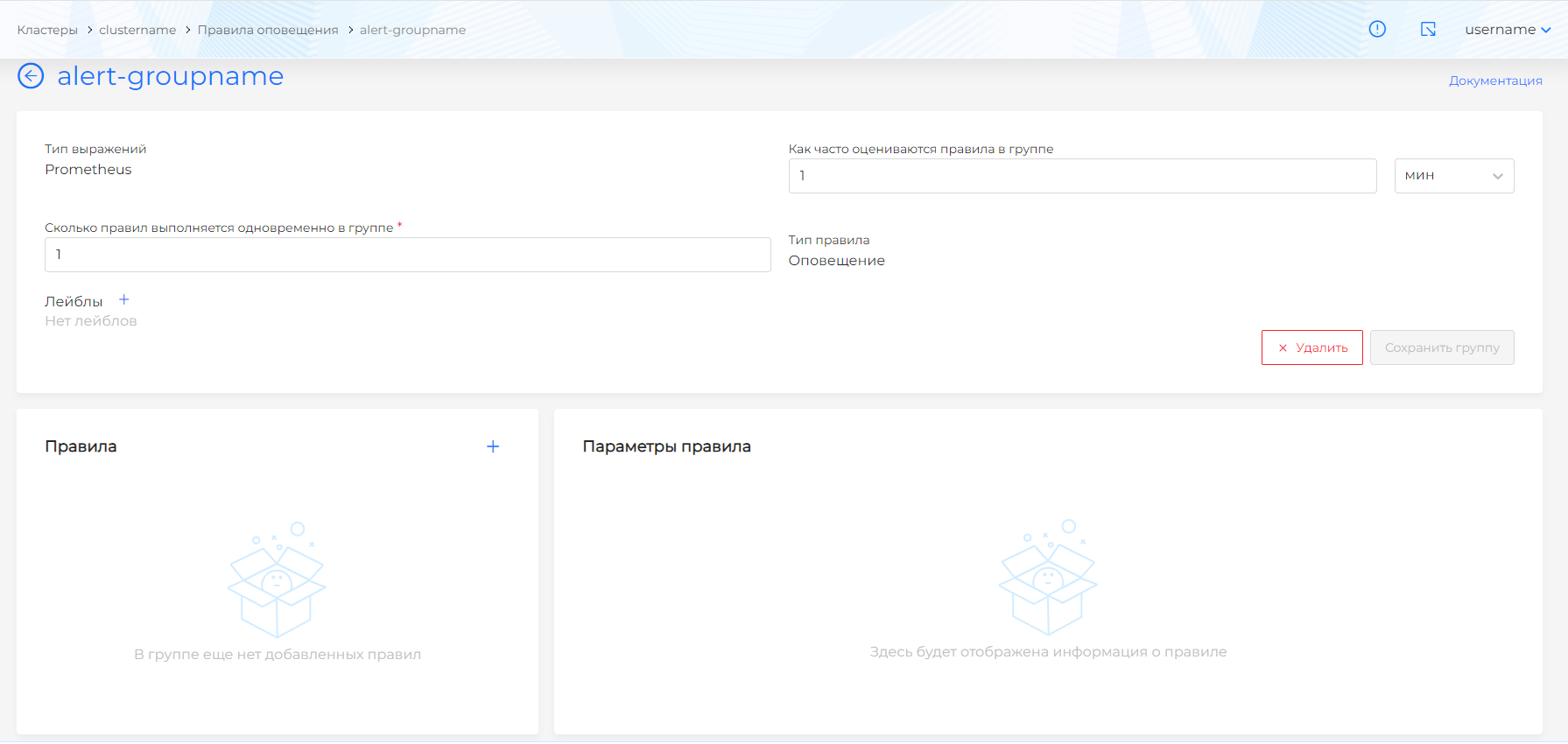
Alert Rule Groups
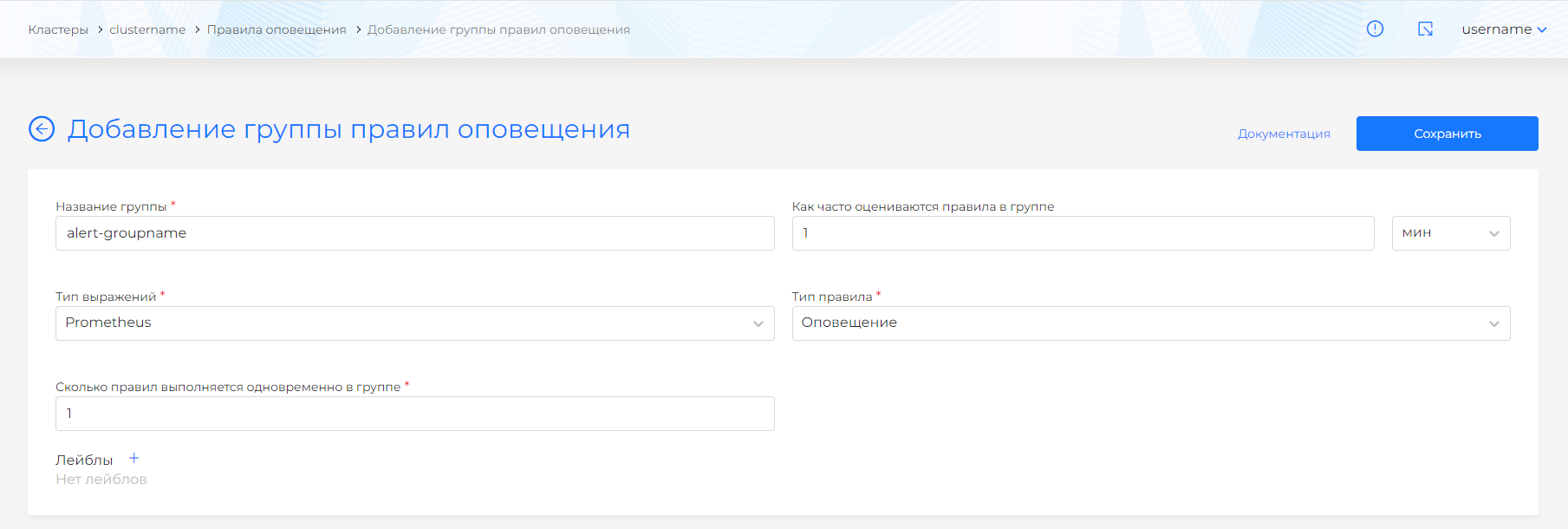
To create a group of notification rules, go to the Notification Rules page, click the “Add group of notification rules” button. On the page that opens, fill in information about the rule group:
Screenshot
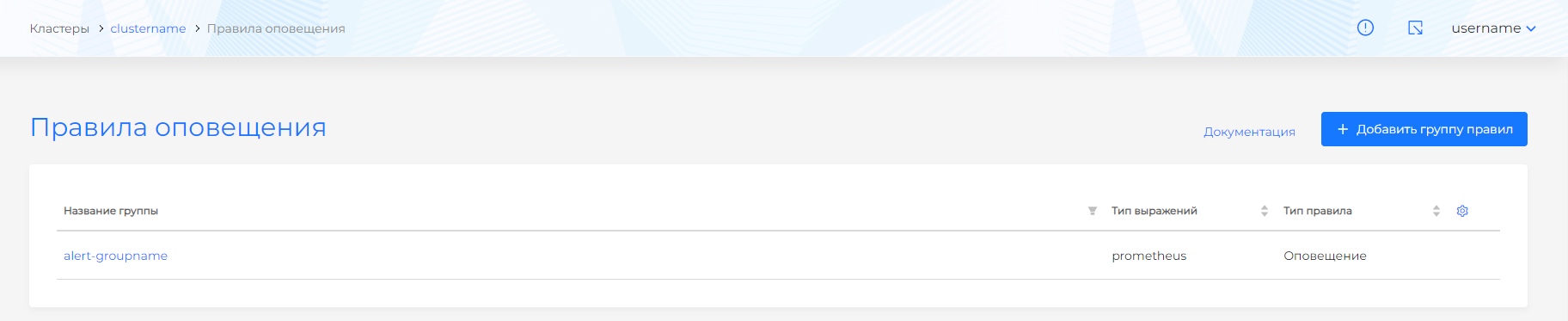
- Group name (required);
- Expression type (Prometheus/Graphite, default Prometheus);
- Type of rules in the group (alert or record). The groups are separated logically, so the choice of rule type is moved to the rule group configuration level. ;
- How often the rules in the group are assessed;
- How many rules can be executed simultaneously in a group.
Screenshot
After creating a group, the group name, expression type, and rule type are unchangeable. The rule type is written to each rule included in the group in the type field.
Once the rule group is created, go to the group to add rules. After creating a rule group, the screen changes. The top of the screen contains information about the group. At the bottom, the user can manage the rules.
Please note! Group of rules and each rule in the group are separate objects, so save buttons are provided separately for the group and for the rule in the group. Deleting a group results in a cascade deletion of rules.
Screenshot