Custom resources
CRD (Custom Resource Definition) is a special resource that allows you to create new types of resources to expand functionality.
Screenshot
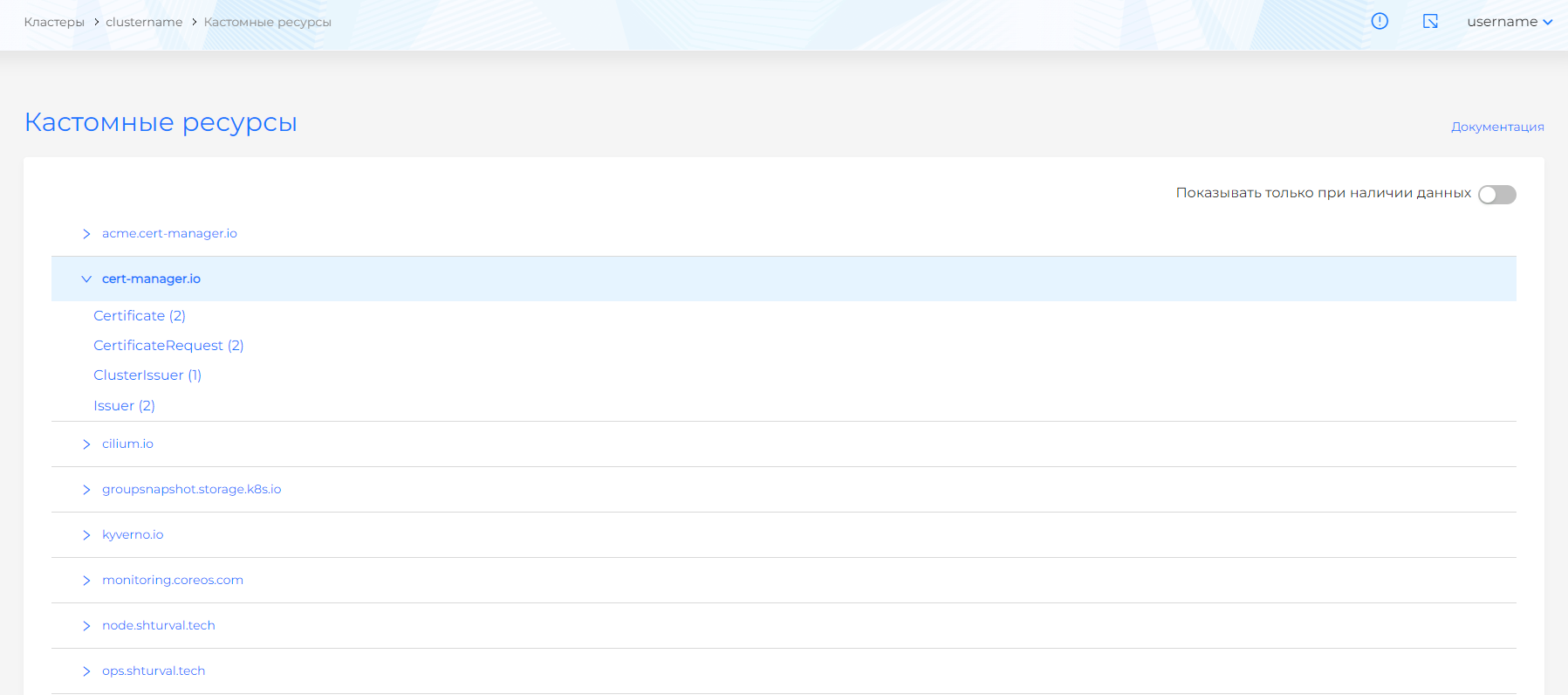
The Custom Resources page displays a list of all CRDs: cube and created in the cluster. CRDs are grouped by API group. By default, resources are sorted alphabetically. There is a switch that allows you to hide CRDs that do not have custom resources (Custom Resource). For convenience, the list displays the number of created custom resources for each CRD.
By clicking on the name of a CRD, you can go to a page with a list of custom resources for this CRD. On the custom resource viewing page, you can make changes to the manifest, as well as copy it.
If necessary, change the custom resource using the YAML manifest. Go to the custom resource page and adjust the manifest data. After modifying the manifest, perform verification. The test result will be available on the right side of the screen. Expand the verification result block to see the full manifest. If the custom resource manifest format validation fails, manifest verification is not available.
Screenshot
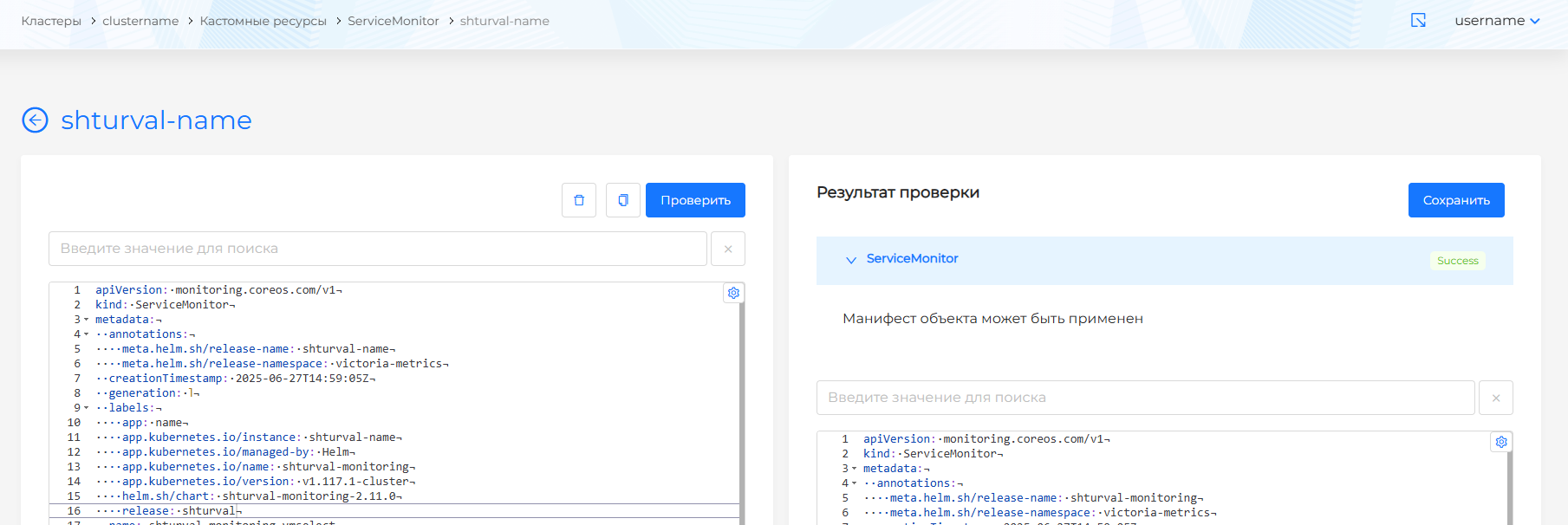
Save your changes to the custom resource manifest. Changes will not be applied without saving.
To remove a custom resource from the cluster, on the page with a list of custom resources, clickin the object line or on the custom resource viewing page, go to the Manifest tab and click on.