Troubleshooting
To check how local alerting is configured, you need to check the local storage states of the VM Single instance and VMAlertManager. To do this:
- in namespace
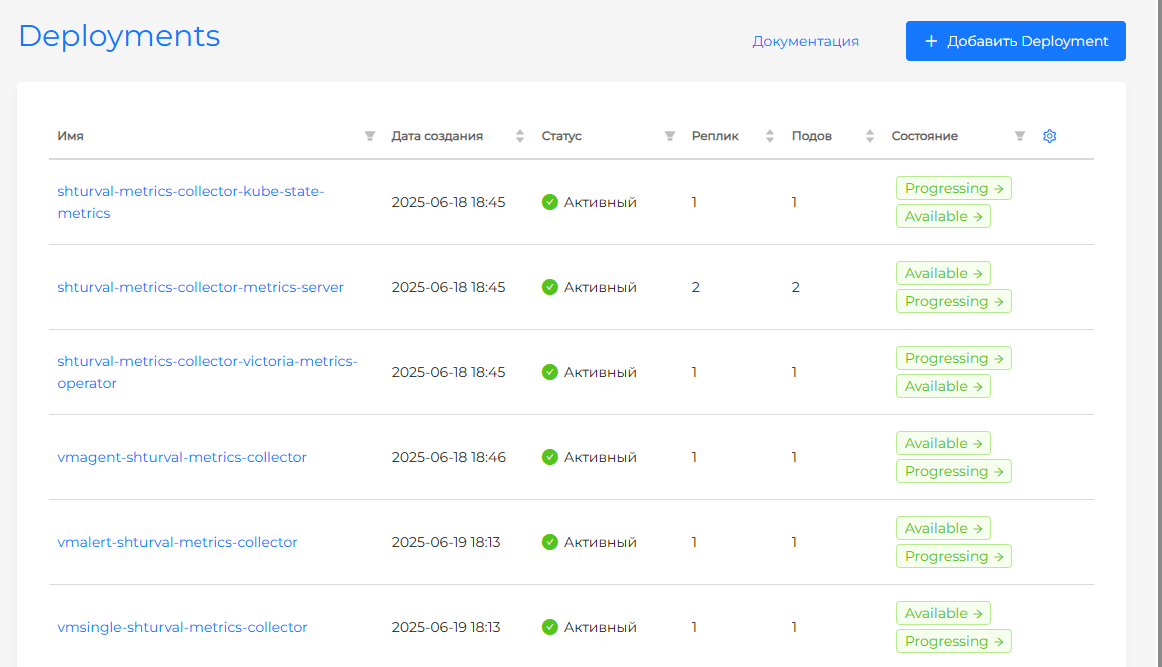
victoria-metrics, check the status of Statefulsetvmalertmanager-shturval-metrics-collector. If the status is inactive, look at the pod logs for this Statefulset. - in namespace
victoria-metrics, check the status of Deploymentvmalert-shturval-metrics-collector. If the status is inactive, look at the pod logs for this Deployment. - in namespace
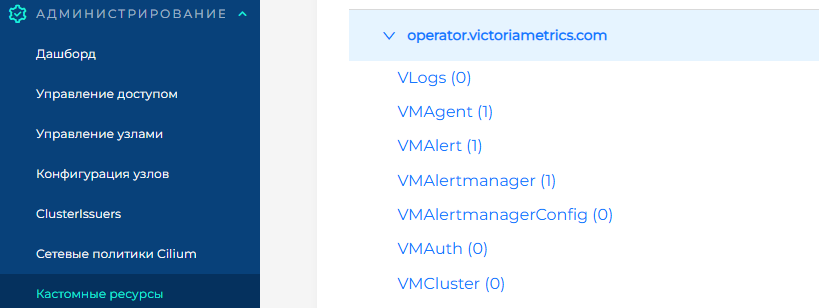
victoria-metrics, check the status of Deploymentvmsingle-shturval-metrics-collector. If the status is inactive, look at the pod logs for this Deployment. - In the cluster side menu under Administration, go to the Custom Resources page. In the API group
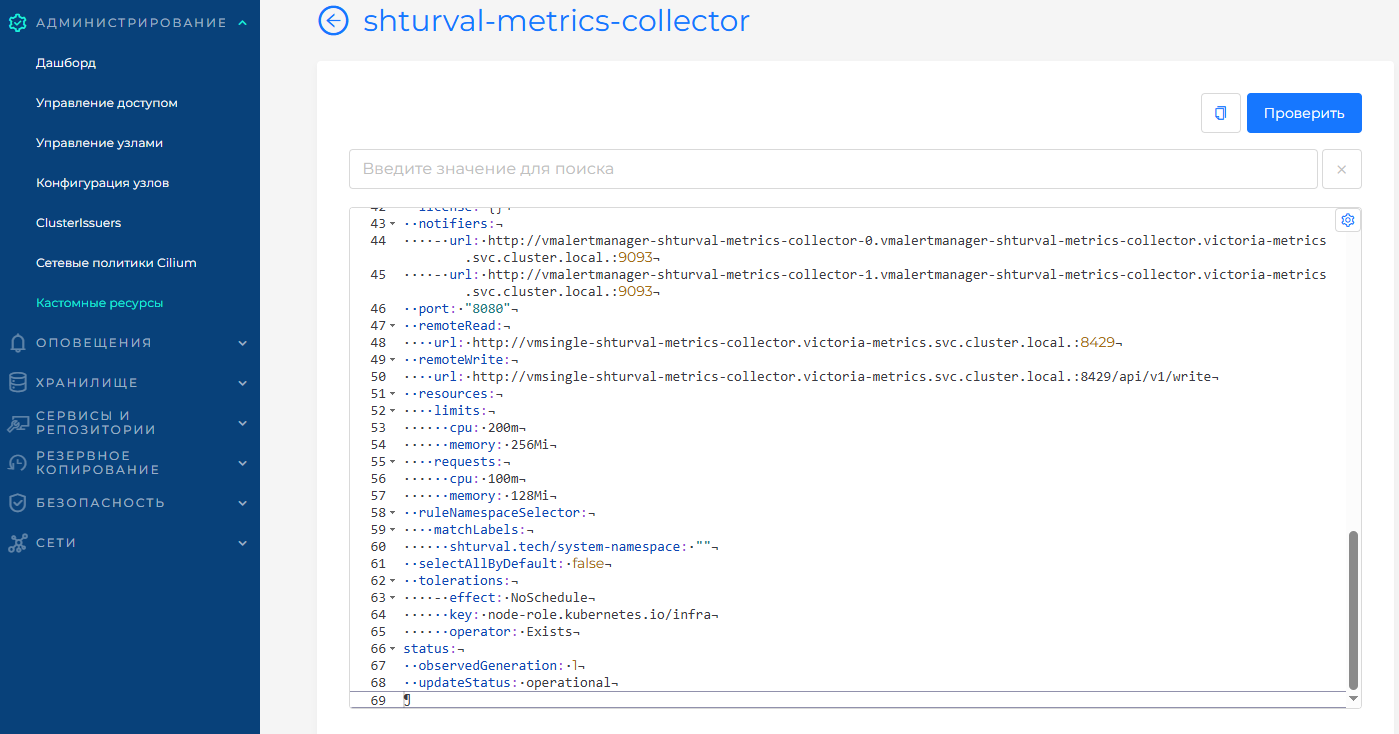
operator.victoriametrics.com, find the VMAlertmanager resource and verify that it reportsupdateStatus: operational. - In the cluster side menu under Administration, go to the Custom Resources page. In the API group
operator.victoriametrics.com, find the VMAlert resource and verify that it reportsupdateStatus: operational.
Screenshot