Access when a client cluster is deleted
If the IP addresses of all Control Plane nodes of the client cluster are unavailable, the client cluster configuration data is lost, but a client cluster backup exists, you can restore access to the cluster.
See backup recommendations for restoring access.
To restore access, follow these steps:
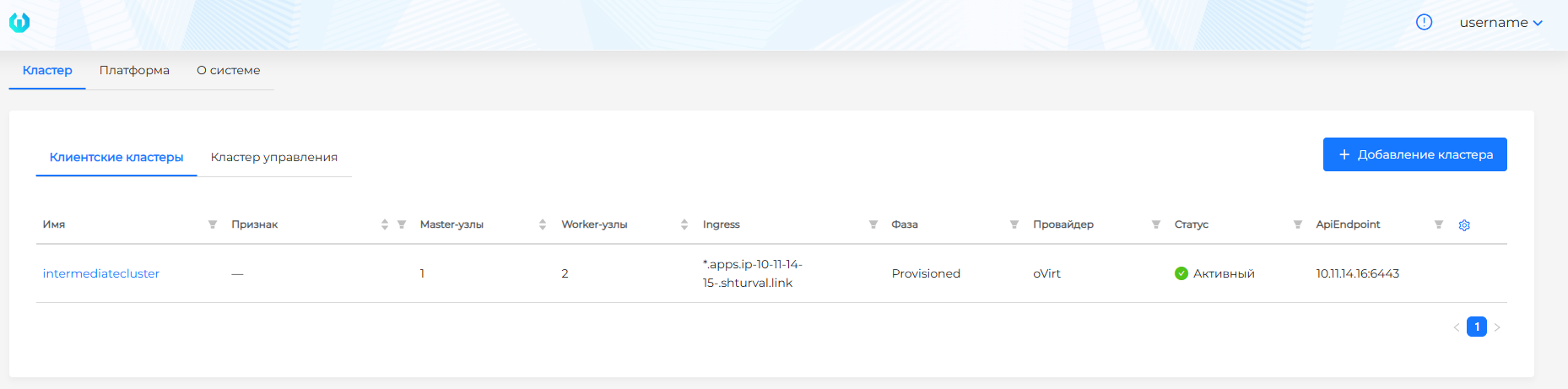
- Deploy a temporary client cluster.
Screenshot
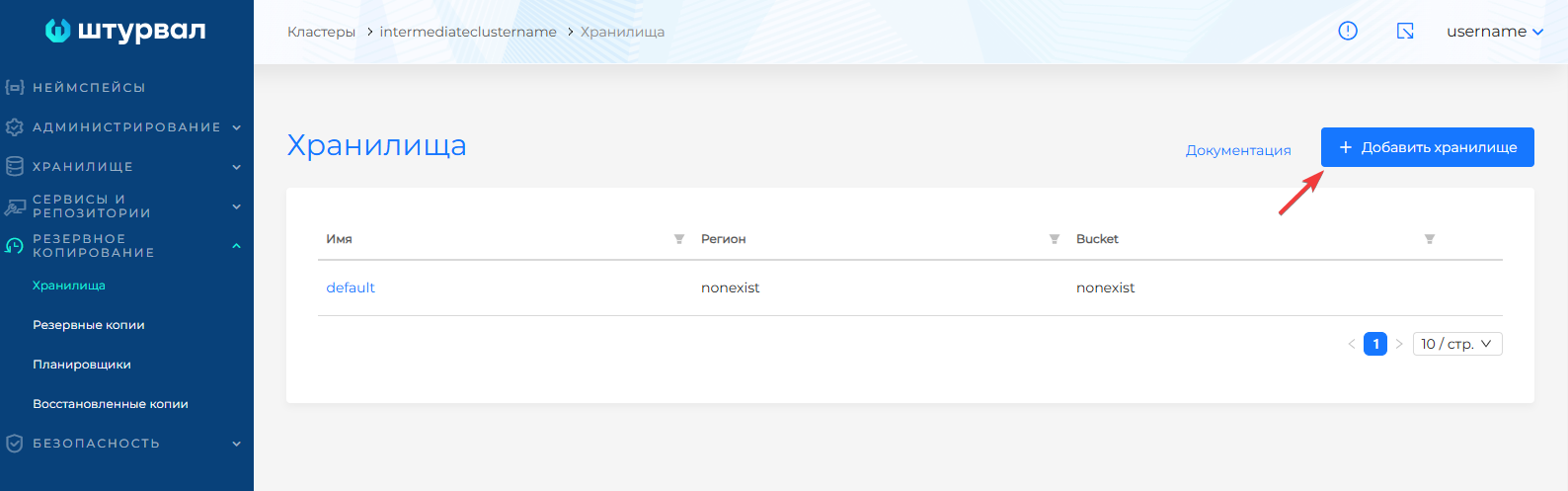
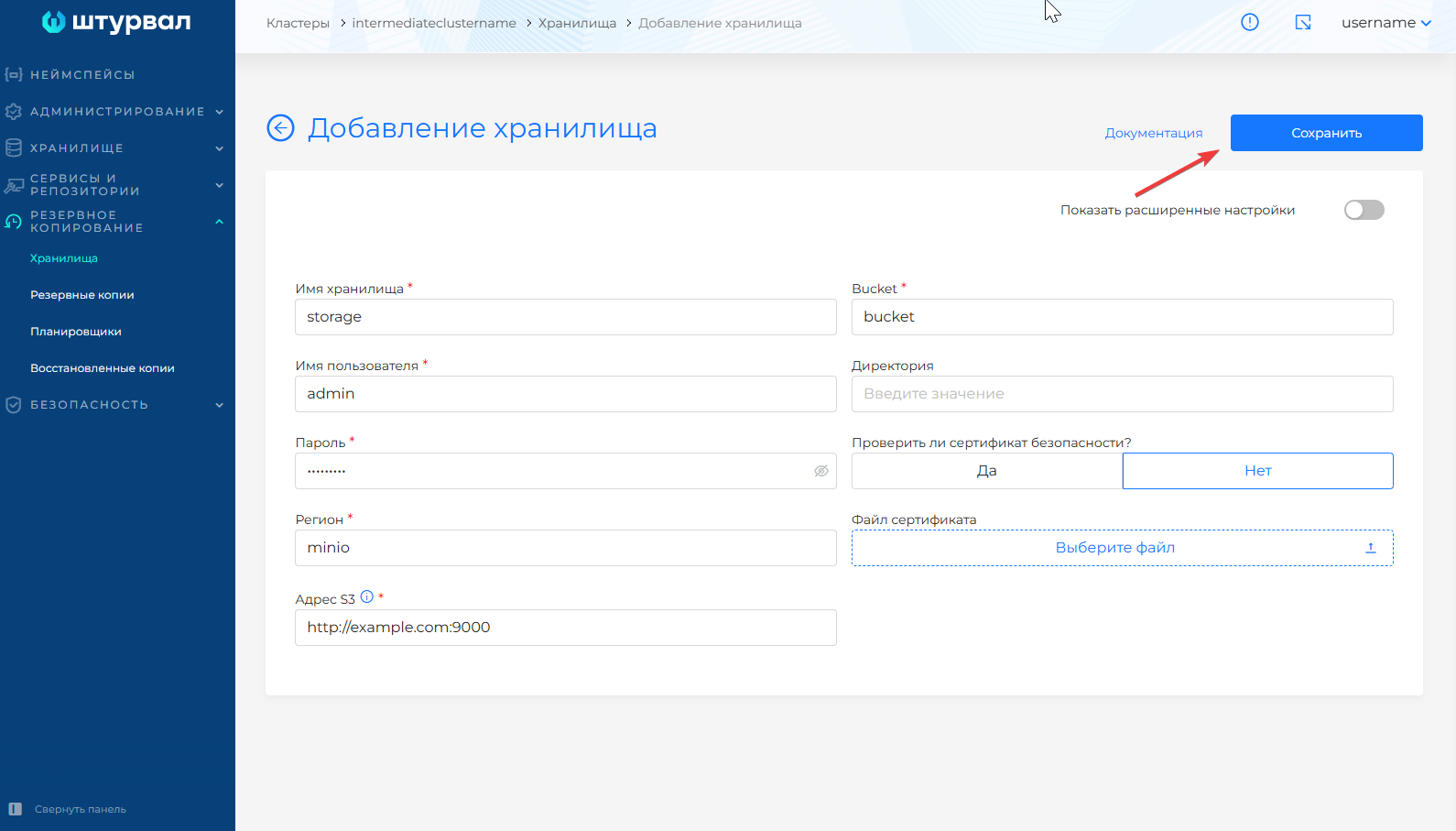
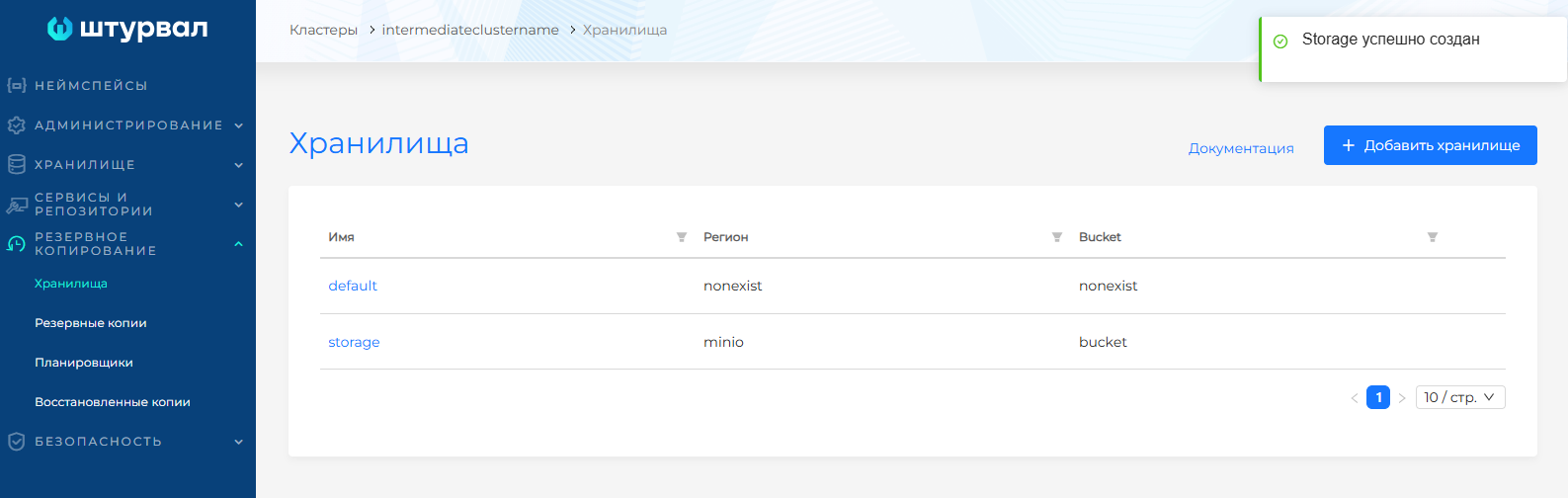
- Connect S3 storage that contains the backup of client cluster namespaces, infrastructure providers, and ClusterRoles from the management cluster.
Screenshot
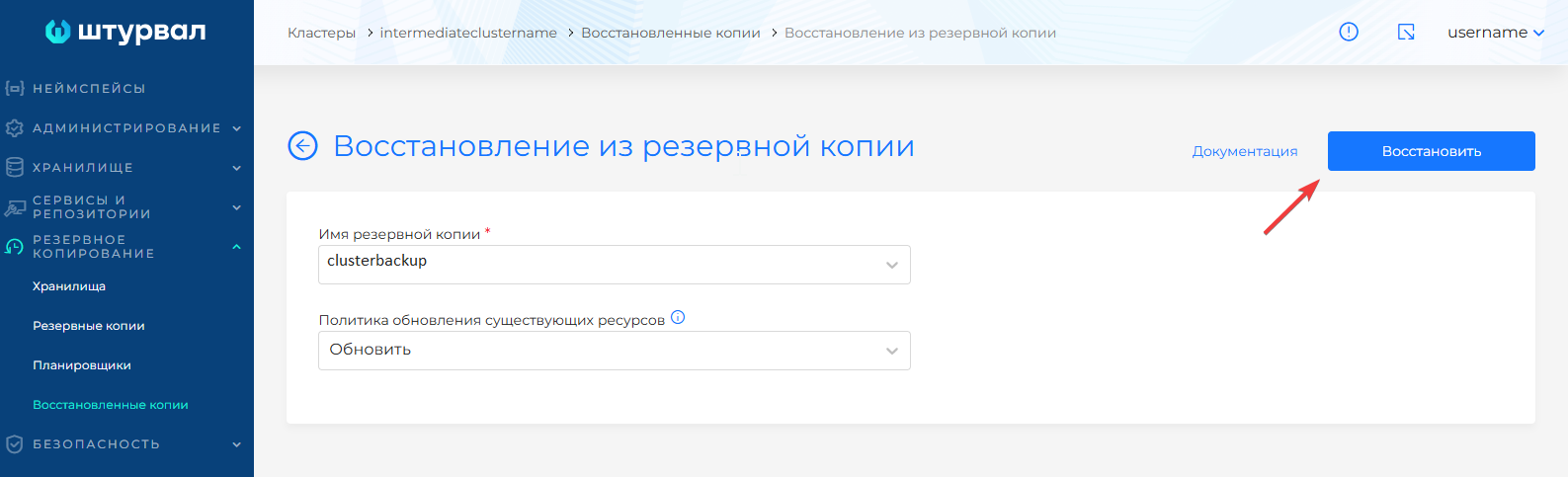
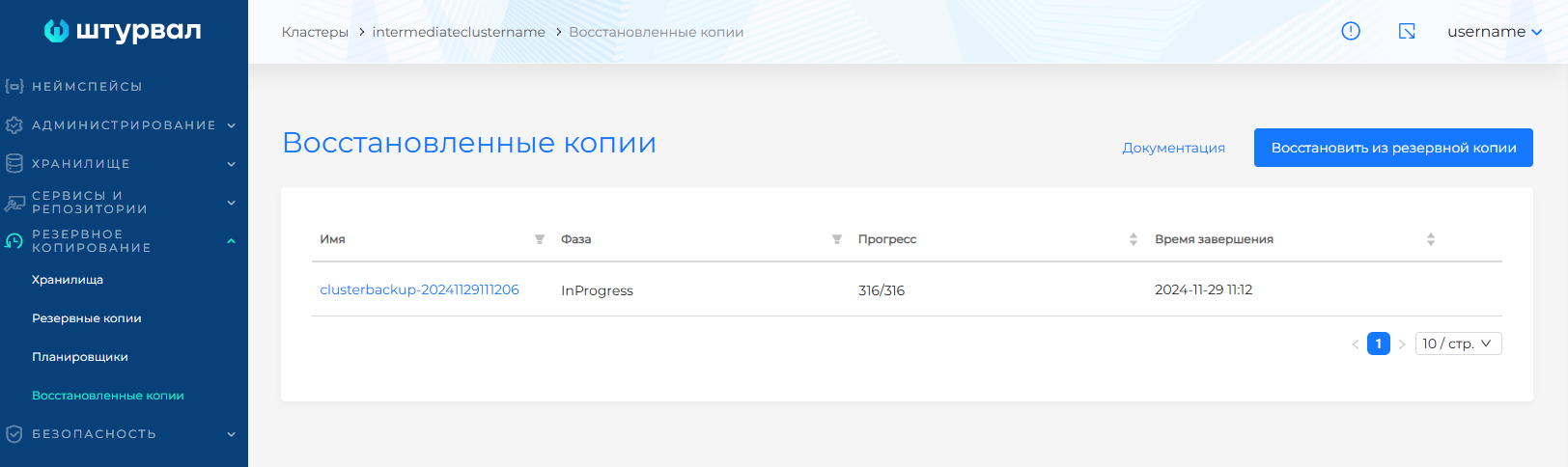
- Restore the client cluster backup.
Screenshot

- Record the client cluster configuration:
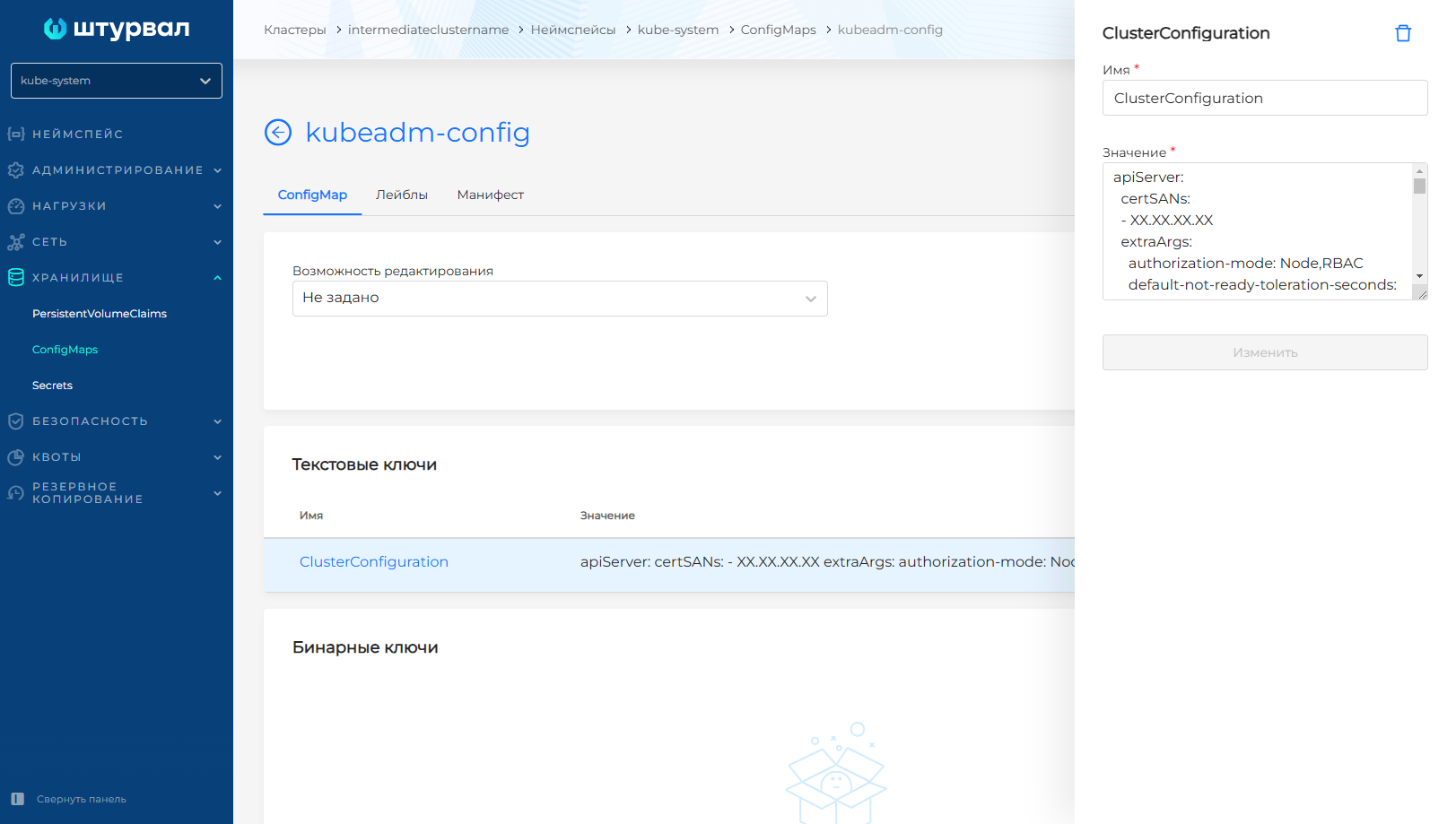
- the cluster API server address and security configuration details are available in the
kubeadm-configConfigMap in thekube-systemnamespace;
Screenshot
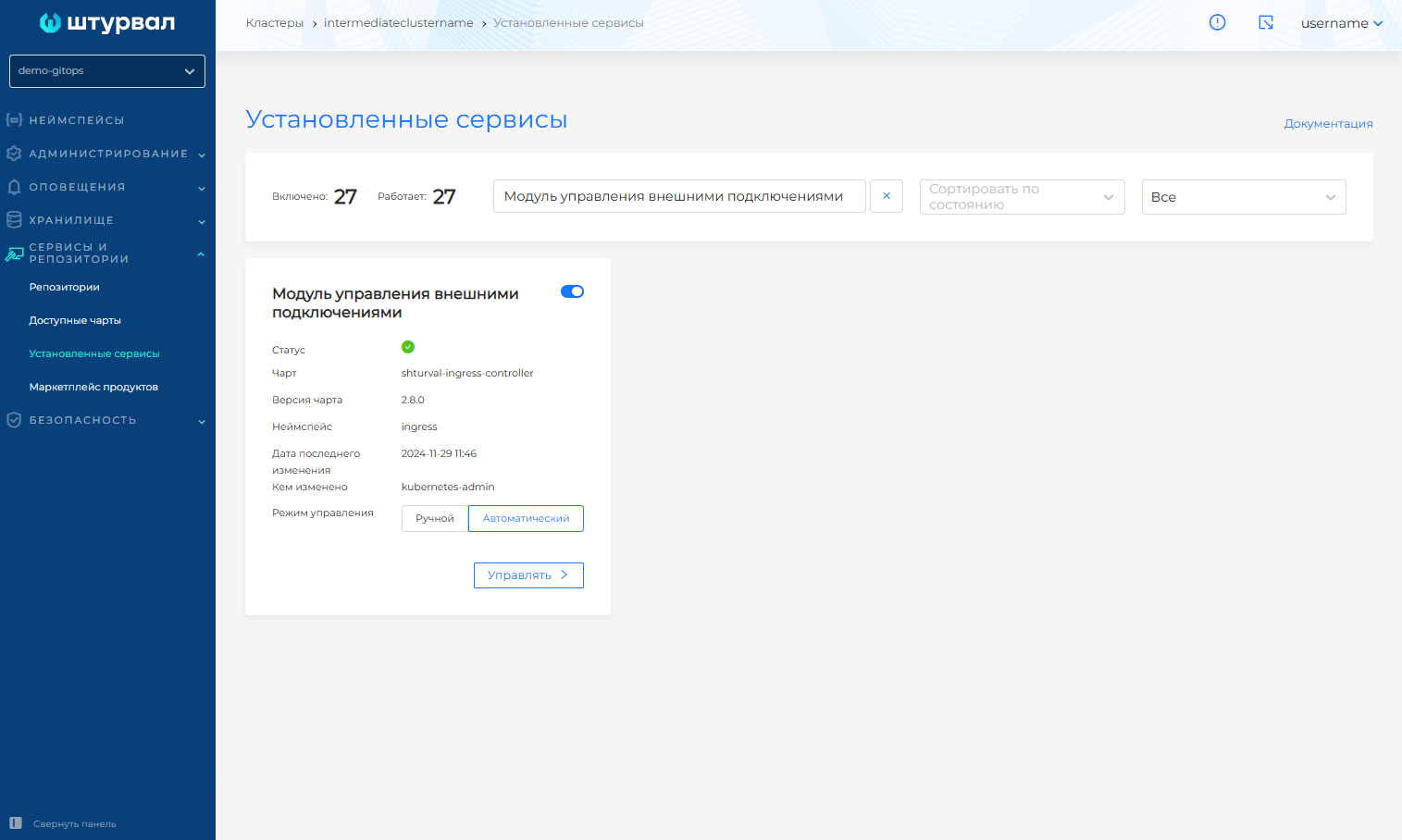
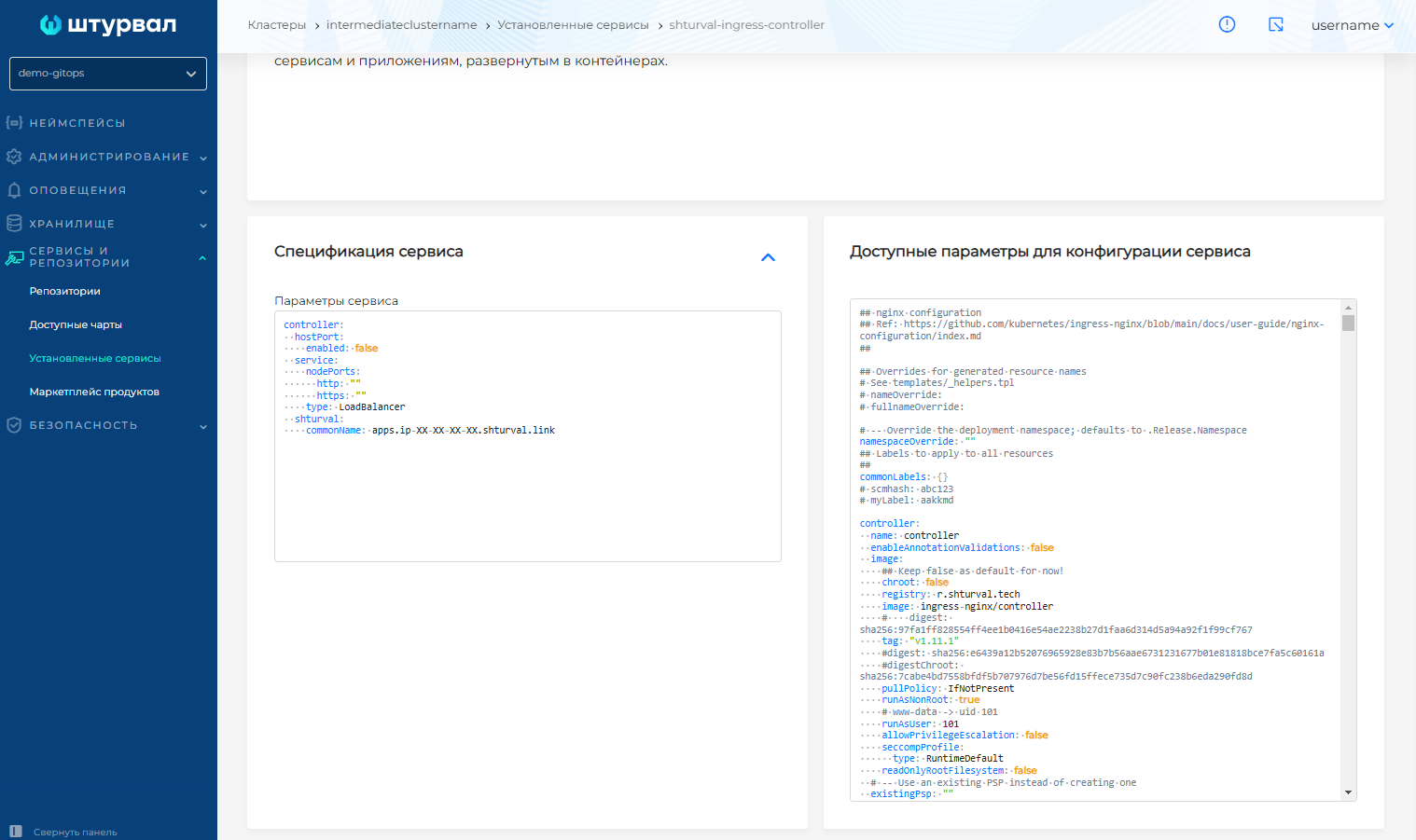
- the Ingress address is available in the External Connection Management Module SSC (
shturval-ingress-controller).
Screenshot
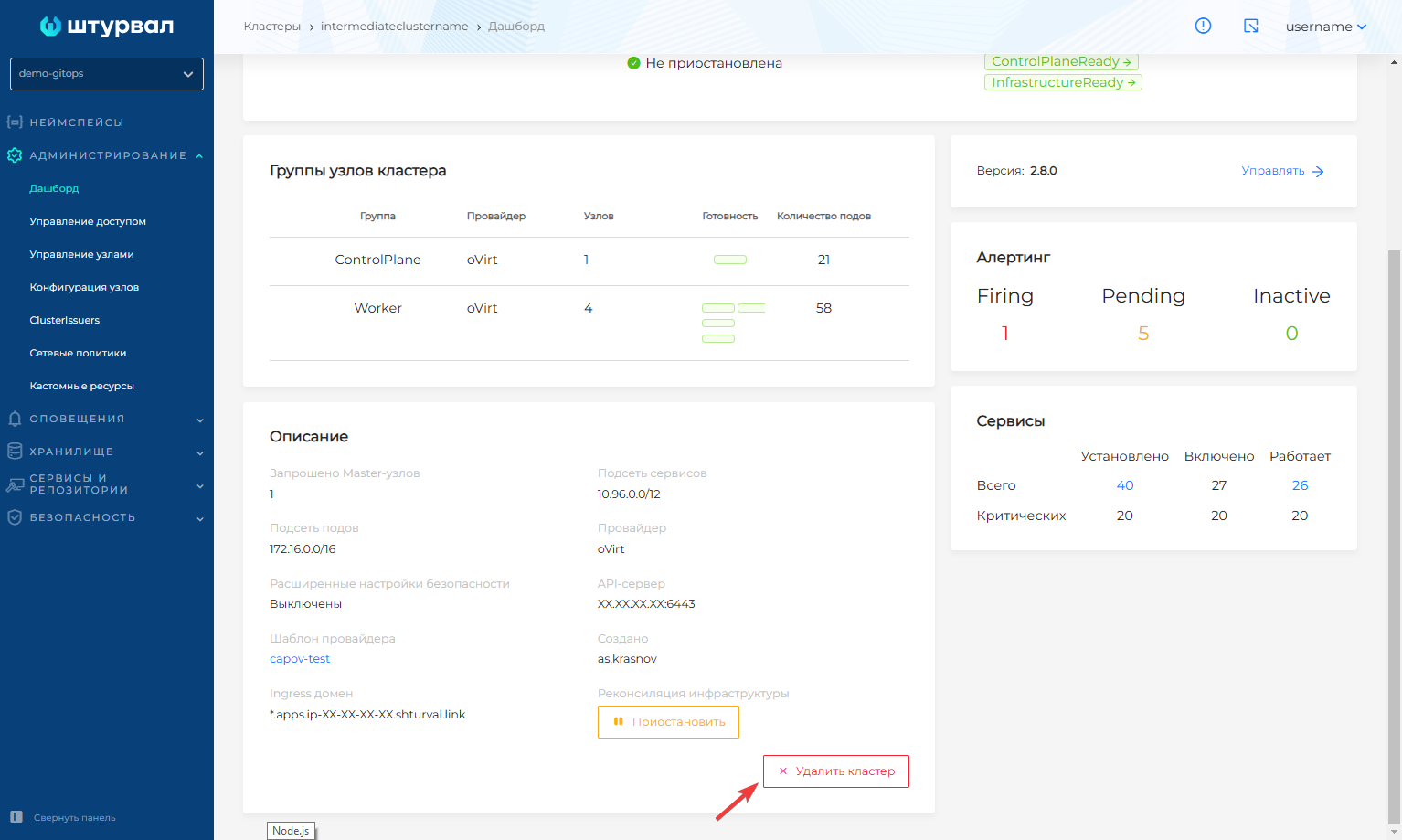
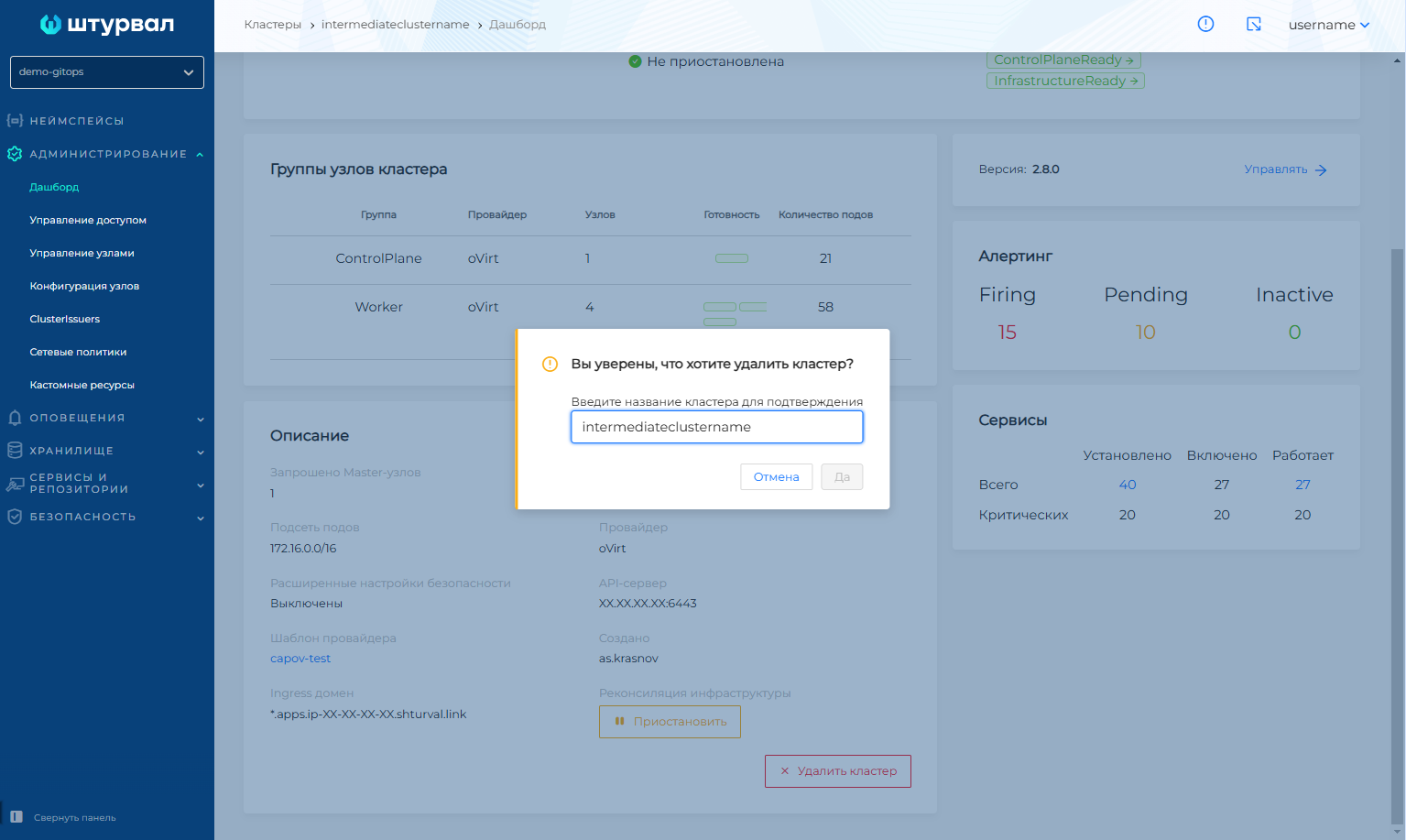
After that, you can delete the test cluster.
Screenshot
- Further steps follow the recovery procedure when a client cluster is lost.