Access when a client cluster is lost
If the IP addresses of all Control Plane nodes of the client cluster are unavailable, but the client cluster configuration data is preserved in the management cluster and a client cluster backup exists, you can restore access to the cluster.
See backup recommendations for restoring access.
To recover, follow these steps:
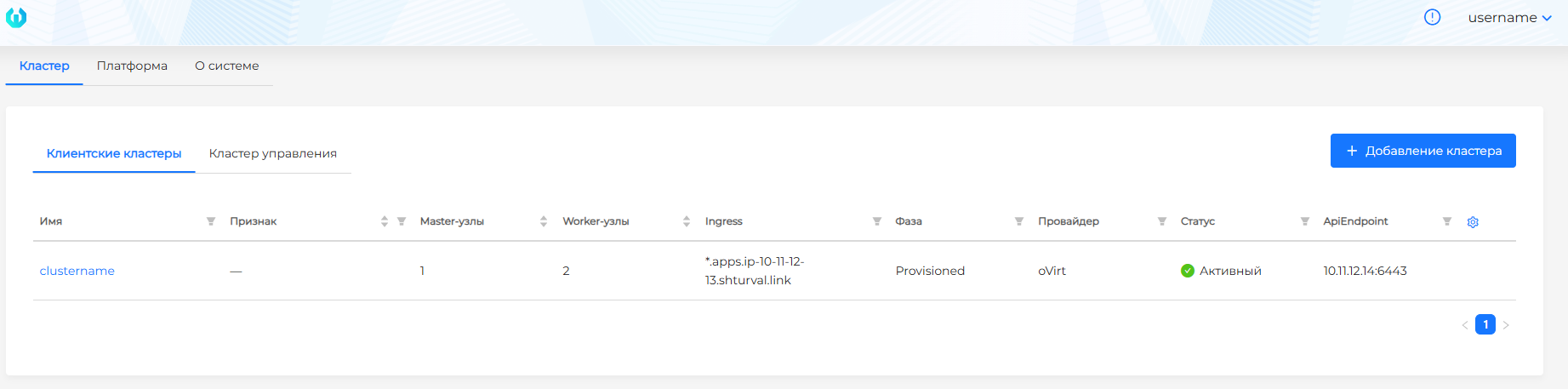
- Create a new client cluster with the same characteristics as the failed cluster, using the same API server and Ingress IP addresses.
Screenshot
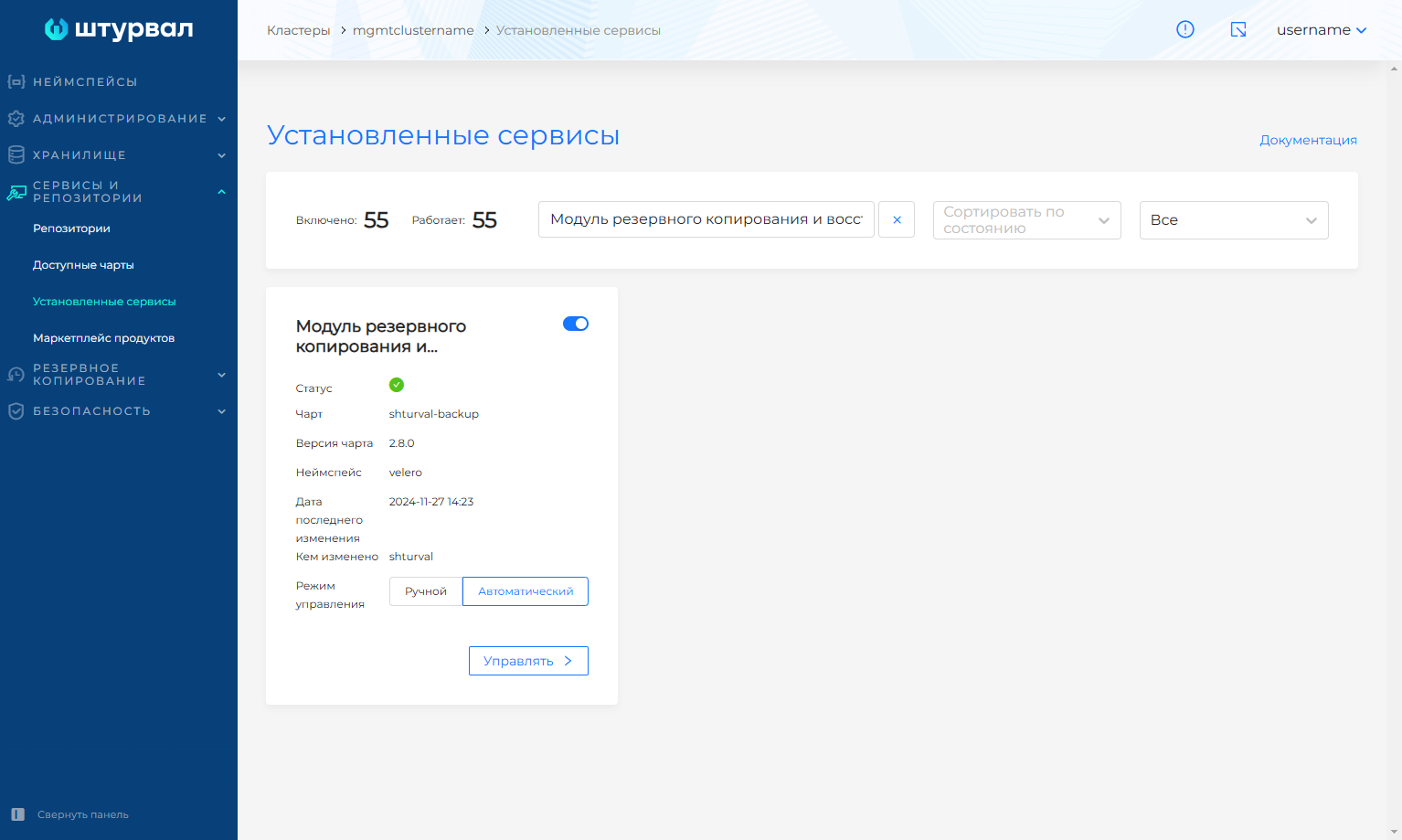
- Install the backup and restore module (Velero) in auto mode.
Screenshot
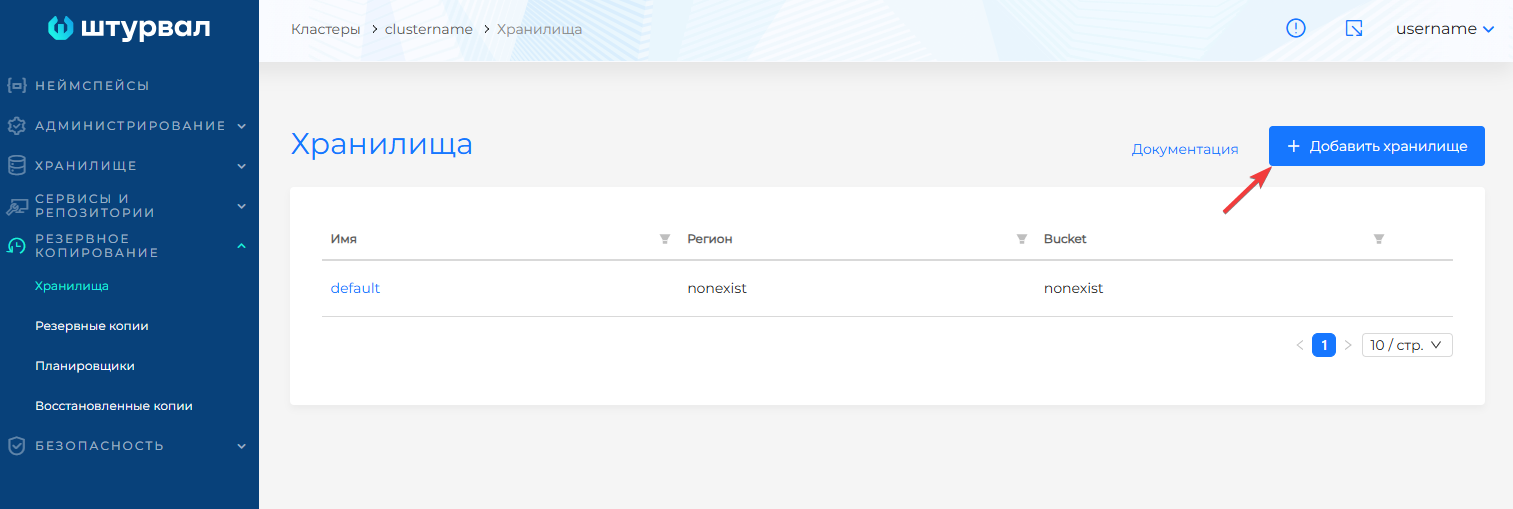
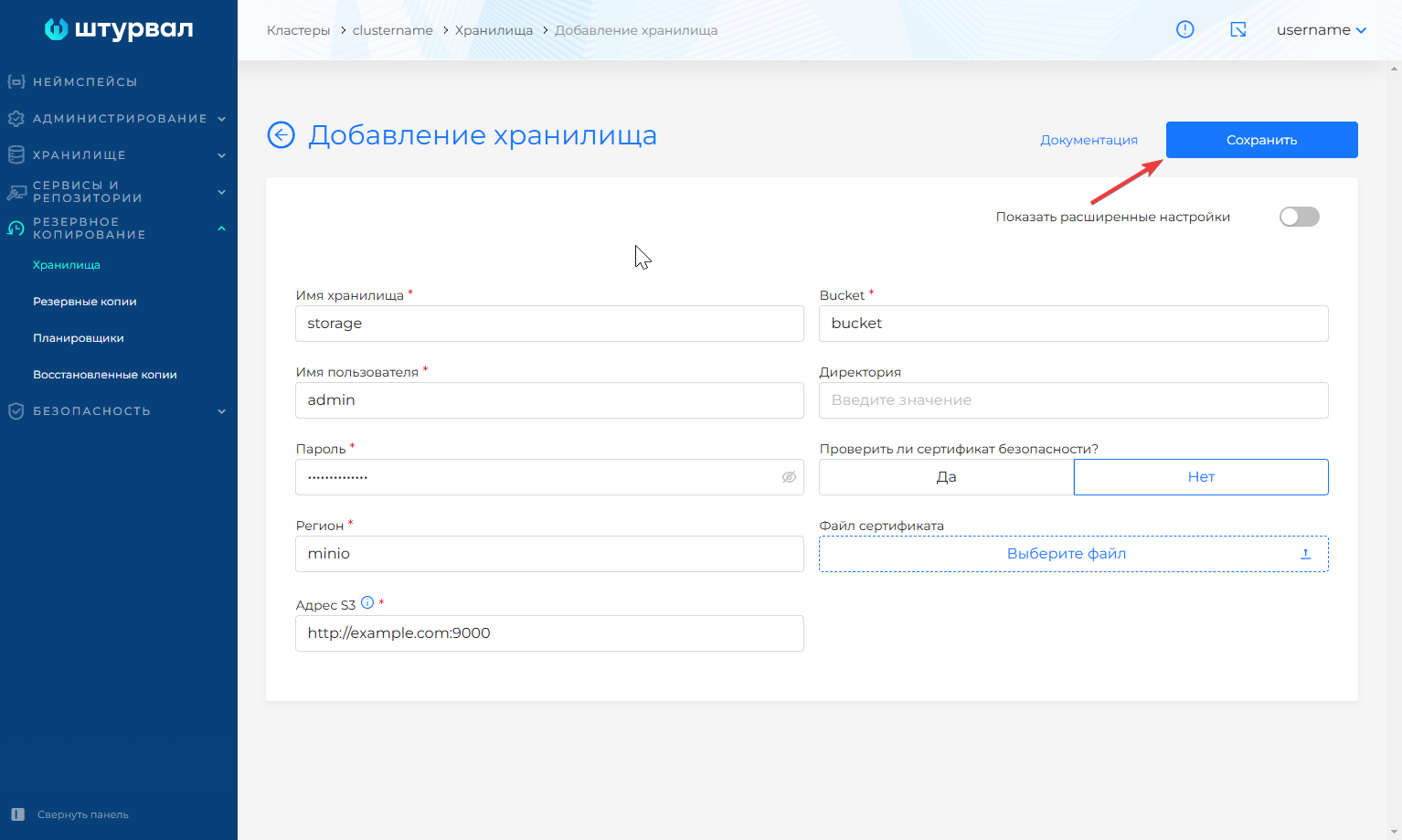
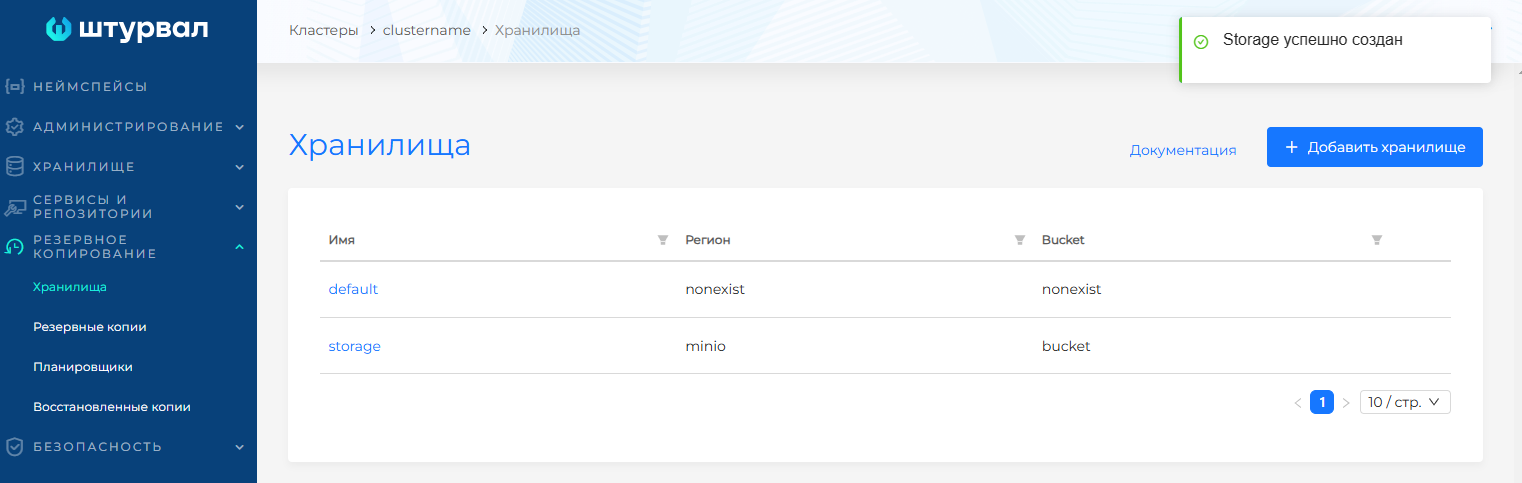
- Connect S3 storage that contains the backup of the failed cluster.
Screenshot
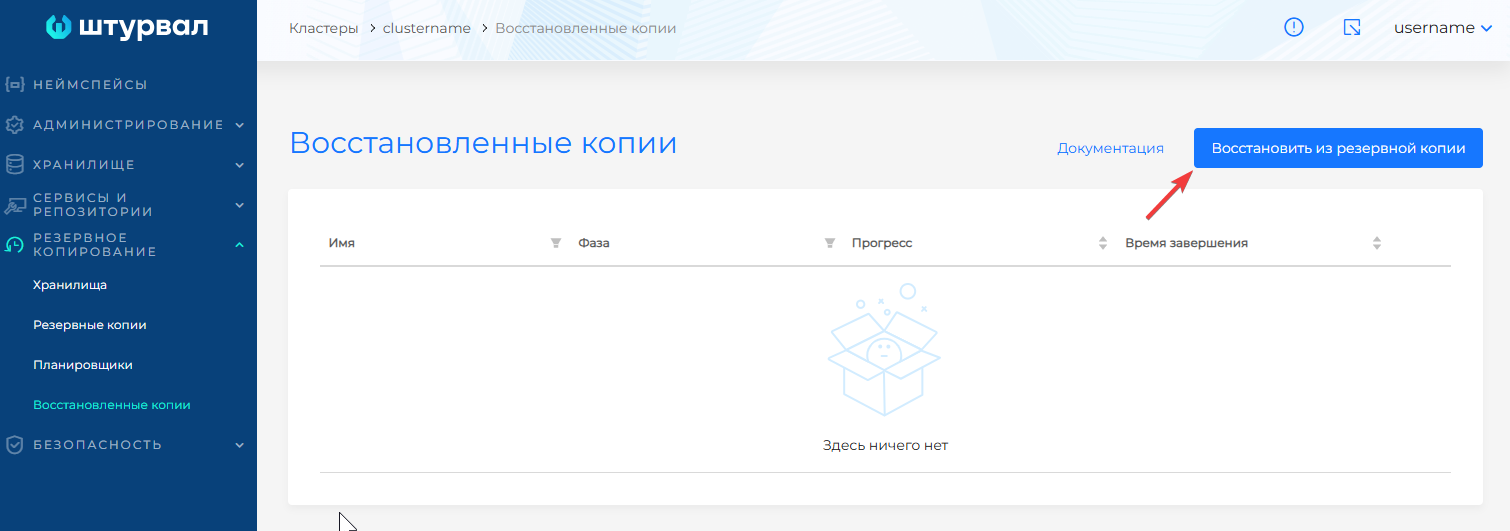
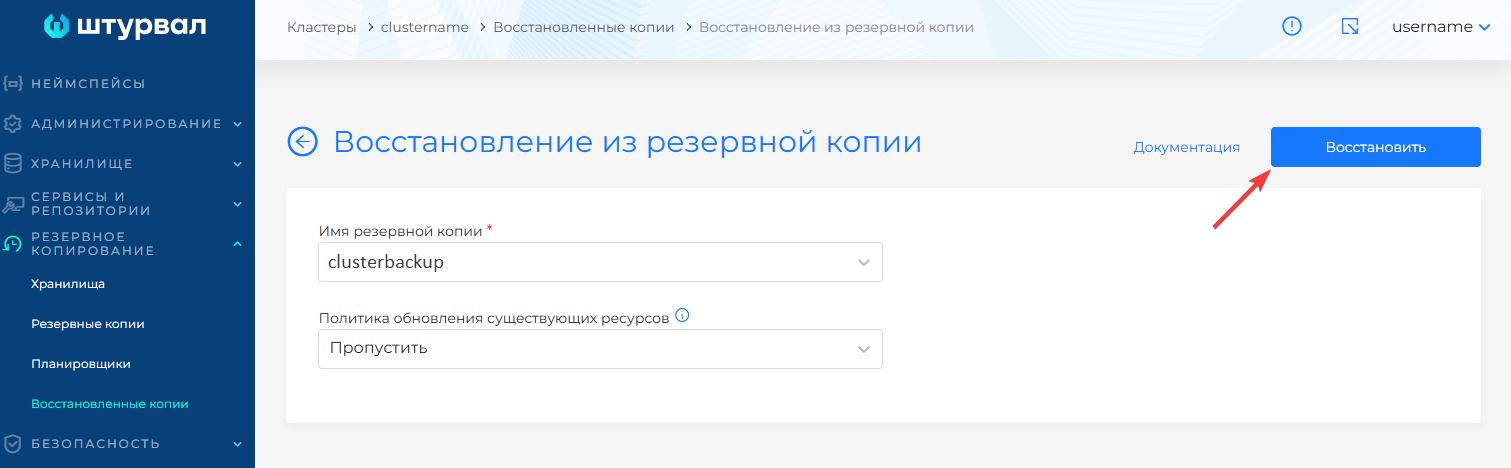
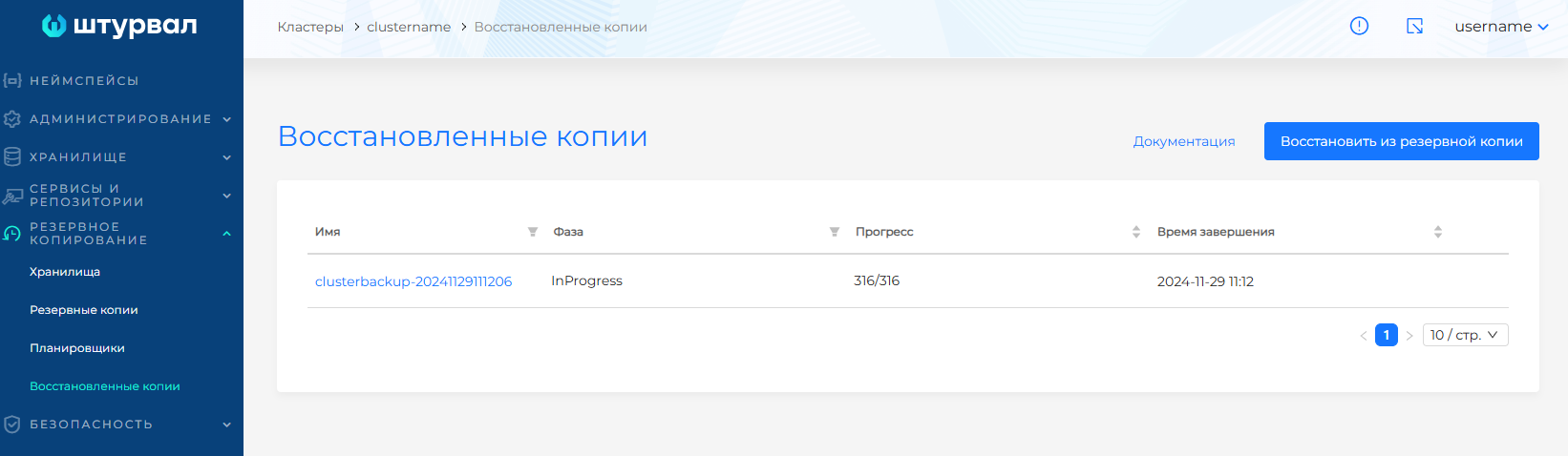
- Restore the client cluster backup.
Screenshot