NetworkAttachmentDefinitions
The NetworkAttachmentDefinition resource allows you to use custom networks in addition to the main Cilium CNI when the shturval-metacni module is installed.
NetworkAttachmentDefinition is created automatically when SriovNetwork is created. For the created NetworkAttachmentDefinition, only labels and annotations can be changed. To change the specification itself, change the network policy SriovNetworkNodePolicy.
To independently add a new NetworkAttachmentDefinition resource on the NetworkAttachmentDefinitions page of the Networks section, click “+ Add NetworkAttachmentDefinition”.
Screenshot
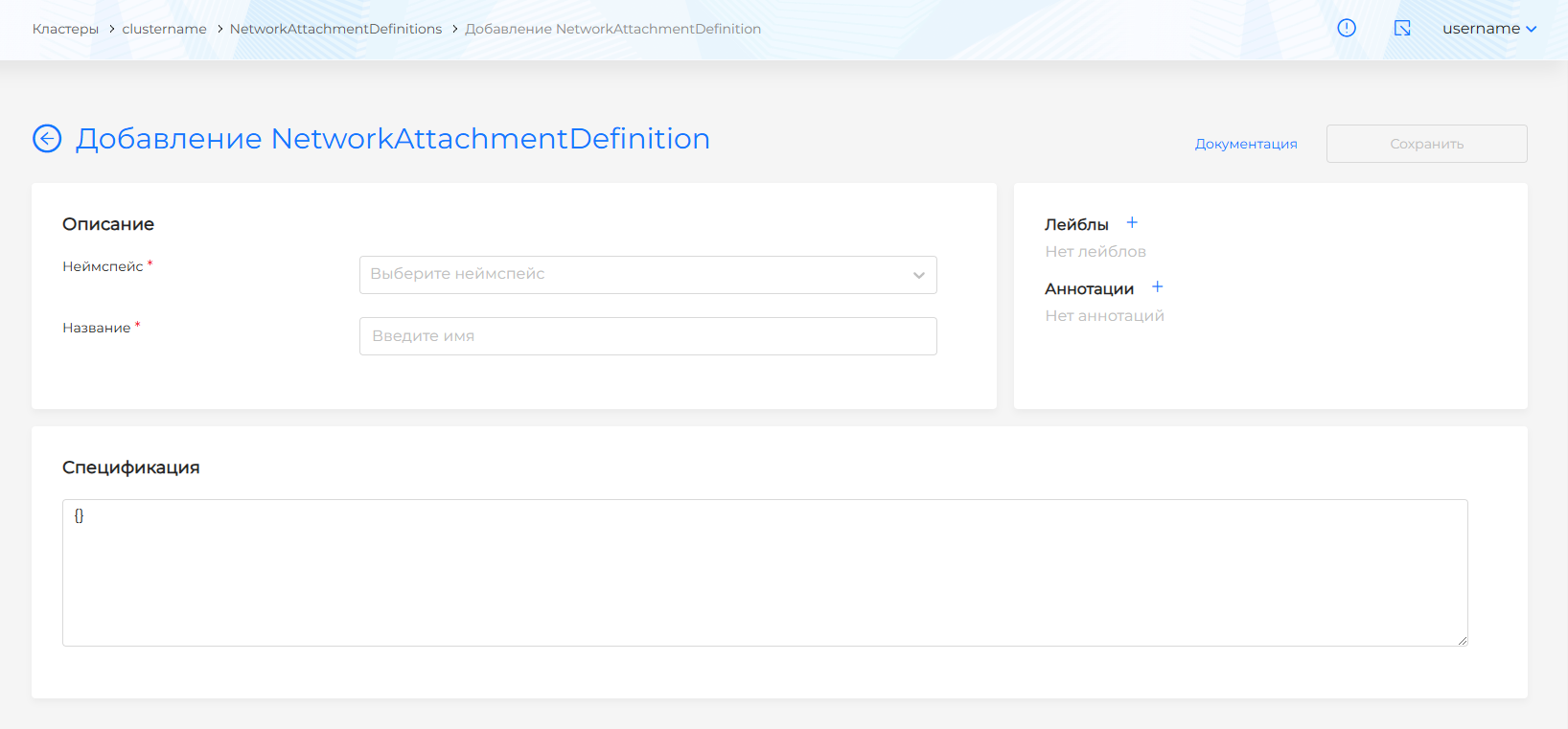
Specify the name of the resource and select the namespace in which it will be used. Specify labels and annotations as needed.
The specification block contains the configuration of the user resource. It must contain specification parameters in JSON format.
Example
```JSON config: '{ "cniVersion": "0.3.1", "name": "my-multus-network", "type": "macvlan", "master": "eth0", "mode": "bridge", "ipam": { "type": "host-local", "subnet": "192.168.1.0/24", "rangeStart": "192.168.1.200", "rangeEnd": "192.168.1.216", "routes": [{ "dst": "0.0.0.0/0" }], "gateway": "192.168.1.1" } }' ```Description of specification fields:
- cniVersion: CNI version.
- name: Network name.
- type: Network interface type. For example, macvlan.
- master: The name of the main network interface on the Kubernetes node.
- mode: operating mode.
- ipam: IP address management options:
- type: IPAM (IP Address Management) type.
- subnet: The network in which IP addresses will be distributed.
- rangeStart - rangeEnd: The range into which IP addresses will be distributed.
- routes: Define routes for the network.
- gateway: Gateway definitions for the network.
The created NetworkAttachmentDefinitions will appear in the list of elements.