Application services deployment management module (Argo Rollouts)
Argo Rollouts is a Kubernetes controller that provides additional application deployment strategies to Kubernetes clusters. Argo Rollouts uses a custom Rollout resource that replaces Deployment when needed:
- expanded deployment functionality; Progressive Application Delivery: The process of releasing incremental and controlled updates to applications.
The default behavior of Deployments in Kubernetes implements deployment strategies like Recreate or RollingUpdate. Strategies do not solve the issues:
- ability to control traffic between versions;
- easy rollback in case of errors;
- traffic downtime;
- step-by-step rollout of new versions for some users.
These issues can be addressed using Argo Rollouts deployment strategies:
- Blue-Green: Simultaneously running the old version of the application and deploying the new version. While the new version is being deployed, all incoming traffic is directed to the production application. When a new application is deployed, traffic is redirected to it.
- Canary: simultaneous operation of several versions of the application. Incoming traffic can be simultaneously distributed between the new and old versions of the application.
To implement deployment strategies, Argo Rollouts supports:
- integration with Ingress controllers for traffic routing;
- integration with metrics providers for Blue-Green and Canary analysis;
- automatic update rollback.
The Argo Rollouts controller controls the creation, scaling, and deletion of ReplicaSets.
Additional information can be found on official website.
Installation
The application services deployment management module (Argo Rollouts) is not a critical service for the operation of the Shturval platform. By default, the module is installed on the management cluster and client clusters in a disabled state.
To configure Argo Rollouts in the graphical interface of the Shturval platform cluster, go to the Installed services page of the Services and repositories section.
Find the Application Services Deployment Control Module (shturval-rollouts) and click Manage.
Screenshot
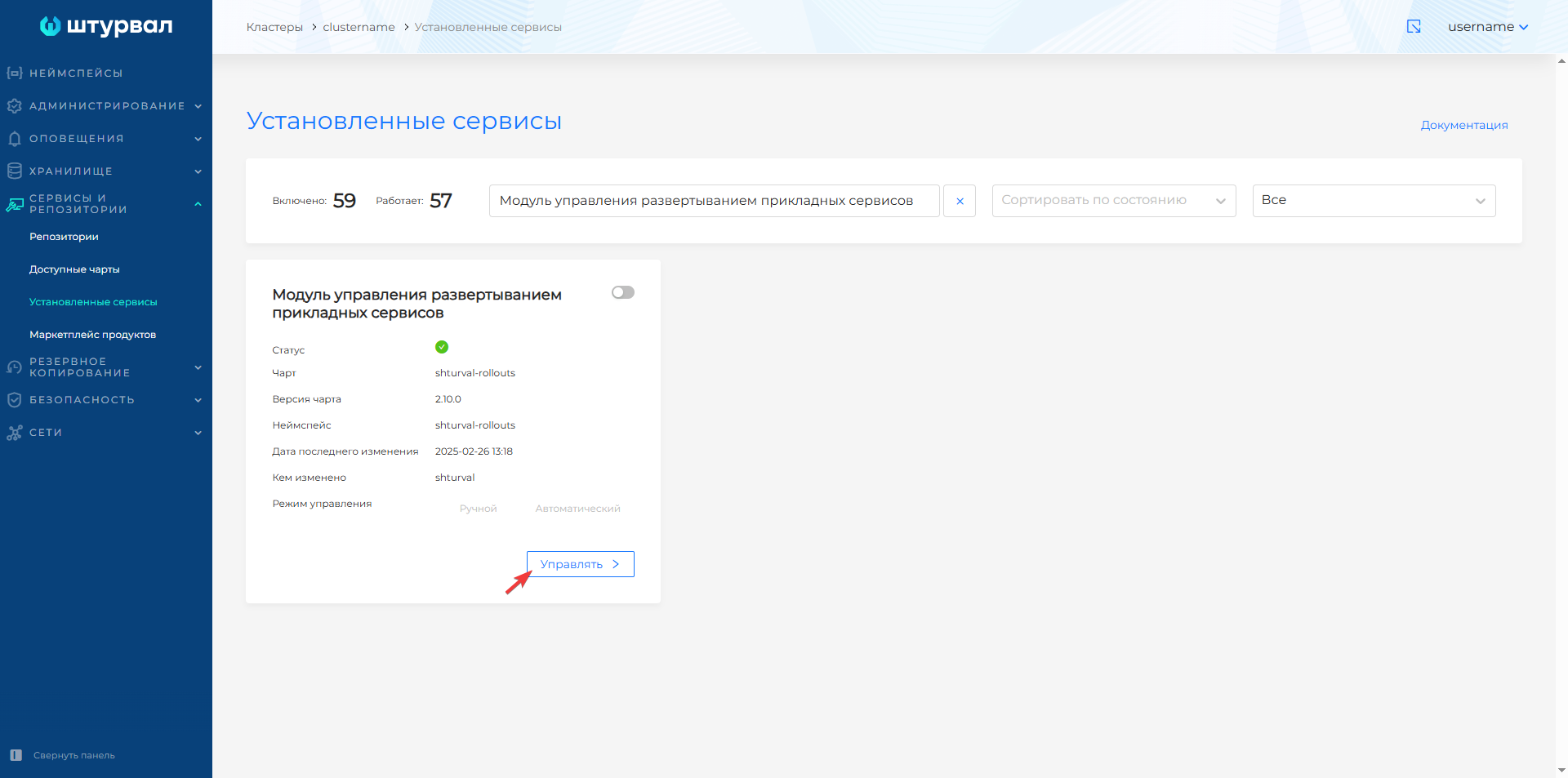
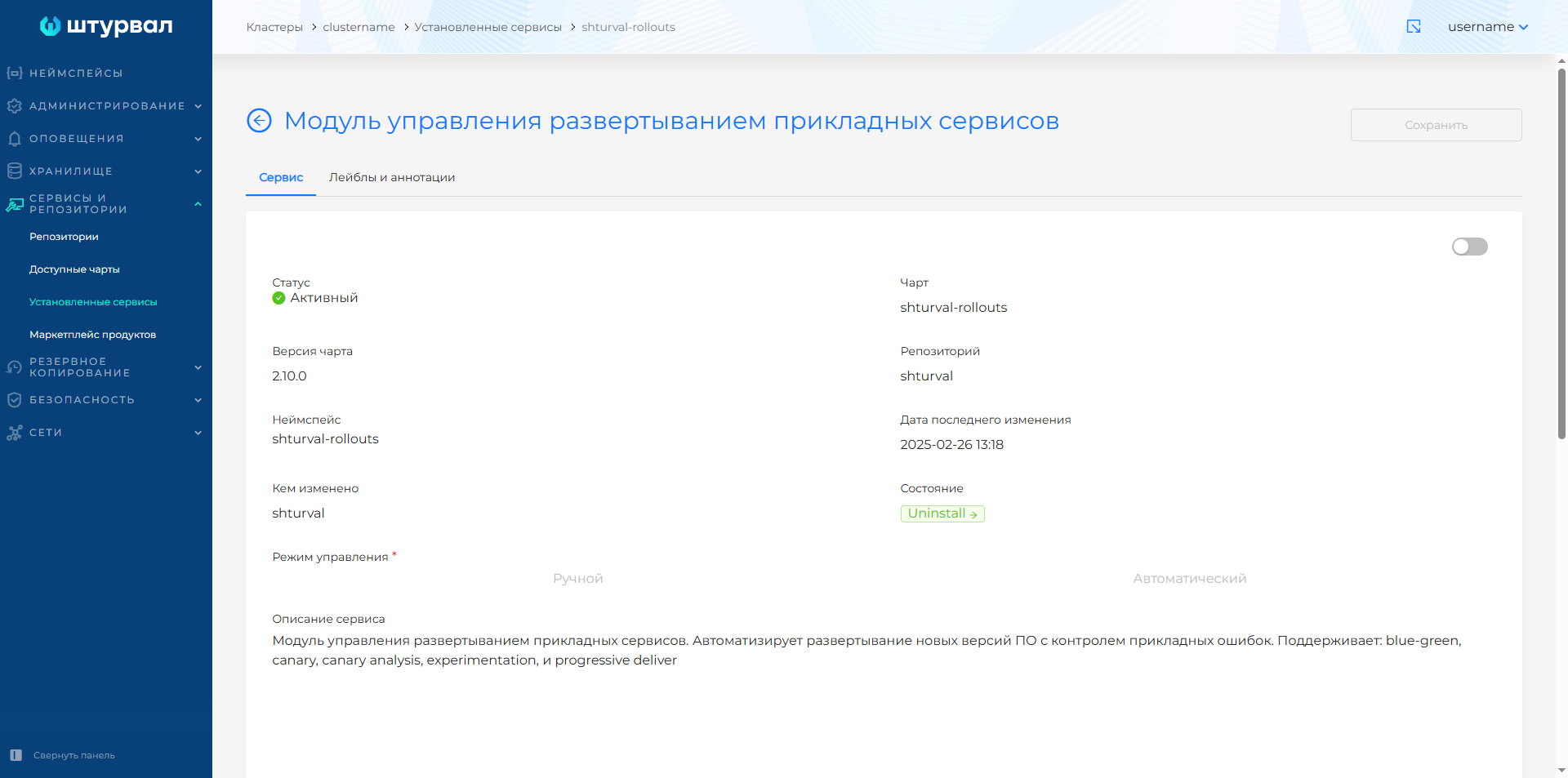
If the module is not displayed, go to the Available Charts page. On the shturval tab, find the shturval-rollouts chart and click Setovit.
In case you enable Application Services Deployment Management Module shturval-rollouts after creating a cluster, make sure that it is enabled and in auto-update mode:
- CRD of the module for managing the deployment of application services (shturval-rollouts-crds);
- External connection control module (shturval-ingress-controller).