Add a dashboard to Grafana
A custom dashboard in the Grafana interface can be created by editing objects in the interface of the Shturval platform:
- In the management cluster, go to namespace
monitoring.
Screenshot
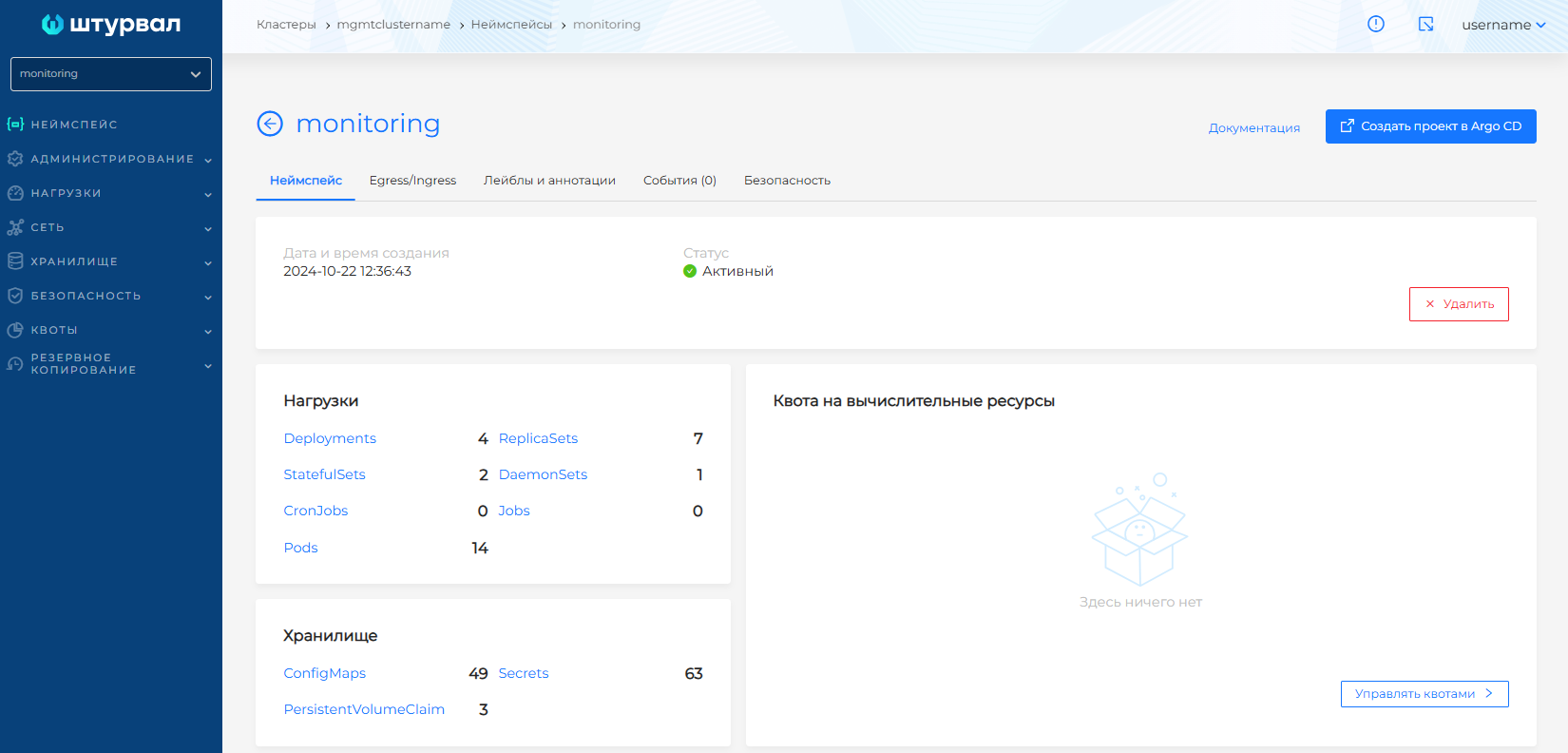
- In the Storage section, open the ConfigMaps page.
Screenshot
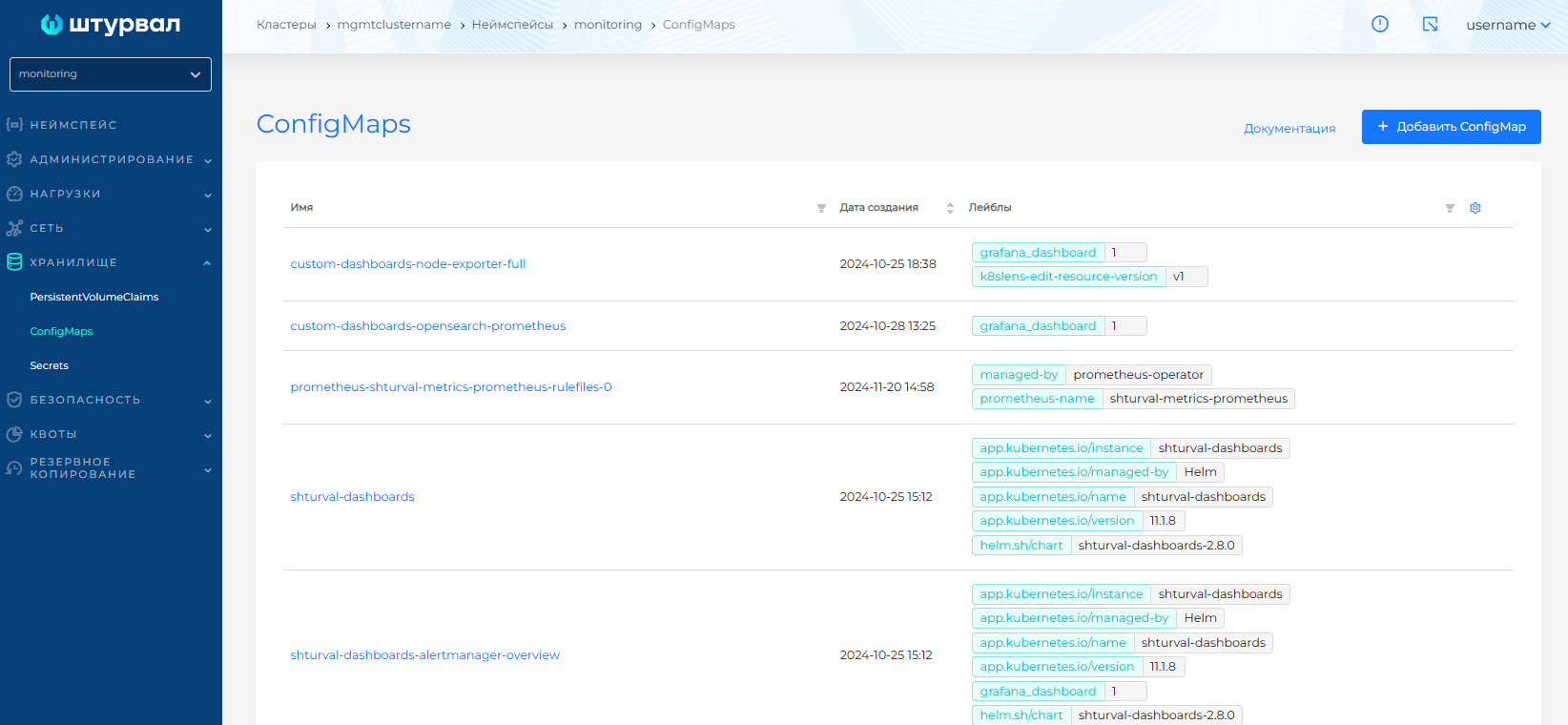
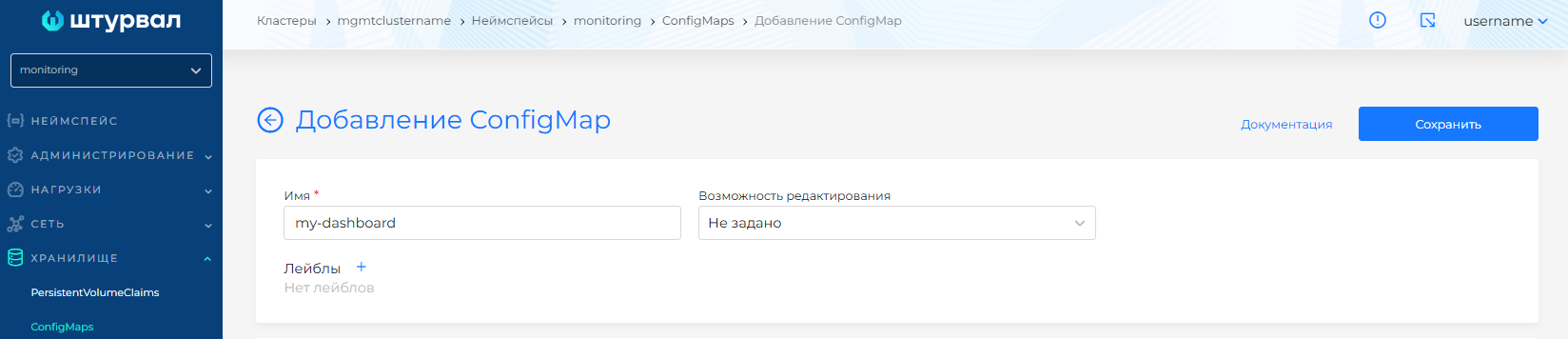
- Click the +Add ConfigMap button. Fill in the name, for example,
my-dashboard.
Screenshot
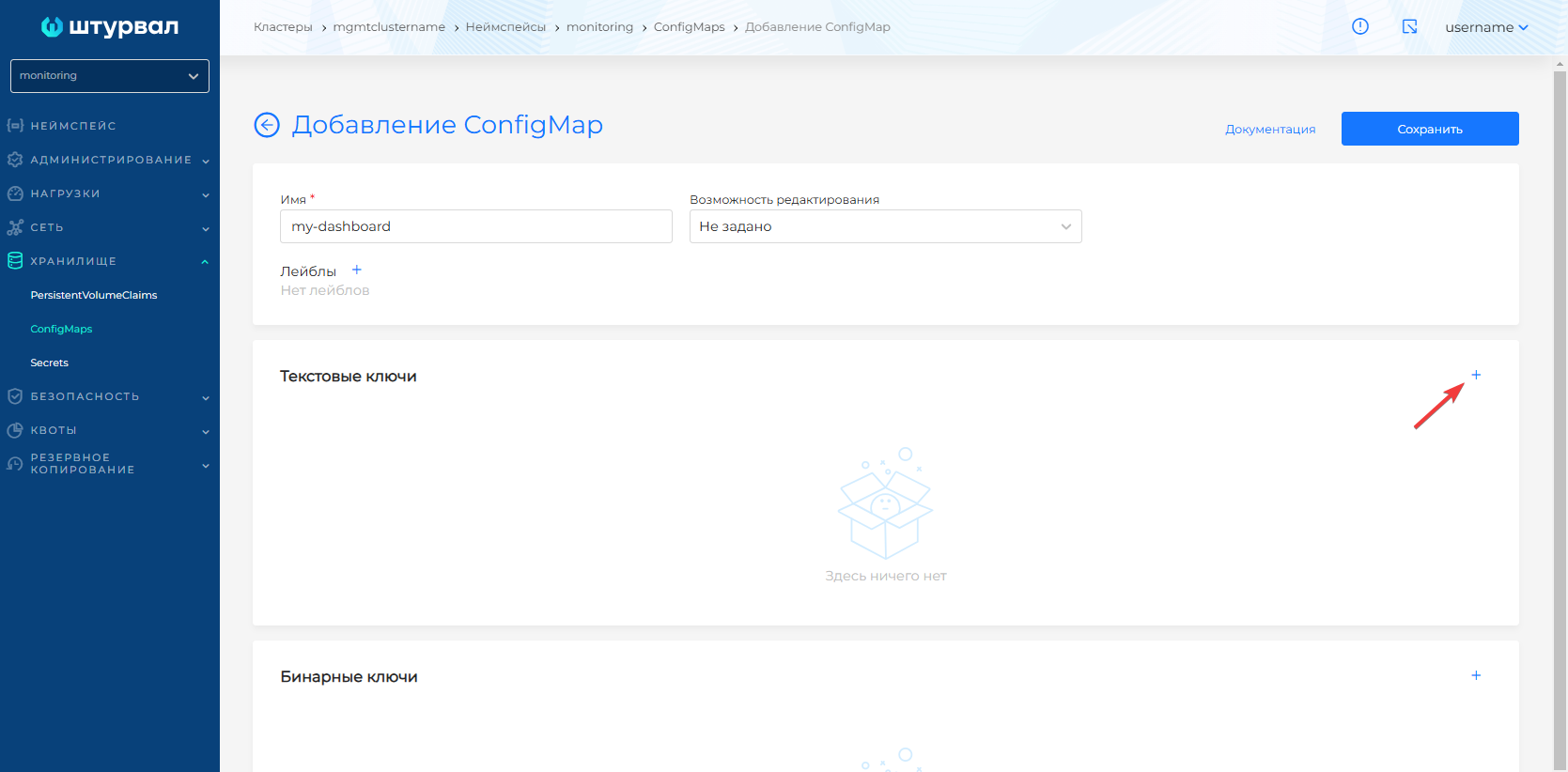
- In the Text keys block, add a key with the name of the dashboard name and enter the panel parameters in the value.
Screenshot
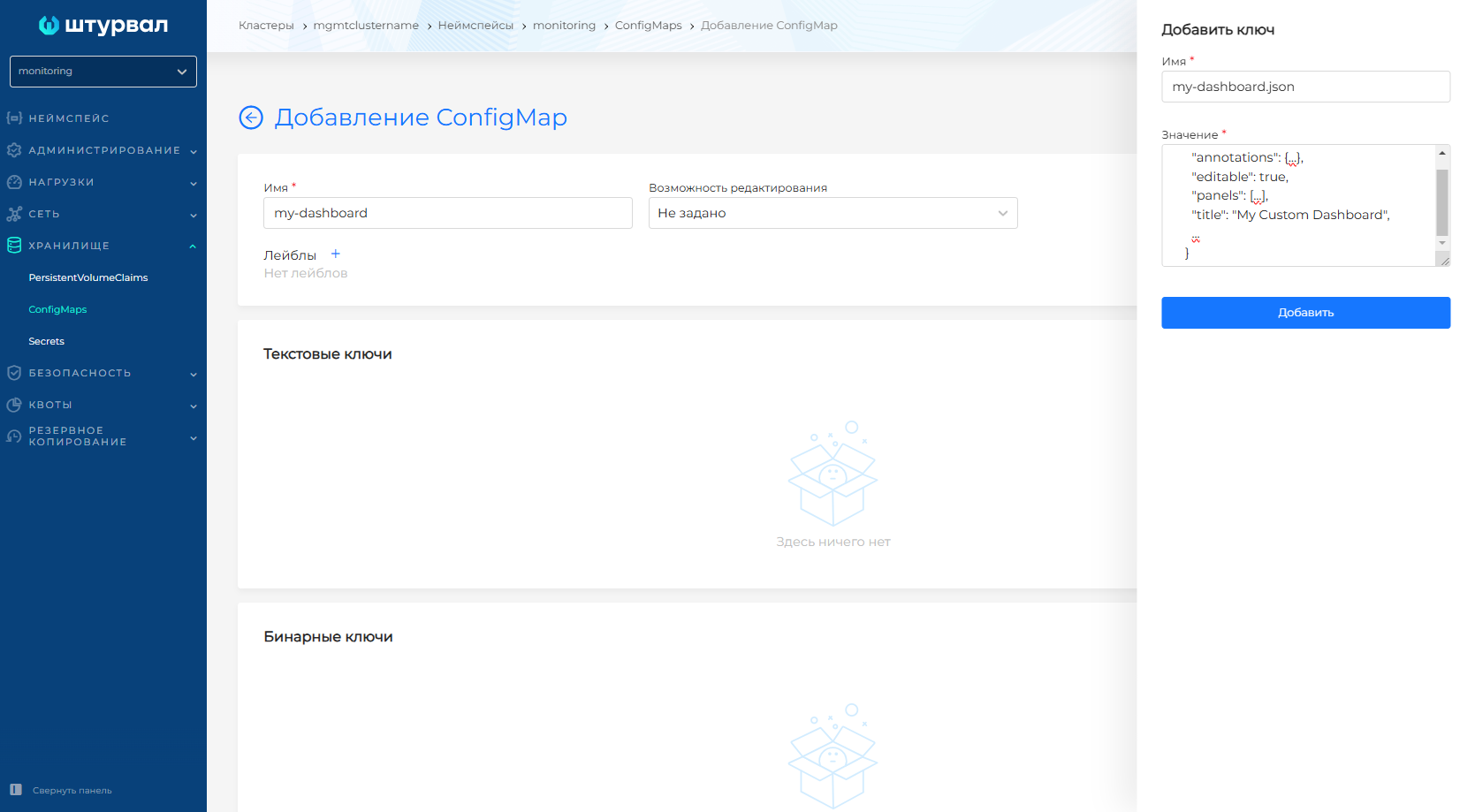
- Be sure to include the label
grafana_dashboard: "1".
Screenshot
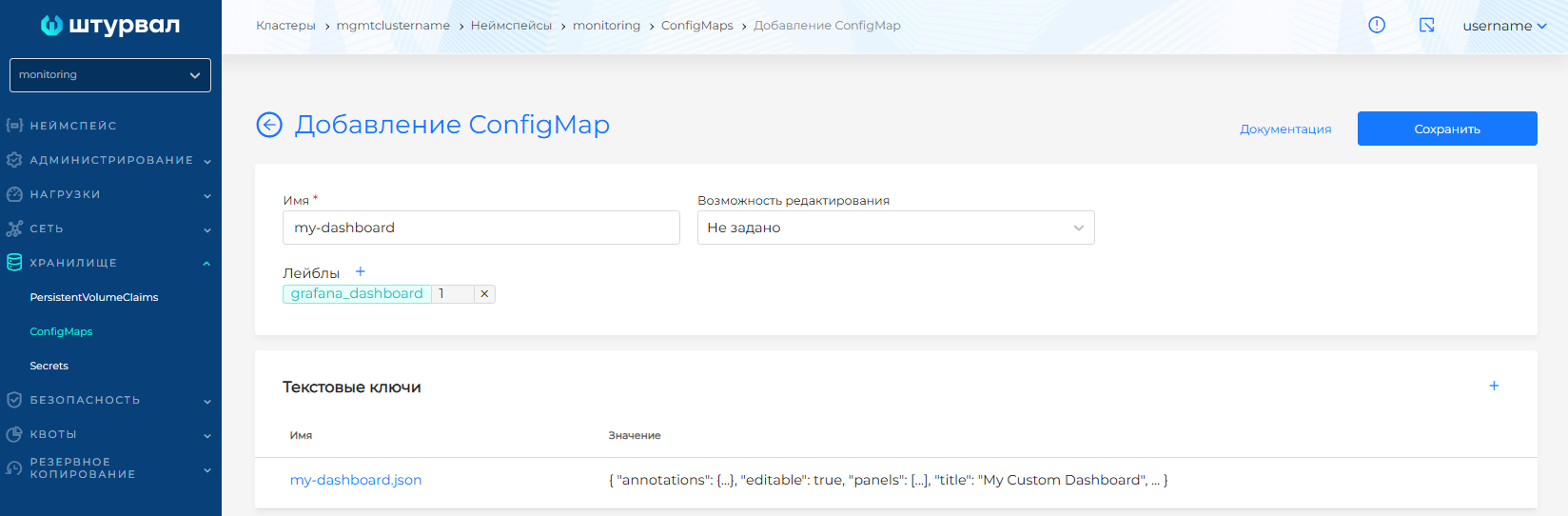
ConfigMap Example
apiVersion: v1
kind: ConfigMap
metadata:
  name: my-dashboard # Any name
  namespace: monitoring # ! Important
  labels:
    grafana_dashboard: "1" # ! Important
data:
  my-dashboard.json: |- # Preferably match the ConfigMap name to avoid confusion
    {
      "annotations": {...},
      "editable": true,
      "panels": [...],
      "title": "My Custom Dashboard",
      ...
    }