Namespaces
In the Namespaces section you can view all namespaces in the cluster. To view the parameters of an existing namespace, click the row with the namespace name.
Namespaces are split into two tabs:
- System — all namespaces created during cluster deployment.
- User — namespaces created after cluster deployment.
Screenshot
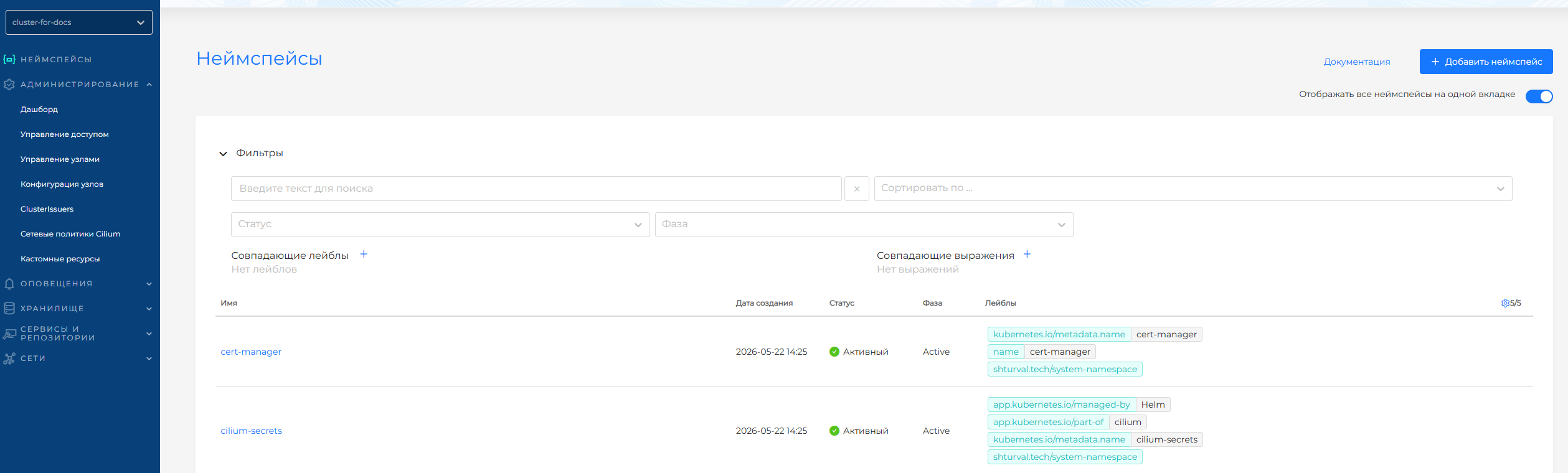
User namespaces are shown by default.
Creating a namespace
To create a new namespace, click Add namespace.
In the creation dialog, enter the namespace name and assign a label consisting of a key and value. The name must contain only lowercase Latin letters, digits, and -, _, or .. Other characters are not allowed.
Deleting a namespace
To delete a namespace, hover over its row. A trash icon appears on the right. After you click it, a confirmation dialog opens. Confirm deletion.
Go to view the namespace.