Corporate
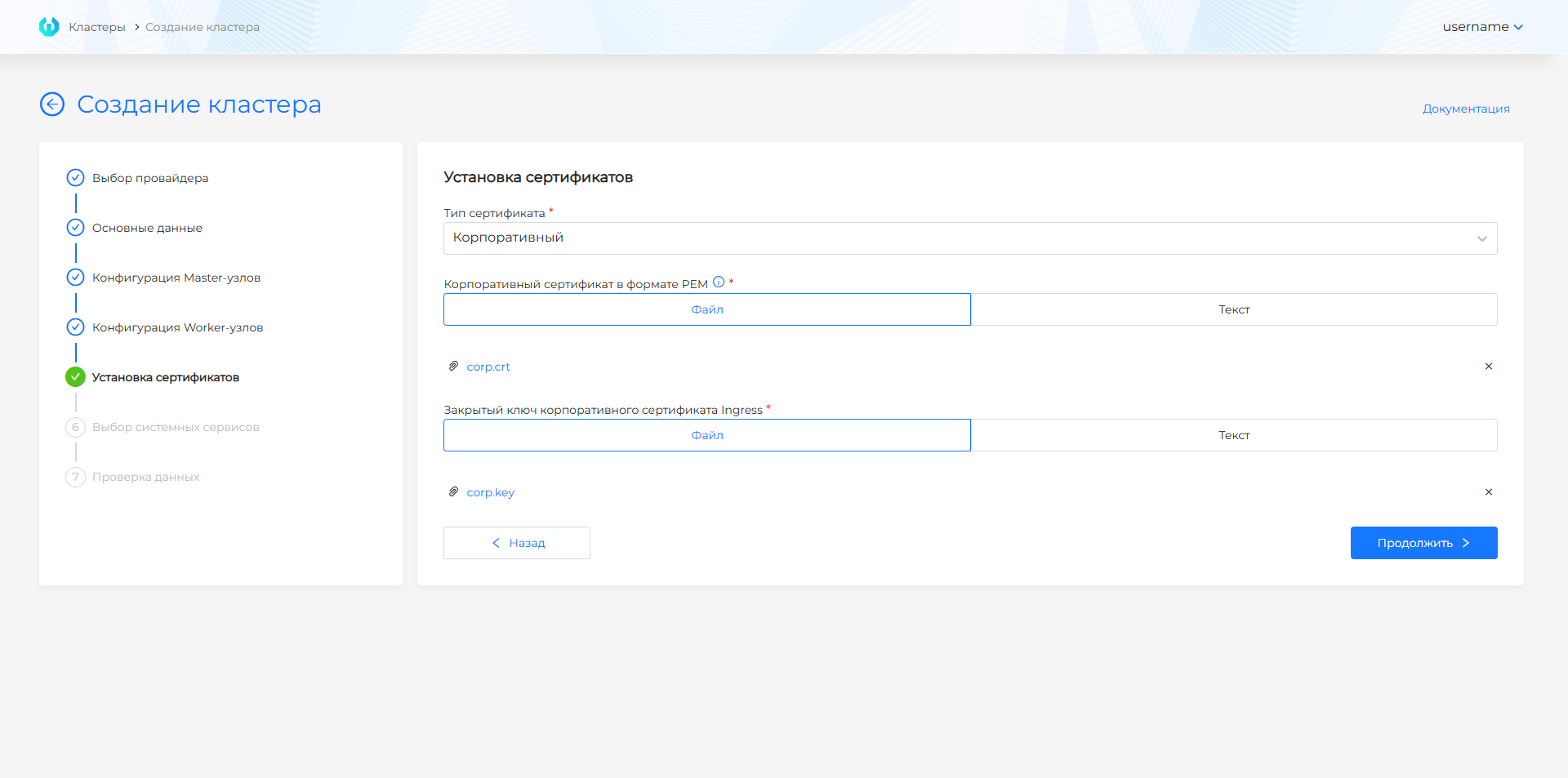
During installation, you configure certificates in the graphical interface at the permanent management cluster creation step.
- To install with a corporate certificate, create the certificate.
Note OpenSSL version 3.0 or later is required for the commands to work correctly.
Certificate
cat > openssl-san.cnf <<EOF
[req]
default_bits = 2048
prompt = no
default_md = sha256
req_extensions = req_ext
distinguished_name = dn

[ dn ]
C=RU
ST=Moscow
L=Moscow
O=My Company
OU=Department
emailAddress=admin@example.com
CN = example.com

[ req_ext ]
subjectAltName = @alt_names

[ alt_names ]
DNS.1 = *.clustername.corp.domain

[ v3_ext ]
authorityKeyIdentifier=keyid,issuer:always
basicConstraints=CA:FALSE
keyUsage=keyEncipherment,dataEncipherment
extendedKeyUsage=serverAuth,clientAuth
subjectAltName=@alt_names
EOF
where corp.domain is the Ingress used for platform installation.
- Create a certificate signing request (CSR) using the openssl-san.cnf configuration file.
Command
openssl req -newkey rsa:2048 -sha256 -days 365 -nodes -keyout tls.key -out tls.csr -extensions req_ext -config openssl-san.cnf
- Submit the CSR to your certificate authority (Certificate Authority, CA) for signing. You should receive a signed certificate in PEM format; rename it to tls.crt.
For installation with a corporate certificate, you must:
- Upload a corporate certificate in PEM format containing your end-entity certificate -> intermediate CA certificates -> root CA. The certificate must be issued by a certificate authority (Certificate Authority, CA) (in this case the file contains a certificate chain) or be self-signed for the Ingress domain name.
- Provide the Ingress corporate certificate private key.
Screenshot of cluster creation with a corporate certificate
When installing the platform in a closed environment with a corporate mirror, the mirror root certificate must be trusted on all VMs and templates.
To install a corporate certificate in an existing cluster, follow the guide.