Let's Encrypt certificates
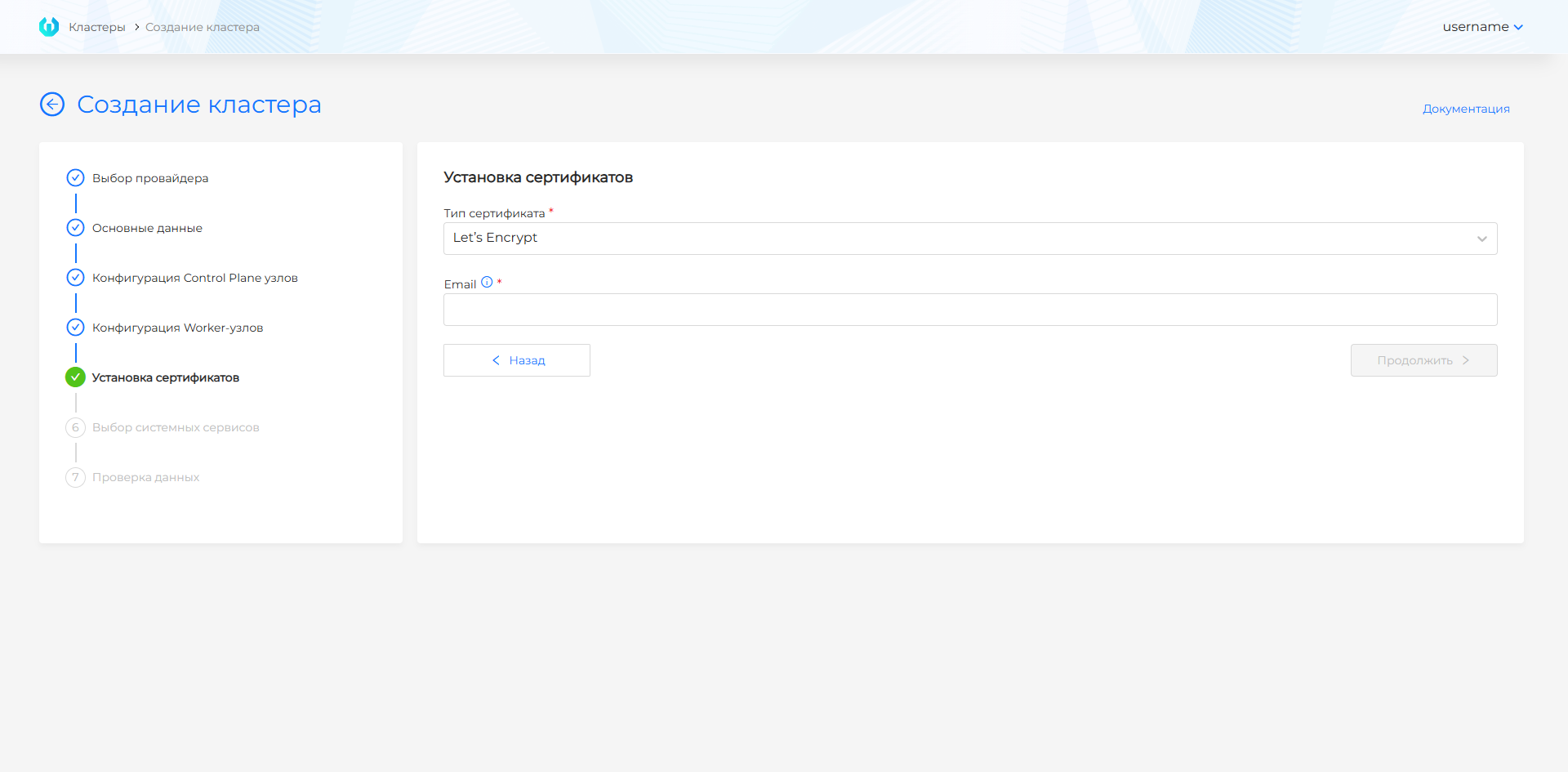
During installation, you configure certificates in the graphical interface at the permanent management cluster creation step.
To create certificates with Let’s Encrypt, the ingress controller must be reachable from the Internet. At least one of the following must be true:
- The external load balancer must have a public IP address;
- A public IP address must be assigned for IngressVIP.
With a Let’s Encrypt certificate, you must specify an email address associated with the account.
The Let’s Encrypt CA root certificate is uploaded automatically; the default Let’s Encrypt server address is https://acme-v02.api.letsencrypt.org/directory.
Screenshot
After successful cluster installation, the certificate is available in the Administration section on the ClusterIssuers page.
To install a Let’s Encrypt certificate in a deployed cluster, follow the guide.