Self-signed
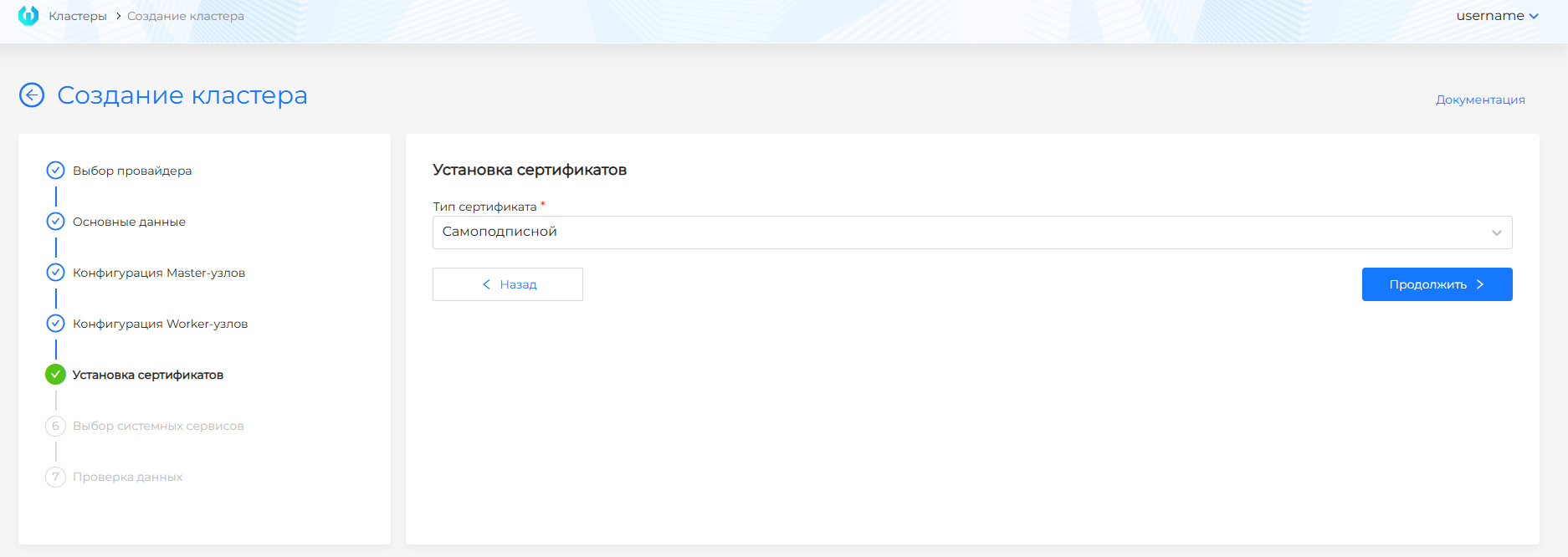
During installation, you configure certificates in the graphical interface at the permanent management cluster creation step.
With a self-signed certificate, you do not need to install anything during installation.
Screenshot of cluster creation with a self-signed certificate
After installation completes and you open the Shturval platform in a web browser, you must accept the certificate:
- https://shturval.<shturval_cluster_name>.<base_domain>.
where:
- <shturval_cluster_name> - IP address or Ingress of your management cluster;
- <base_domain> - your domain zone or shturval.link (if you did not configure your own domain zone).
To replace self-signed certificates with a certificate chain or ACME after installation, follow the guide.
To replace certificates after installation, follow the guide.