Platform authentication
To sign in to the Shturval management platform web UI:
- Open the URL created during Shturval platform deployment in your browser.
Screenshot

The authentication form opens.
- Enter the system account credentials.
Screenshot
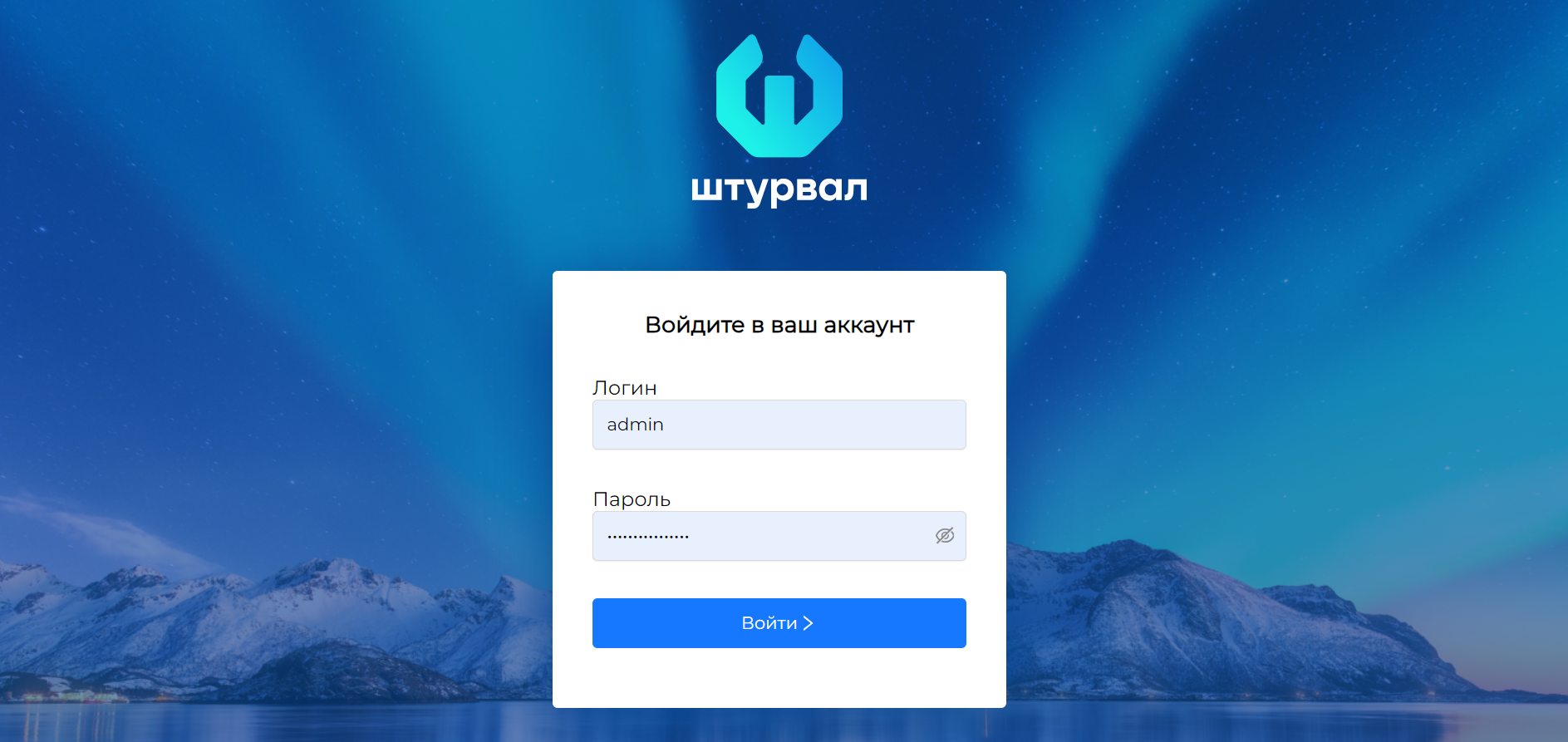
- Click Sign in.
Screenshot
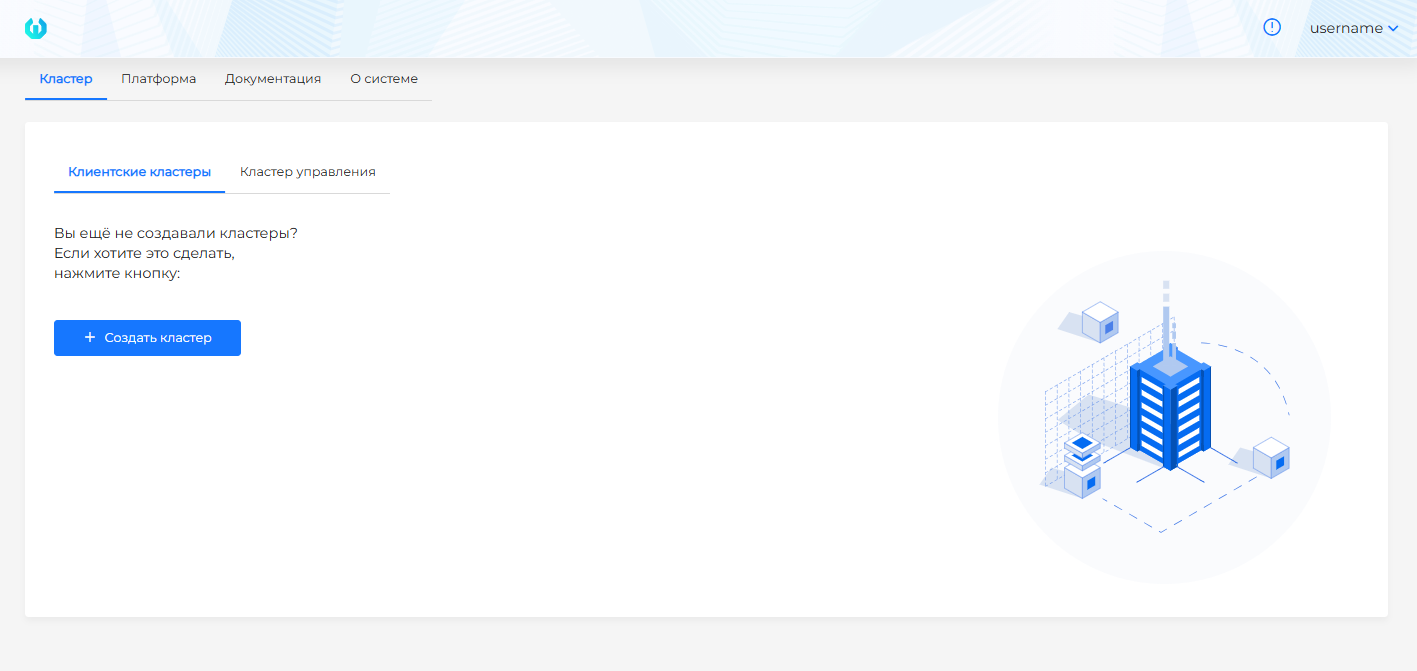
To extend the authentication timeout, follow the steps in the instructions.
Authentication services
By default, Shturval uses a built-in authentication service. If needed, you can switch to an external service. Supported options include Blitz and Keycloak. See Connecting an external authentication service for setup instructions.
Note When authentication is switched to an external service, LDAP integration is not used. Users and groups are resolved from the directory connected to the external service.