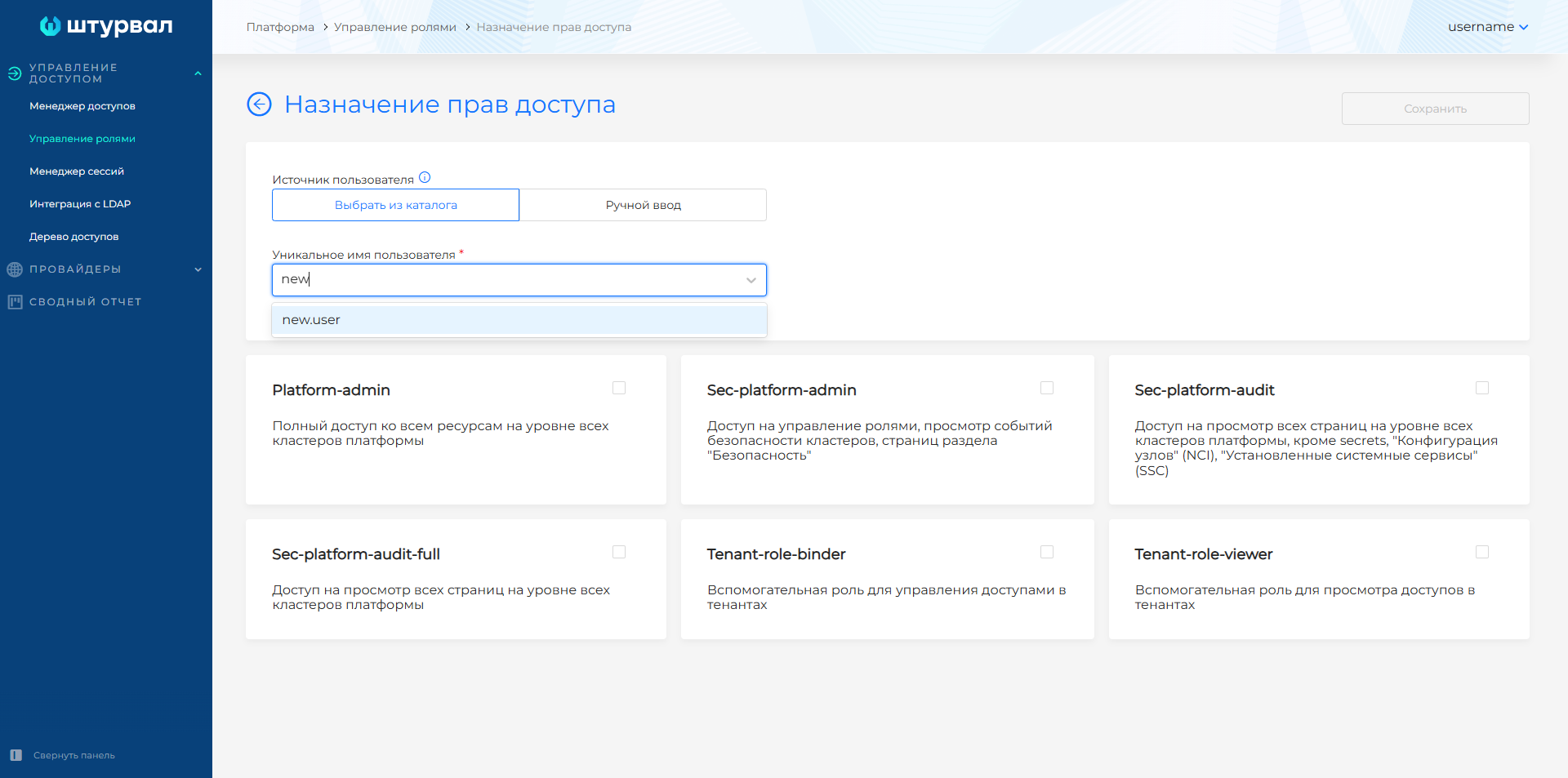
Search for a user in the LDAP directory
- To find a user in the LDAP directory, in the platform web UI open Access management, go to Role management, and click + next to Users.
- In the Unique user name field, start typing the user name. Search starts from the second character. Results show users whose names contain the entered characters.
- Select a user from the list (directory search is case-insensitive).
Screenshot