Reduce the number of nodes in a group
About the Shturval v2 provider and preparing hosts, see the introduction on the page Add hosts and increase the number of nodes.
To reduce the number of nodes in a group of a previously created cluster with the Shturval v2 provider:
- In the cluster, go to the Administration section to the Node Management page.
- Click on the Group Configuration button on the right side of the screen next to the name of the group in which you want to reduce the number of nodes.
- On the Cluster API Configuration tab, specify the desired number of nodes in the Replicas Requested field.
Screenshot
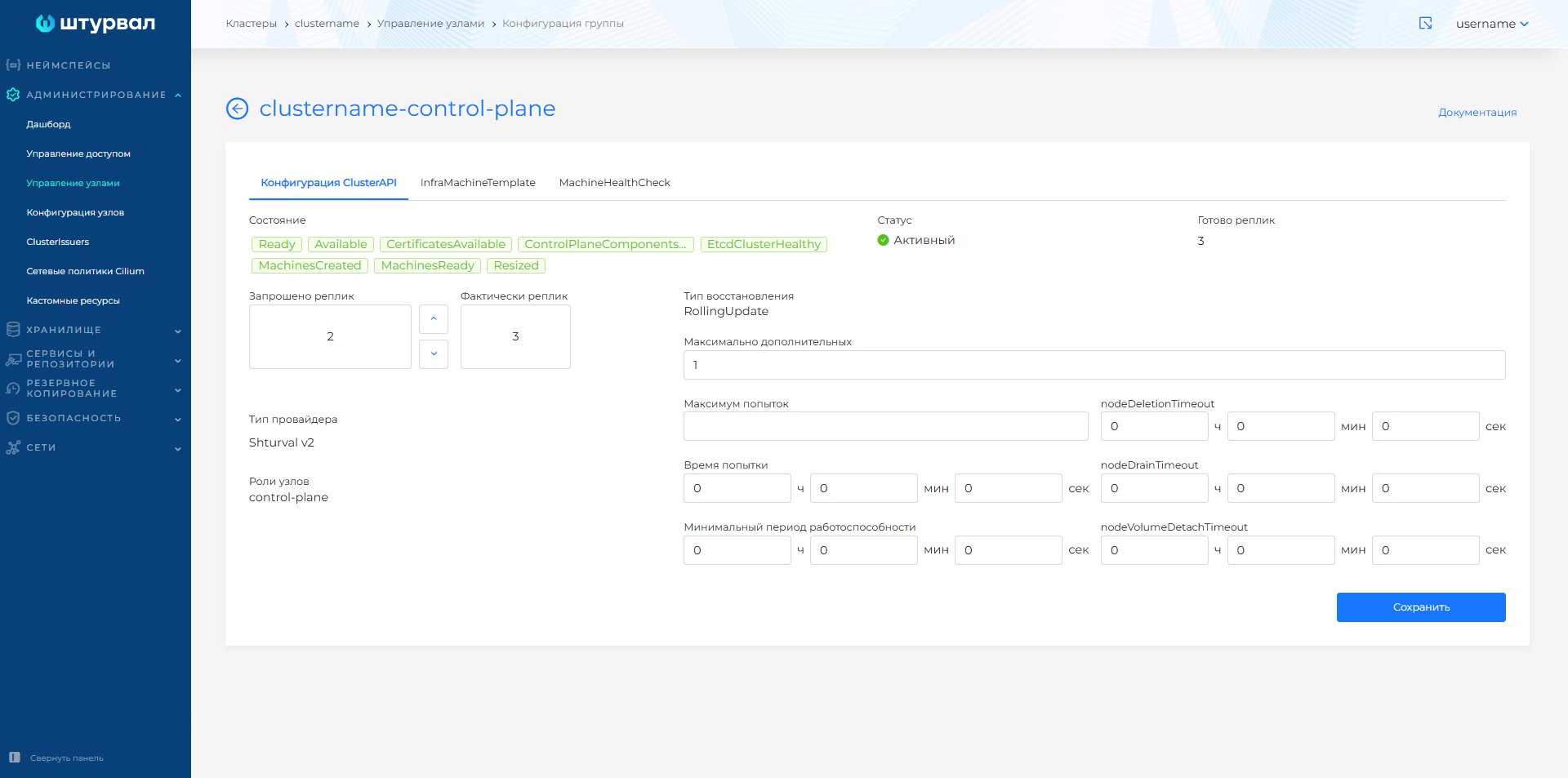
- Save changes.
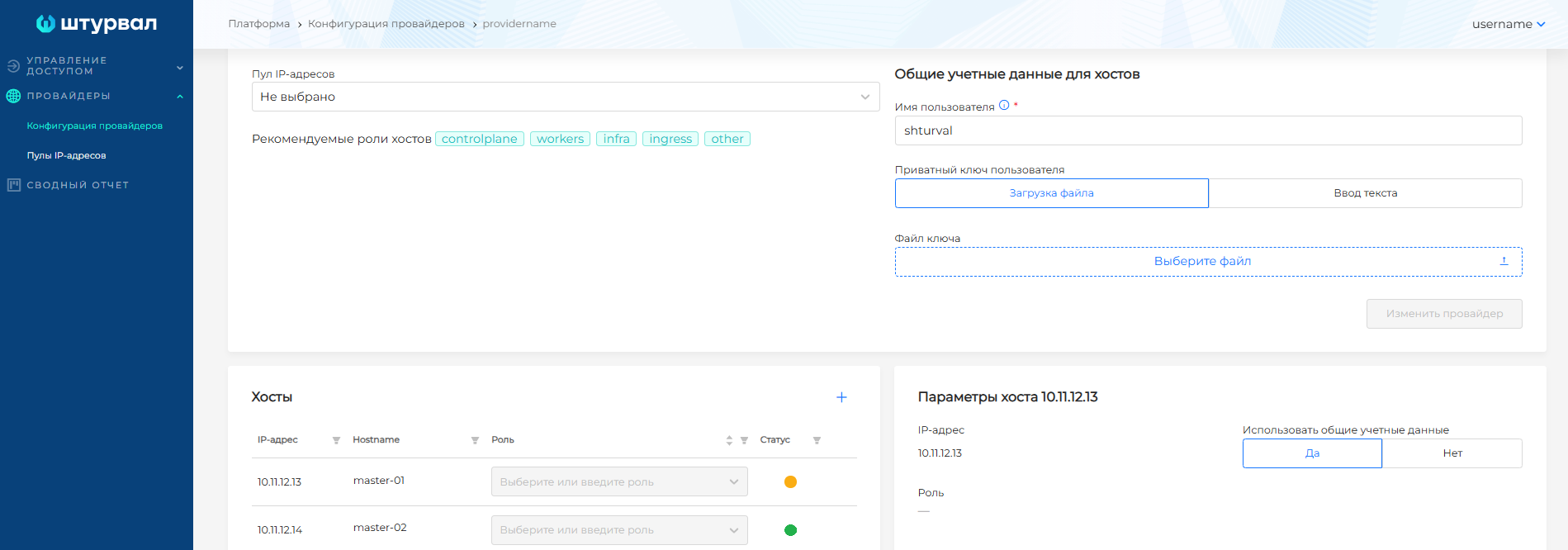
- Go to the Providers section of the platform to the Provider Configuration page.
- Select the provider instance with which the cluster was deployed.
- Make sure that the hosts have acquired the Free status.
Screenshot