Module for scanning container images (shturval-scanner)
About the service
| Parameter | Description |
|---|---|
| GUI name | Container image scanning module |
| System name (identifier) | shturval-scanner |
| Cluster Assignment | Scanning container images for vulnerabilities and non-compliance with security policies. |
| Critical | No |
| Public repository | Trivy |
| Dependencies | shturval-scanner-crds, shturval-networking |
| Namespace | trivy-system |
Purpose
shturval-scanner is a container image scanning module based on Trivy. Allows you to check images for vulnerabilities (CVE) and compliance with specified policies before deployment.
In a cluster, Trivy provides automated scanning and reporting to detect vulnerabilities in container images and cluster configuration. The results are available in the Scanning container images and Scanning hosts and platforms sections.
Where to configure
Services and repositories → Installed services → shturval-scanner → Manage.
If the service is not in the list of installed ones, install the shturval-scanner chart through Services and repositories → Available charts. After selecting the chart version, set the necessary parameters in the Service Specification block as customvalues.
Restarting scanning and storing reports
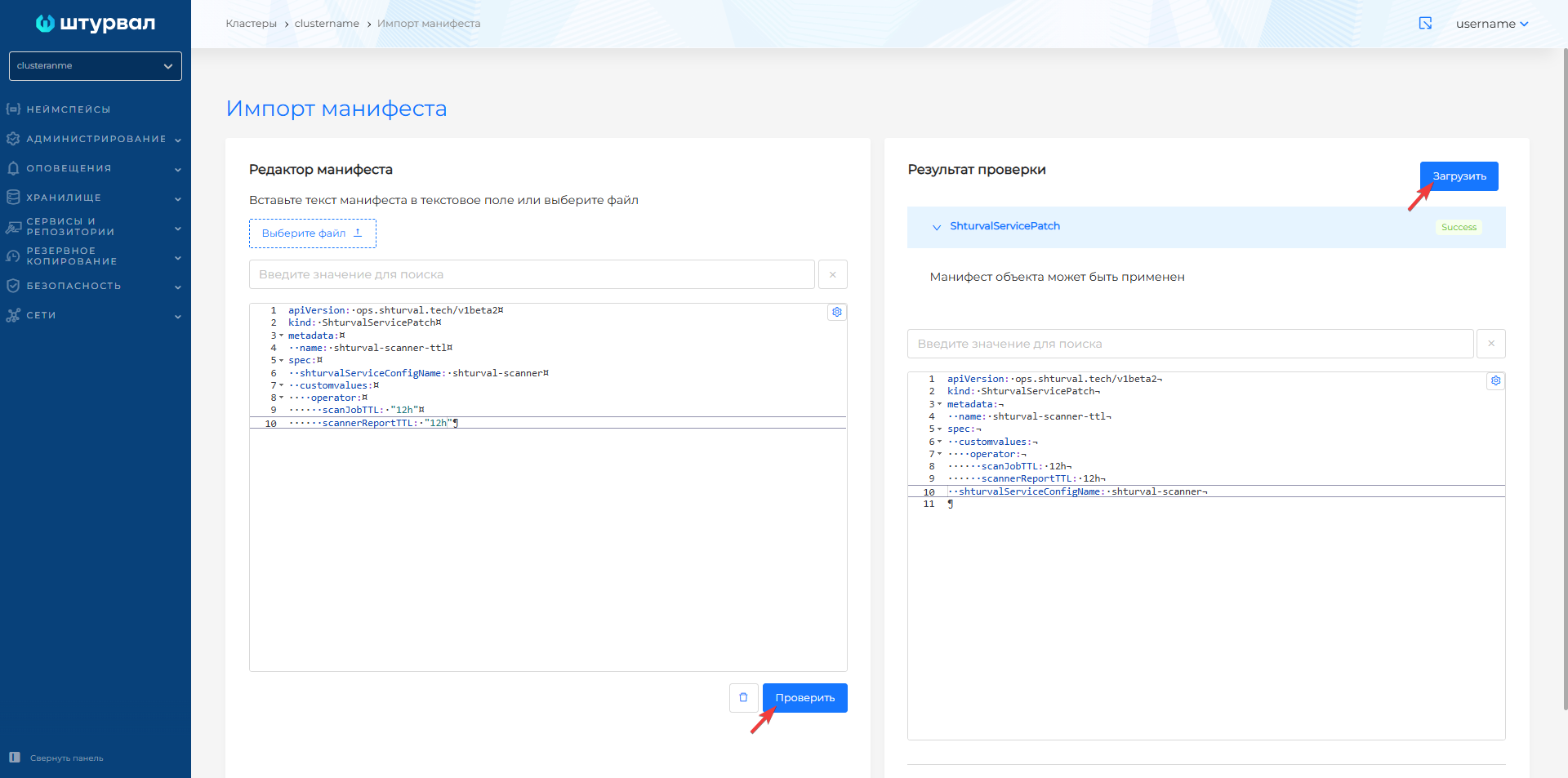
By default, scanning is restarted every 24 hours, and the report storage period before deletion is 24 hours. To change parameters, use ShturvalServicePatch:
Example ShturvalServicePatch
apiVersion: ops.shturval.tech/v1beta2
kind: ShturvalServicePatch
metadata:
  name: <resource name>
spec:
  shturvalServiceConfigName: shturval-scanner
  customvalues:
    operator:
      scanJobTTL: "<your value>"
      scannerReportTTL: "<your value>"
| Parameter | Description | Type | Example |
|---|---|---|---|
metadata.name | Name ShturvalServicePatch | string | shturval-scanner-ttl |
scanJobTTL | Scan restart interval (default 24 hours) | string | 12h |
scannerReportTTL | Report retention period before deletion (24 hours by default) | string | 12h |
Screenshot of ShturvalServicePatch for scan interval
ClusterComplianceReports
ClusterComplianceReports reports are generated in a general or extended format. The default settings are set to reportType: all - with a value of summary, information on reports will not be displayed in the platform’s GUI.
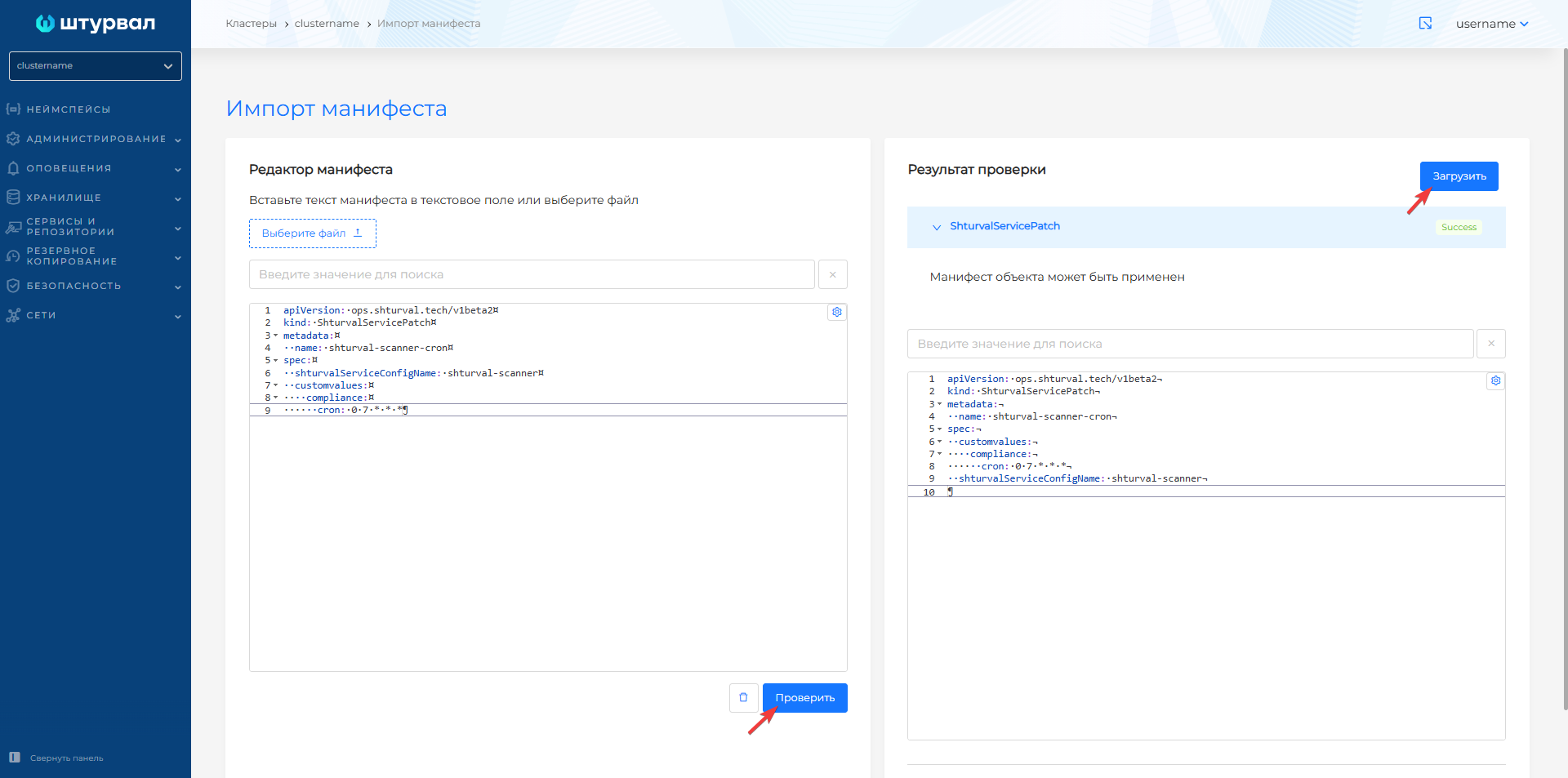
By default, scanning is performed once every 6 hours. To change the schedule, use ShturvalServicePatch:
Example ShturvalServicePatch
apiVersion: ops.shturval.tech/v1beta2
kind: ShturvalServicePatch
metadata:
  name: <resource name>
spec:
  shturvalServiceConfigName: shturval-scanner
  customvalues:
    compliance:
      cron: <your value>
| Parameter | Description | Type | Example |
|---|---|---|---|
metadata.name | Name ShturvalServicePatch | string | shturval-scanner-cron |
compliance.cron | Scan schedule in cron format (values separated by spaces) | string | 0 7 * * * |
Screenshot of ShturvalServicePatch for ClusterComplianceReports
Setting up scanning from a local repository
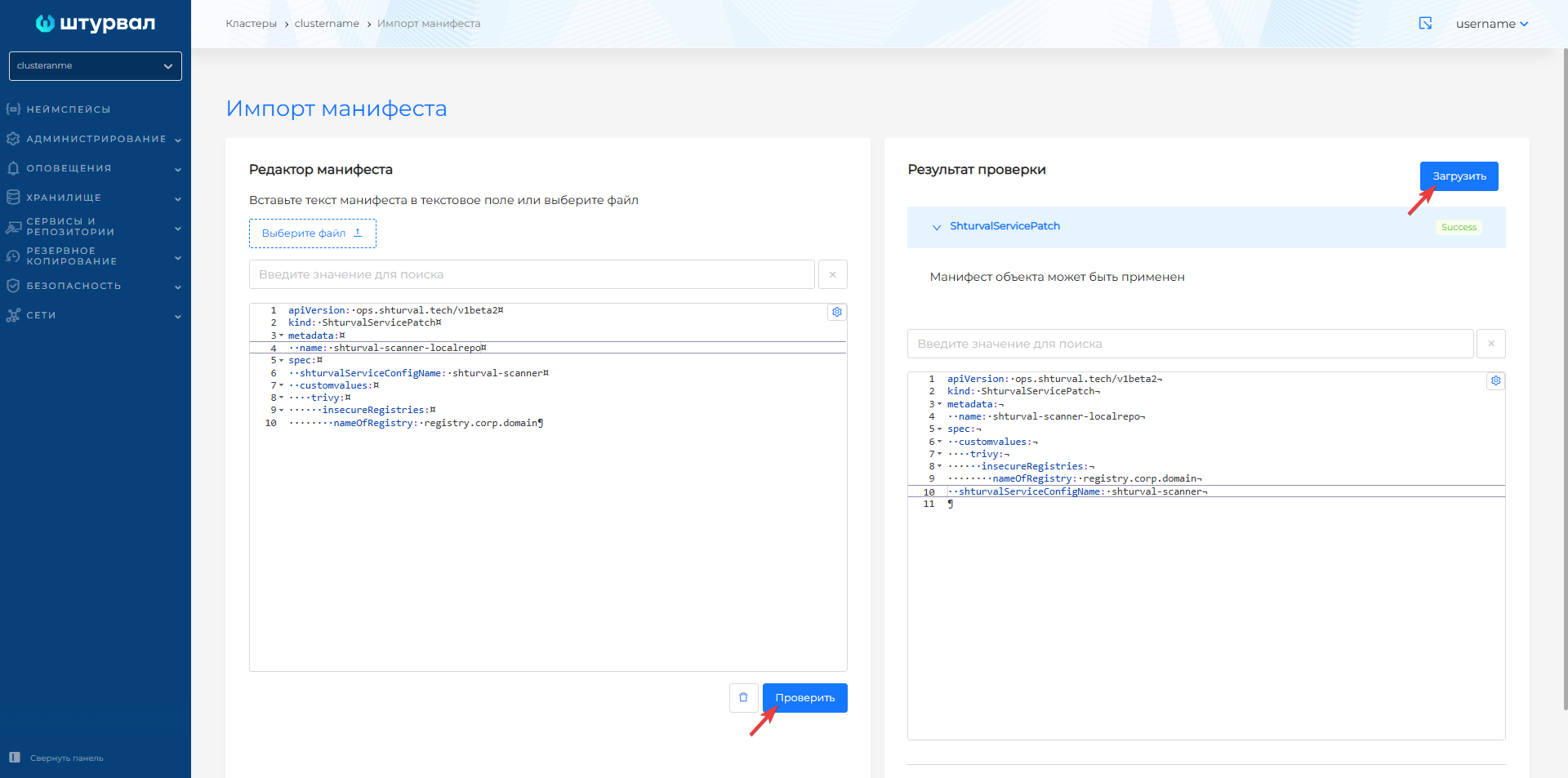
When using an image registry with a certificate from a non-public CA (corporate or self-signed), you must specify the registry address in the Trivy settings. To do this, use ShturvalServicePatch:
Example ShturvalServicePatch
apiVersion: ops.shturval.tech/v1beta2
kind: ShturvalServicePatch
metadata:
  name: <resource name>
spec:
  shturvalServiceConfigName: shturval-scanner
  customvalues:
    trivy:
      insecureRegistries:
        nameOfRegistry: <your value>
| Parameter | Description | Type | Example |
|---|---|---|---|
metadata.name | Name ShturvalServicePatch | string | shturval-scanner-localrepo |
nameOfRegistry | Local image registry DNS name | string | registry.corp.domain |
Screenshot of ShturvalServicePatch for local repository
How to deploy this service - How to developreturn new service.