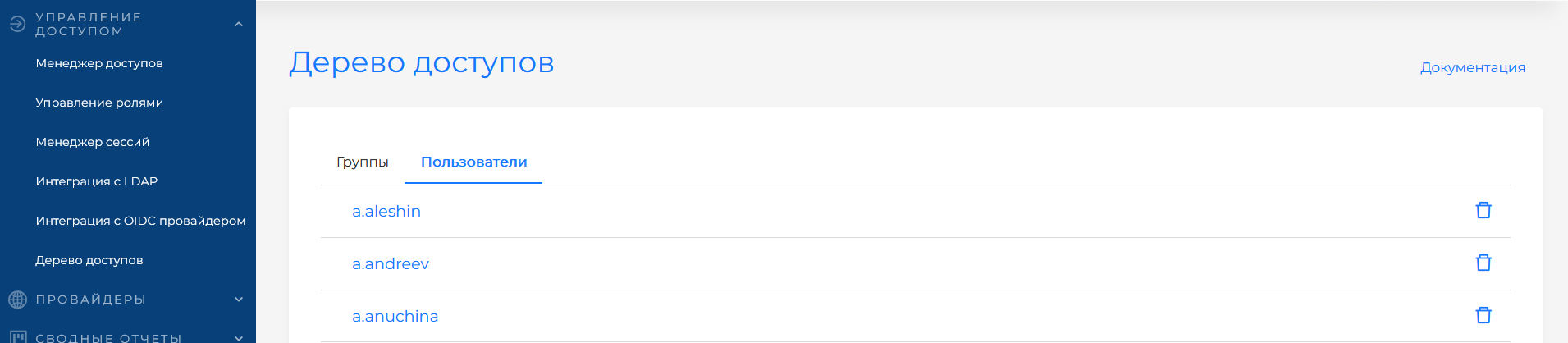
Access tree
View and revoke rights assignments by user and group.
Hierarchy
- Platform → Tenants → Clusters → Namespaces
Top-level permissions can affect access to nested objects. For example, access to a tenant gives access to all clusters and namespaces in it (depending on the settings).
Platform users
Only platform users (with platform-level rights) have access to manage tenants and assign rights to them.
Cluster and namespace level
Platform permissions are required to access API group objects cluster.x-k8s.io, permissions.shturval.tech, etc. because these objects are stored in the management cluster.
“Access Tree” page
The “Access Tree” page displays the complete access structure of each registered user and group. The page is located in the Access Control section of the platform.
Who has access
Only the platform administrator and platform security administrator have access to the page. The Tenant Access Manager role also gives access to viewing the access tree (together with Access Manager, Role Management and LDAP Integration).
Assignment and revocation of rights
On the “Access Tree” page you can view all user and group assignments and, if necessary, revoke them.
Assignment of new rights is performed on the Assigning access rights page (“Manage roles”) or in cluster and namespace Access Control sections — see Access management in the cluster.
What is displayed
The page displays two tabs Groups and Users with lists of users and groups to which access rights have been assigned. When you click on a line from the list, you go to the user card, group with assignments by level. Accesses are shown only for those objects that have assignments:
| Level | Contents |
|---|---|
| Platform | A list of access rights, if the user or group has “platform” level assignments. |
| Clusters | List of clusters and access rights, if there are “cluster” level assignments. |
| Namespaces | A list of namespaces indicating the cluster in which they are located. |
List of users and groups
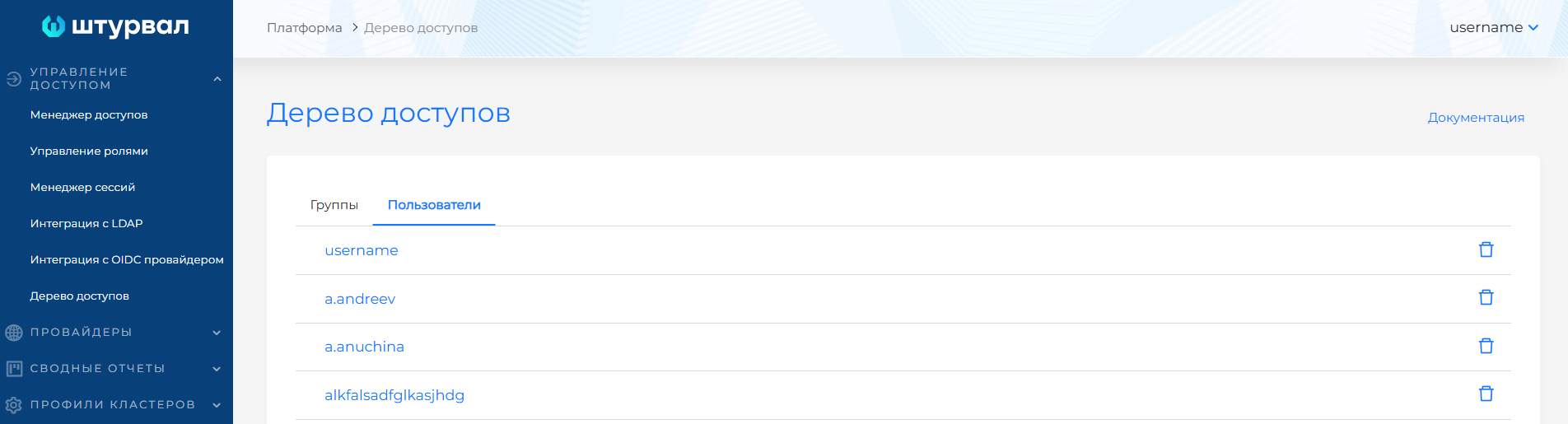
Revoke permission assignments
When an assignment is revoked, all access rights of the user and group at all levels (platform, clusters, namespaces) are removed.
You can revoke assigned rights to a user or group in one of the following ways:
- on the user or group card: click the Delete button.
User card — illustration
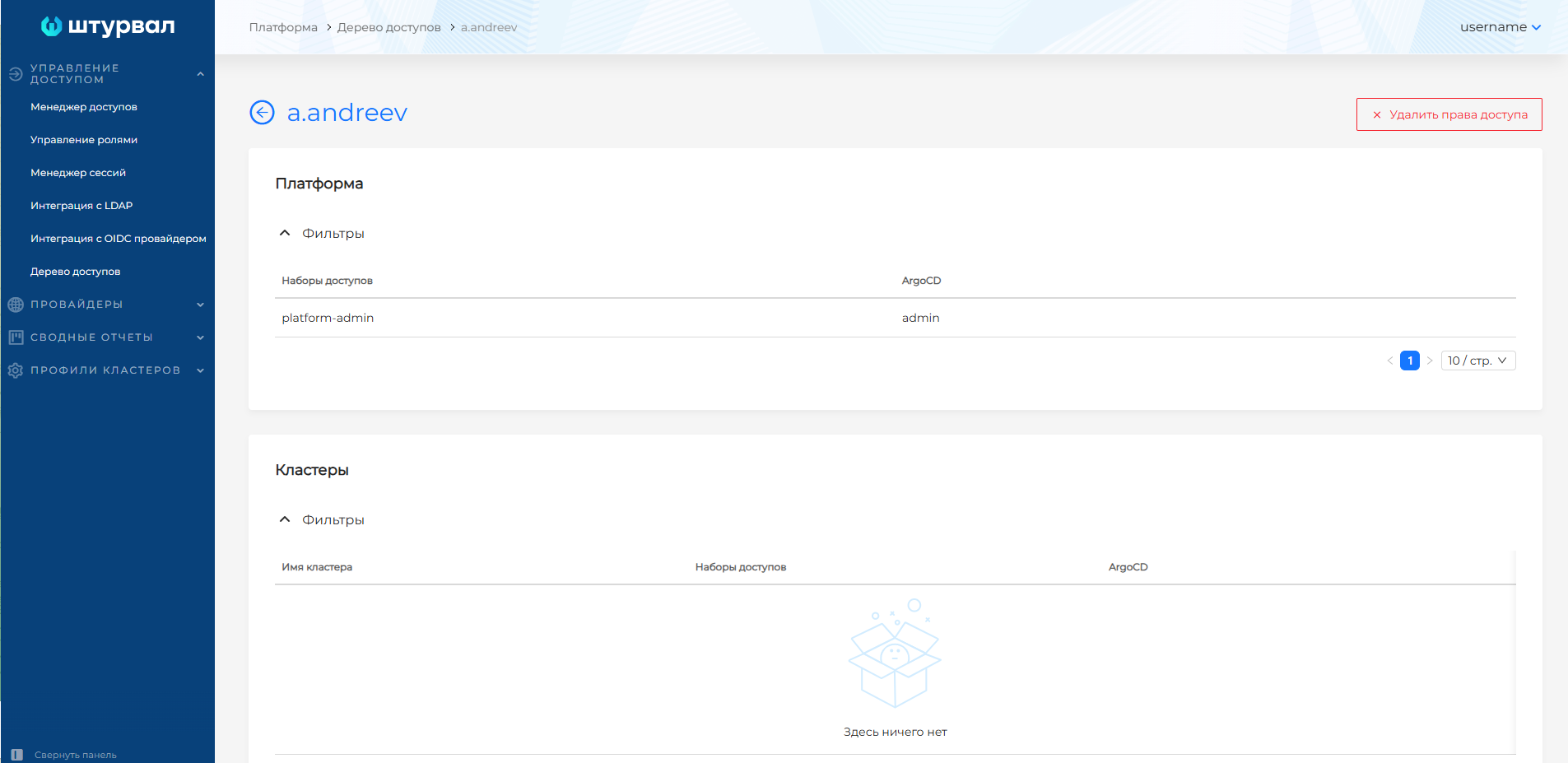
- from the list: on the Access Tree page in the user, group line, click on the delete icon. (see the screenshot below)