Increase authentication timeout
When using multi-factor authentication in the Shturval platform, it may take longer to complete it. The default is 60 seconds. To change this time, apply the shturval-auth annotation to the specification. To do this:
- Prepare a ShturvalServicePatch to apply to the Authentication Control Module specification (ssc) (
shturval-auth), where add an annotation with the required timeout time.
Example ShturvalServicePatch
apiVersion: ops.shturval.tech/v1beta2
kind: ShturvalServicePatch
metadata:
  name: <resource name>
spec:
  shturvalServiceConfigName: shturval-auth
  custom values:
    ingress_auth:
      annotations:
        nginx.ingress.kubernetes.io/proxy-read-timeout: "<your parameter value>"
| Parameter | Description | Example |
|---|---|---|
metadata.name | Name of the created ShturvalServicePatch | shturval-auth-timeout |
nginx.ingress.kubernetes.io/proxy-read-timeout | Timeout annotation for authentication. The value must be specified in seconds | 1000 |
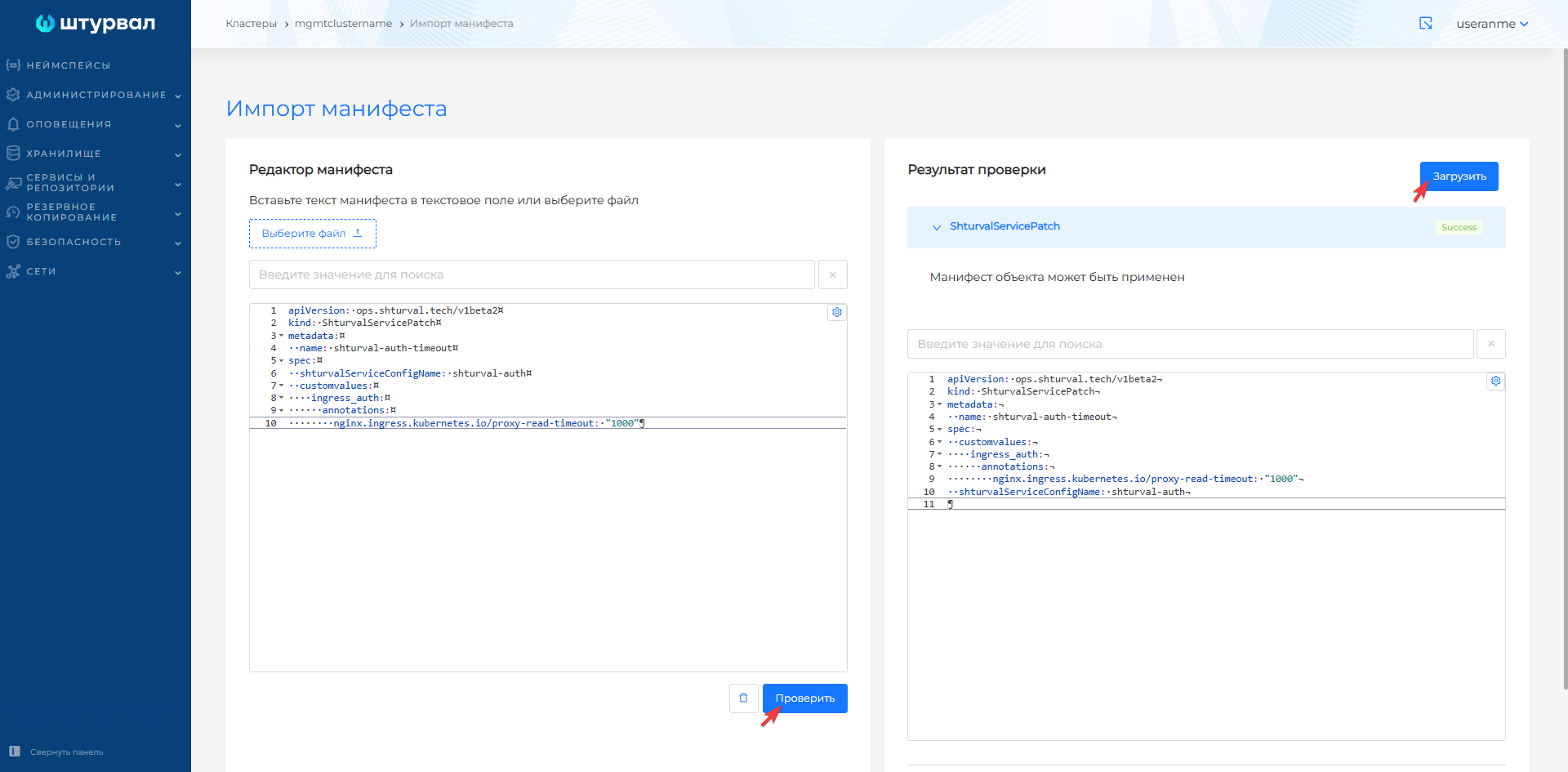
- Go to the management cluster and load the prepared ShturvalServicePatch using import manifests.
Screenshot