Increase Victoria Metrics storage capacity
Change PVC and ShturvalServicePatch for vmstorage shturval-monitoring.
The centralized storage of monitoring module metrics component (shturval-monitoring) may require increased disk space. If necessary, you can change the disk volume from the platform’s GUI using the PersistentVolumeClaim (PVC) resource.
Note:
- All steps below are performed in the management cluster.
- In PVC, only an increase of the requested volume is allowed - the disk size cannot be reduced.
- After changing the PVC, it is recommended to disable the Monitoring Module. Centralized Metrics Storage Component and enable it again. This will allow your disk space settings to be used if the nodes reboot.
Step 1. Increase the volume in PersistentVolumeClaim
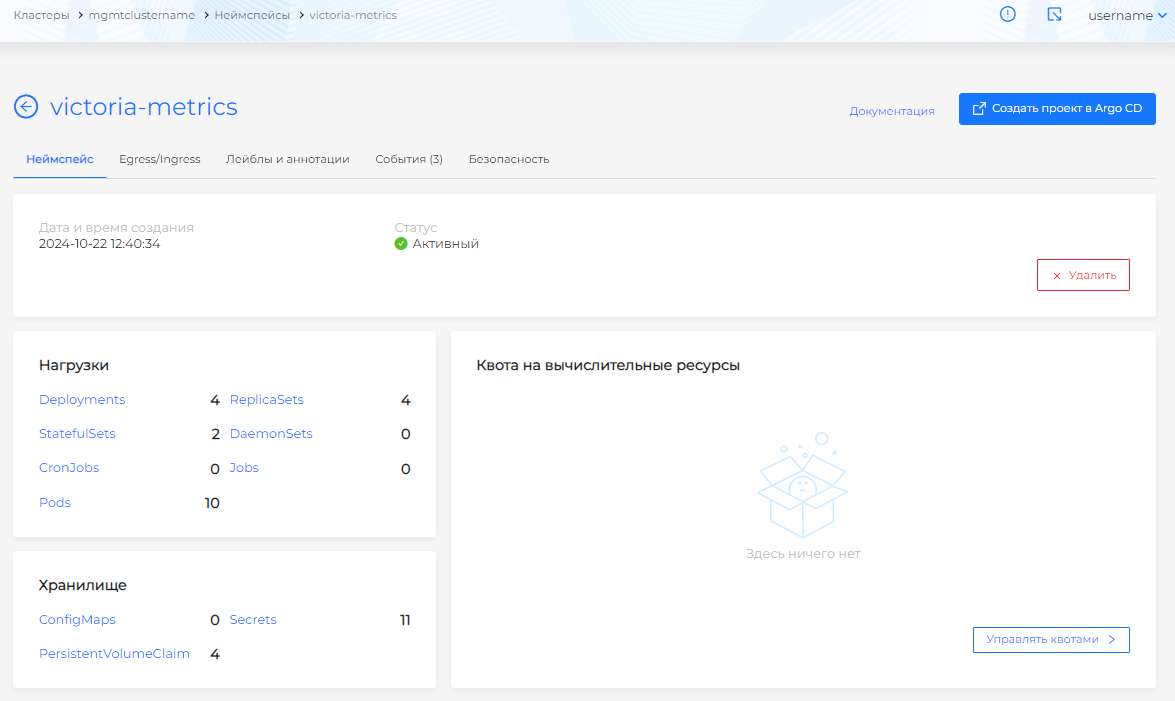
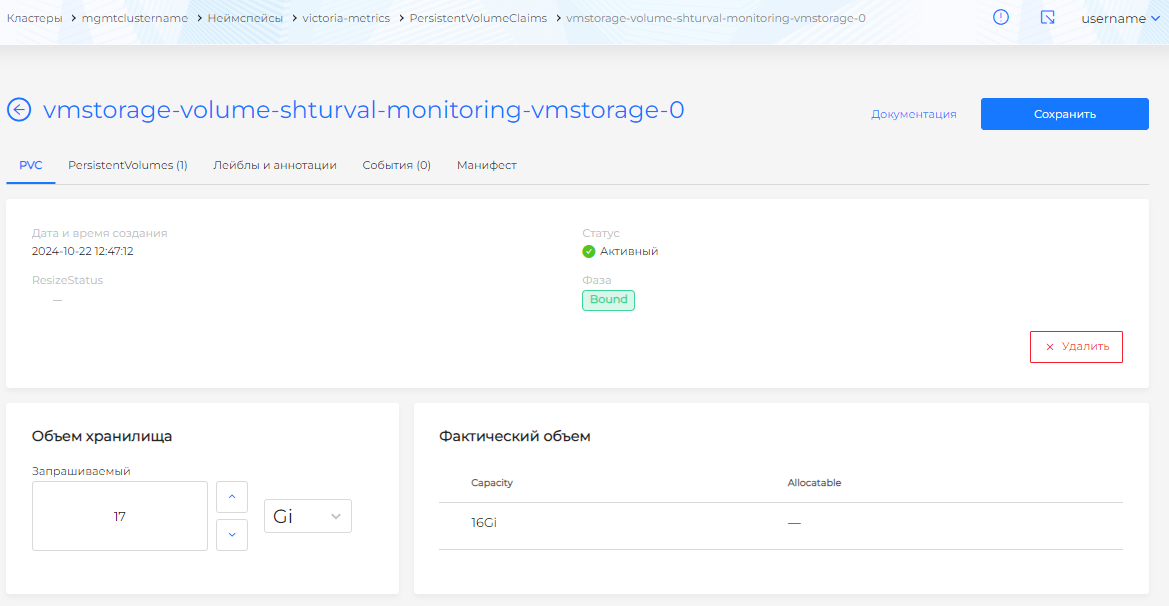
In the management cluster, go to the victoria-metrics namespace. In the side menu, open the Storage section and go to the PersistentVolumeClaims page. Select the PVC that is mounted in the Pod of the module that requires more disk space. Update the Requested Storage Amount field and save the changes.
Namespace victoria-metrics
Illustration: Namespace victoria-metrics
PersistentVolumeClaims - volume change
Illustration: PersistentVolumeClaims - volume change
Step 2. Recreate the Pod with a modified PVC
From the Loads section of the same namespace, go to the Pods page and remove the Pod in which the modified PVC is mounted.
Removing a Pod to apply a new volume
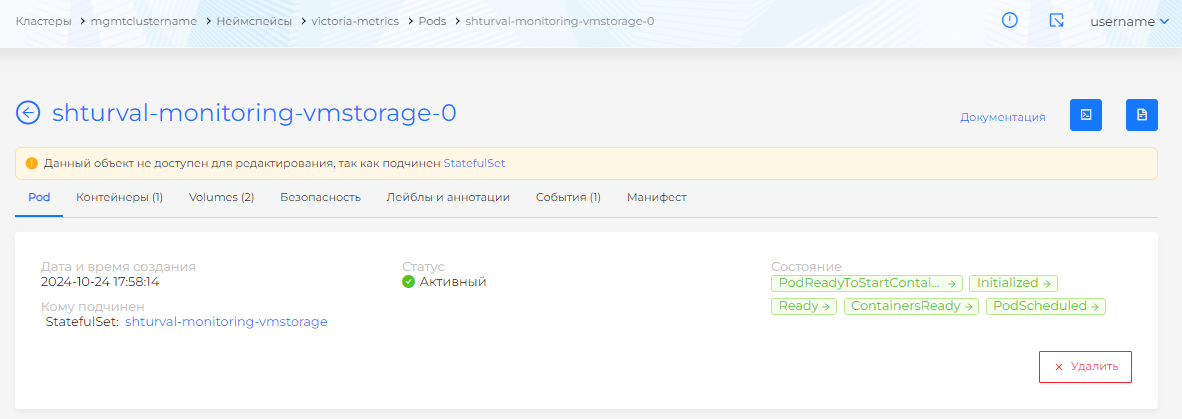
The new Pod will be launched with a changed amount of disk space. There will be no data loss until the amount of disk space on the module is changed.
Step 3. Disable shturval-monitoring module (recommended)
Go to the Services and repositories section → Installed system services, find Monitoring module. Central Metrics Storage Component (
shturval-monitoring) and disable it by clicking Off.In the victoria-metrics namespace, open Loads → StatefulSets. Make sure StatefulSet
shturval-monitoring-vmstorageis not present. If necessary, wait until it is removed.
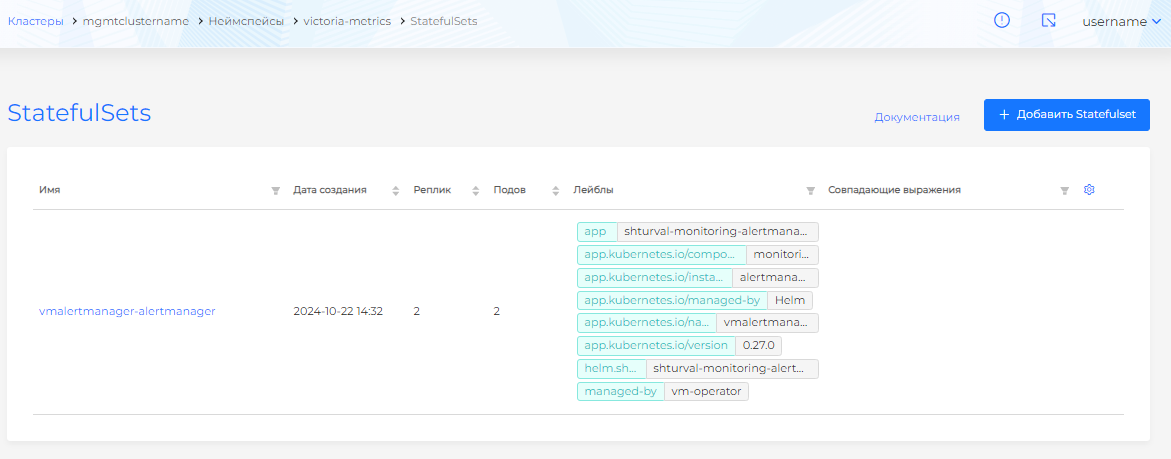
- When the StatefulSet is deleted, prepare
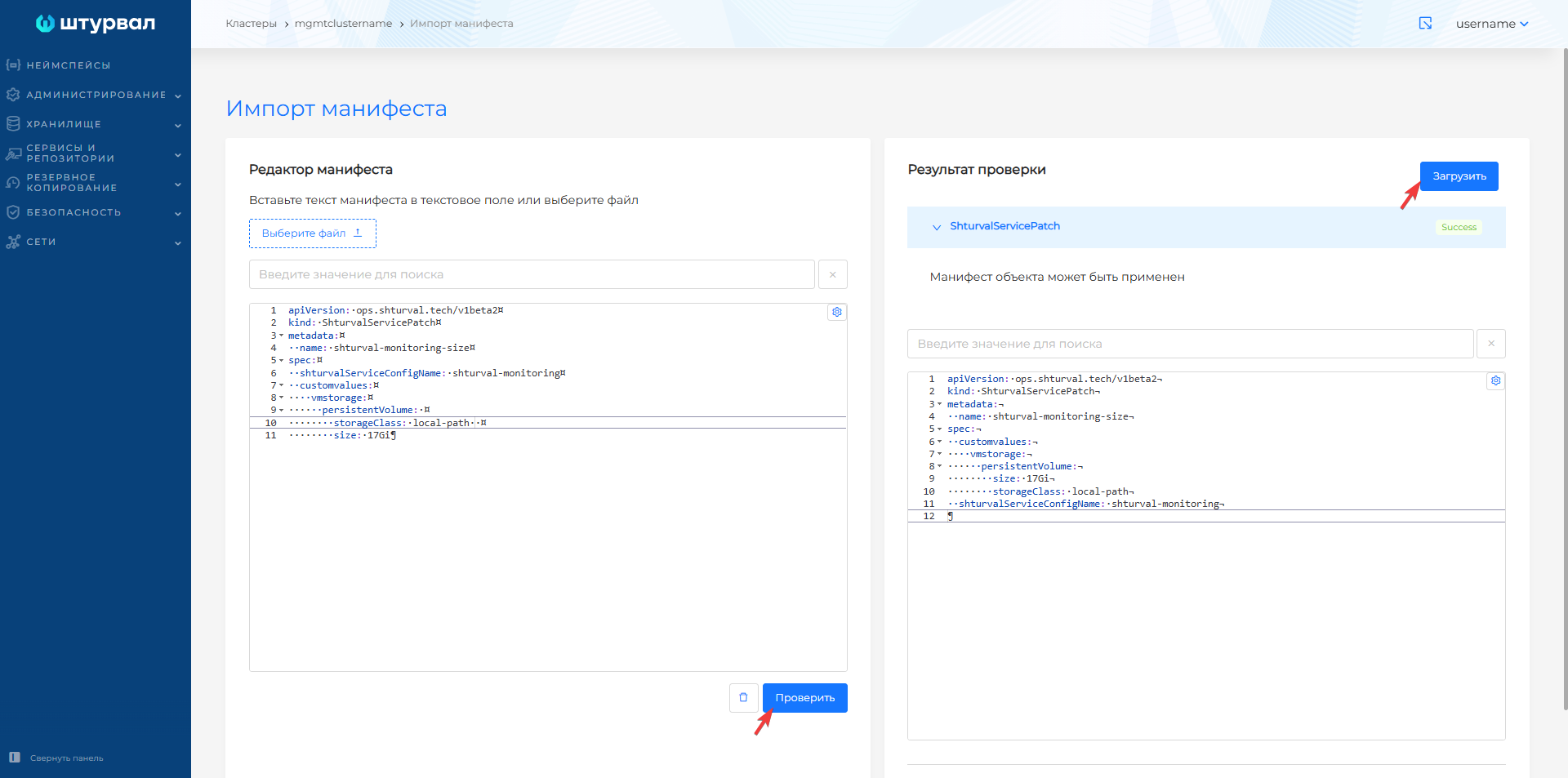
ShturvalServicePatchfor the specification (ssc) Monitoring Module. Component for centralized storage of metrics (shturval-monitoring). Specify the amount of disk space using the size parameter:
apiVersion: ops.shturval.tech/v1beta2
kind: ShturvalServicePatch
metadata:
  name: <resource name>
spec:
  shturvalServiceConfigName: shturval-monitoring
  custom values:
    vmstorage:
      persistentVolume:
        storageClass: <your parameter value>
        size: <your parameter value>
| Parameter | Description | Data type | Example |
|---|---|---|---|
metadata.name | Name of the created ShturvalServicePatch | string | shturval-monitoring |
storageClass | Storage Class Name | string | local-path |
size | Disk space size as in modified PVC | string | 17Gi |
- Upload ShturvalServicePatch to the management cluster using Import.
- Go to Services and repositories → Installed system services, find Monitoring module. Component of centralized storage of metrics (
shturval-monitoring), enable the module in the automatic control mode “Auto” and save the changes.