How to set up alerting based on metrics
vmalert, Alertmanager, rule groups, notification channels.
Overview
Alerting in the Shturval platform is implemented based on Victoria Metrics AlertManager and AlertManagerConfig. Components used:
- vmalert (VM Alert) - evaluation of alerting rules based on metrics;
- Alertmanager - routing and delivery of notifications.
By default, alerts are displayed in the platform GUI. Recipients and routes are configured for sending to Email, Telegram, Webhook, etc.
Operating conditions for alerting
Client cluster
Alerting is available from the GUI if enabled:
- in management cluster:
shturval-monitoringandshturval-metrics-collector; - in client cluster:
shturval-metrics-collector.
Management Cluster
Alerting is configured if the following are enabled:
shturval-monitoringin the management cluster;shturval-metrics-collectorin the management cluster.
View alerts
Alerts page → View alerts (or the “Alerts” block on the cluster dashboard).
Alerts interface
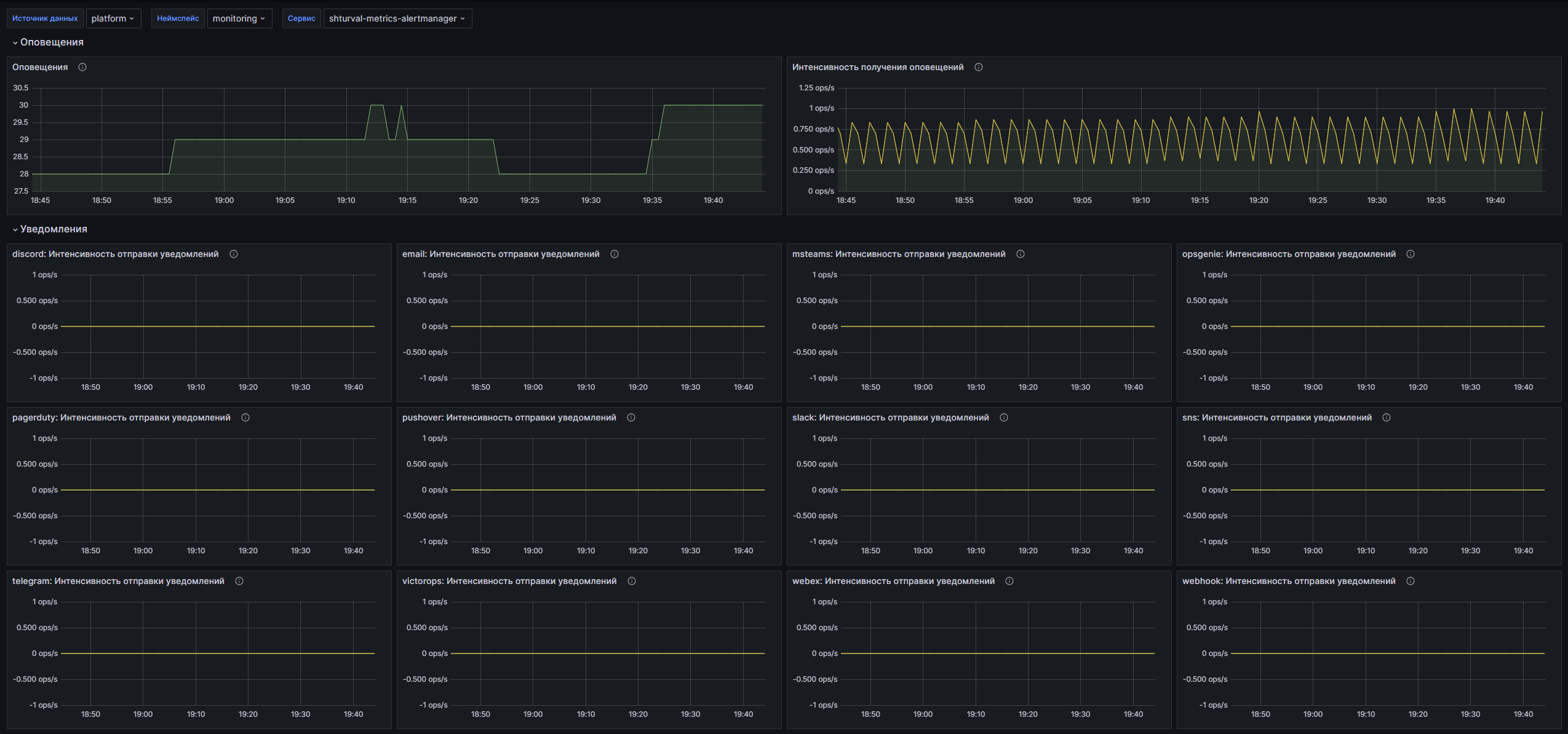
Alerts are divided into tabs:
| Status | Description |
|---|---|
| Firing | The alert is triggered—an actual violation of a condition or event. |
| Pending | The alert condition is met but the wait period (for) has not elapsed yet in the future (temporary changes). |
| Inactive | The alert has not been triggered for a long time or has been disabled by the administrator. |
On each tab, alerts are grouped by rule groups. In the group: expression, description of conditions, event counter, list of alerts.
Composition of the alert: identifier, name, date and time of activation, description, expression, criticality.
Predefined rules
Alert rules are installed in clusters by default (VMRule with the prefix system). List available:
- on the Alert Rules page of the cluster;
- in Administration → Custom Resources → API group
operator.victoriametrics.com→ VMRule in the namespace with the cluster name.
Predefined rules cover: Alertmanager, Velero, Victoria Metrics, Kubernetes (nodes, pods, PVC, services), Prometheus, etc.
Alert rule groups
For custom rules, a rule group is created.
- Notification rules → Add group of notification rules.
- Fill in:
- Group name (required);
- Expression type — Prometheus or Graphite (Prometheus by default);
- Rule type - alert or record;
- Evaluation interval—how often the rules are evaluated;
- Parallelism - how many rules run simultaneously in a group.
Alert rule groups
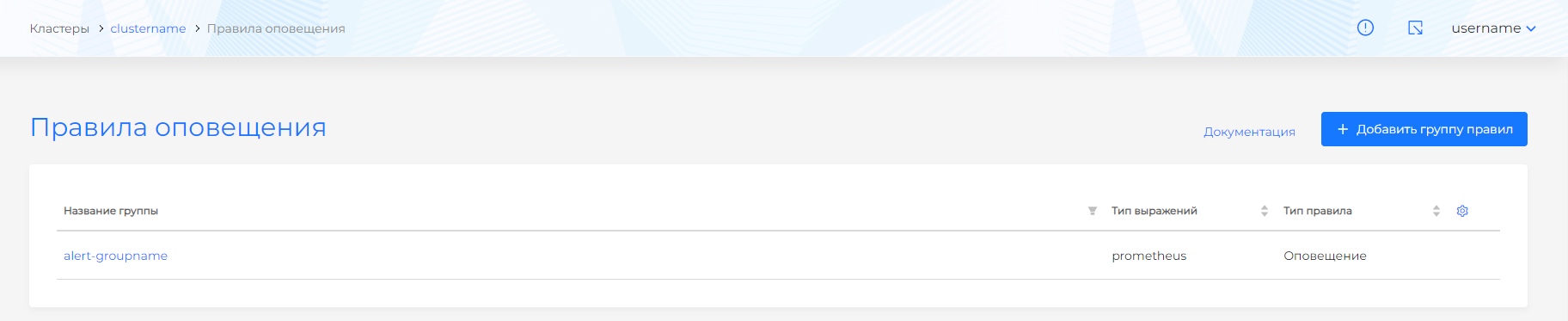
Once created, the group name, expression type, and rule type are immutable. Deleting a group results in a cascade deletion of rules.
Group rules
Under the group summary, the Rules table spans the full width: name, severity (None if not set), and short description (a dash if empty). A row opens the rule, + opens the add form on the right. After adding, the form closes.
Alert rules
| Field | Description |
|---|---|
| Name | Required and cannot be changed once created. |
| Wait time | Time lag before sending - the system waits to see if the state will be preserved. |
| Criticality | Recorded in the label severity. Levels: Emergency, Alert, Critical, Error, Warning, Notice, Info, Debug. |
| Link to solution | Abstract runbook_url. |
| Short description | Abstract summary. |
| Description | Abstract description. |
| Expression | Mandatory. PromQL expression. |
| Labels, annotations | Additional metadata. How to add and change them: Labels and annotations. |
Annotations with keys description, summary, runbook_url are overwritten with values from the rule fields.
Example rule - triggered when a new Pod is created:
sum by(namespace, pod) (increase(kube_pod_created[5m])) > 0
With descriptions: summary: "New pod created in {{ $labels.namespace }}", description: "Pod {{ $labels.pod }} was created in namespace {{ $labels.namespace }}".
Record rules
Expressions are pre-calculated and the result is stored as a time series. Useful for dashboards.
Fields: Title (required), Expression (required), Labels.
Receivers
By default, alerts are routed to Victoria Metrics (displayed in the GUI). The recipient devnull (default type) is created by default and blocks sending; it cannot be deleted or changed.
For additional delivery, recipients are created in the Notifications → Recipients section:
Notification recipients
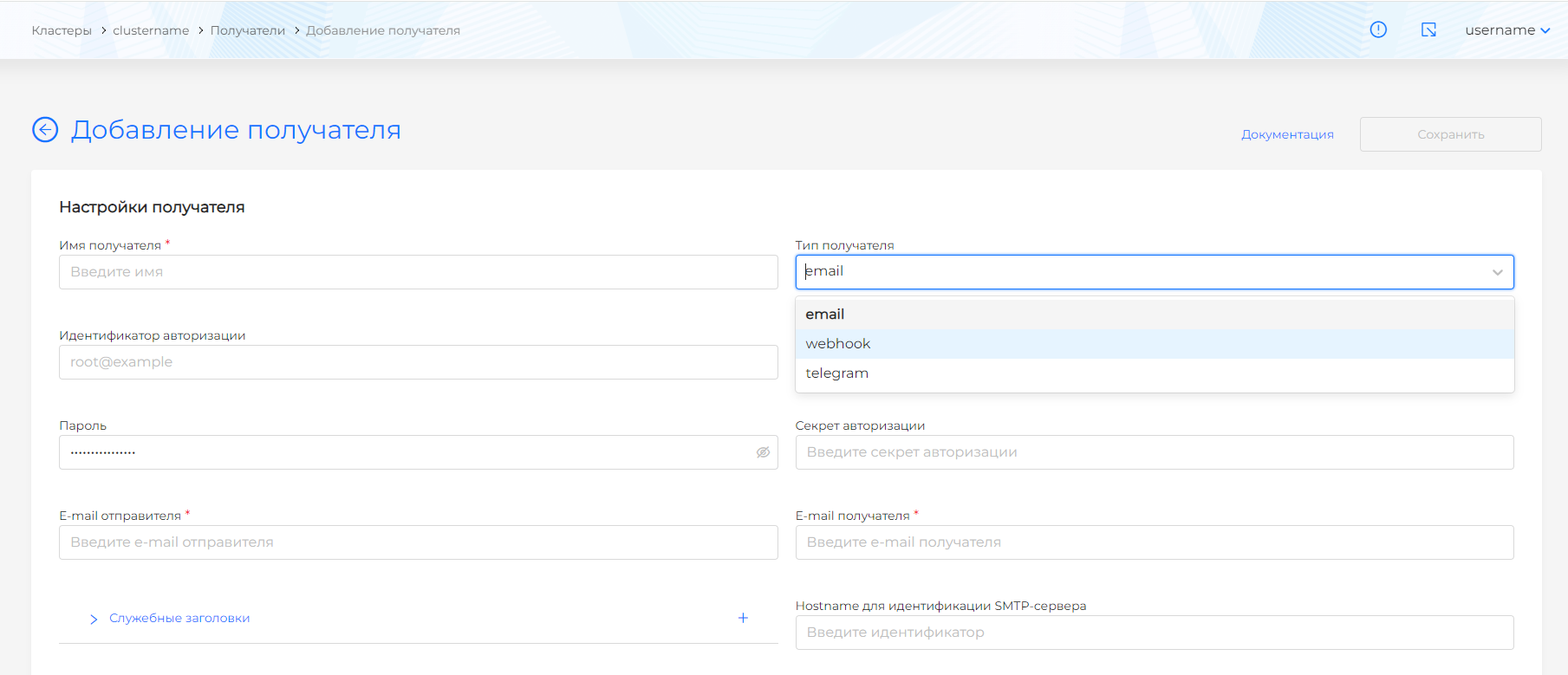
| Type | Purpose |
|---|---|
| webhook | Sending to aggregation services, service-desk, task-manager. Required: URL. |
| SMTP. Required: SMTP server, recipient’s e-mail. Gmail requires authorization. | |
| telegram | Telegram bot. Bot token (from @BotFather), chat ID. |
Webhook: URL, optional - authorization (Username/Password or Bearer token), TLS, “Send resolved”, max. number of alerts in the message.
Email: SMTP server, recipient’s e-mail, optional - authorization (PLAIN, LOGIN, CRAM-MD5), HTML template, “Send resolved”. Ports 25, 587, 465 must be available on the SMTP side.
Telegram: bot token, chat ID (find out: https://t.me/userinfobot), message format (Markdown, HTML), template, “Send resolved”, “Disable notifications”.
Routes
Routes specify where and under what conditions alerts are sent. The root route is configured first, then the sub-routes.
Route parameters:
| Parameter | Description |
|---|---|
| Recipient | Select from a list of recipients. |
| Wait time before initial dispatch | Lag for rejecting false positives. |
| Wait time until updated alerts | Lag before sending changes based on a previously sent notification. |
| Wait time before resending | Lag before resending. |
| Matching Labels | Labels for routing (for example, severity, alertname). |
| Grouping Keys | By what labels to group notifications. |
| Blocking Intervals | When to pause sending (weekends, nights, etc.). |
Sub-routes provide more detailed routing. You can specify whether to continue processing in other subroutes.
Time intervals (time_intervals)
Intervals when alerts are not sent (silencing).
Configurable: months, days of the month, days of the week, hour ranges. Intervals are indicated in the routes.
If no value is specified in the configuration, “all values” is equivalent. For example, only days of the week are selected without months - these days are applied in each month.
Blocking notifications (inhibit)
Criteria under which notifications are blocked (not sent).
| Parameter | Description |
|---|---|
| Label keys (equal) | Alert keys: alertname, severity, namespace, etc. |
| target_matchers | Target alert labels; when they match, related alerts may be suppressed. |
| source_matchers | Source alert labels; while a matching source alert is active, target alerts are not sent. |
Example: block Warning if there is a Critical with the same alertname and namespace.
Recommended setup order
- Make sure
shturval-monitoringandshturval-metrics-collectorare working. - If necessary, create a rule group and add rules (alert or record).
- Create recipients (Email, Telegram, Webhook).
- Configure routes - specify the recipient, labels, blocking intervals.
- If necessary, set time intervals and notification blocking.
Additional
- Rules can be added via ShturvalServicePatch or the
shturval-metrics-collectorservice configuration. - VictoriaMetrics Operator supports importing AlertmanagerConfig from Prometheus Operator.
- Architecture details: Monitoring services architecture.