Release a specific host
See Add hosts and increase the number of nodes for an introduction to the Shturval v2 provider and host preparation.
To release a specific host from a previously created cluster with the Shturval v2 provider:
- In the cluster, open the Administration section and go to the Node Management page.
- Go to the page of the node that you want to exclude from the cluster.
- Click Cordon.
- Wait until the Uncordon button appears.
Screenshot
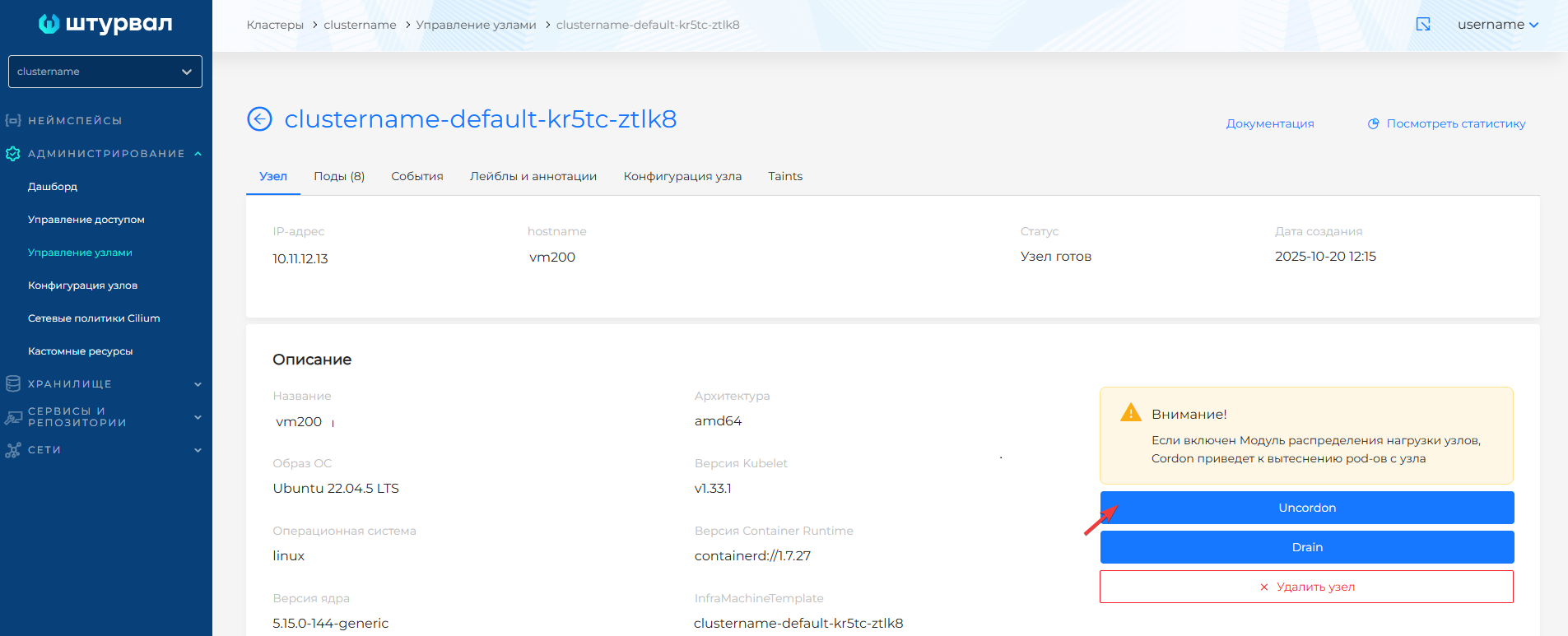
- Click Drain.
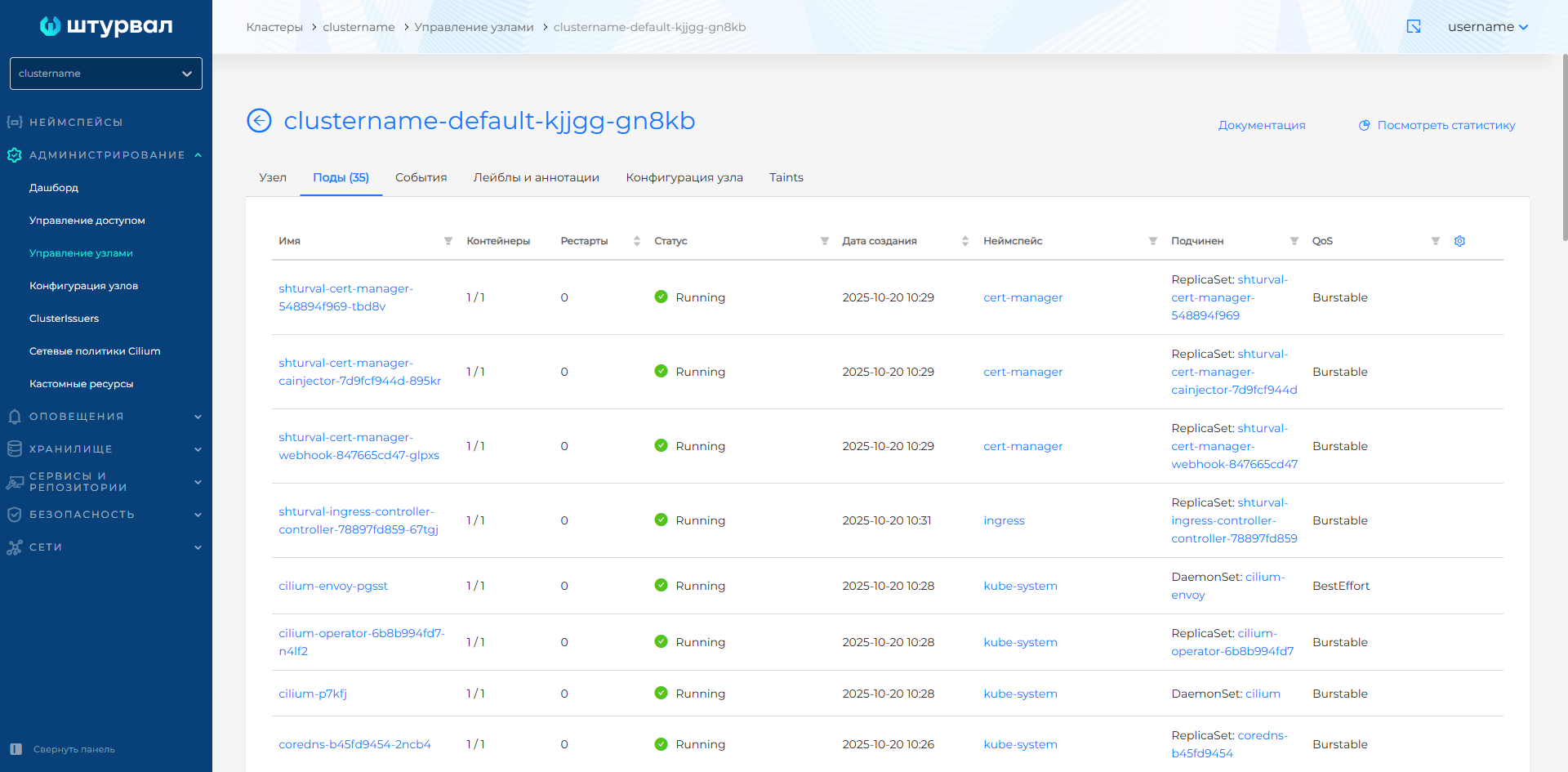
- Go to the Pods tab of the node page.
- Wait until only critical pods remain.
Screenshot
- Return to the Node tab.
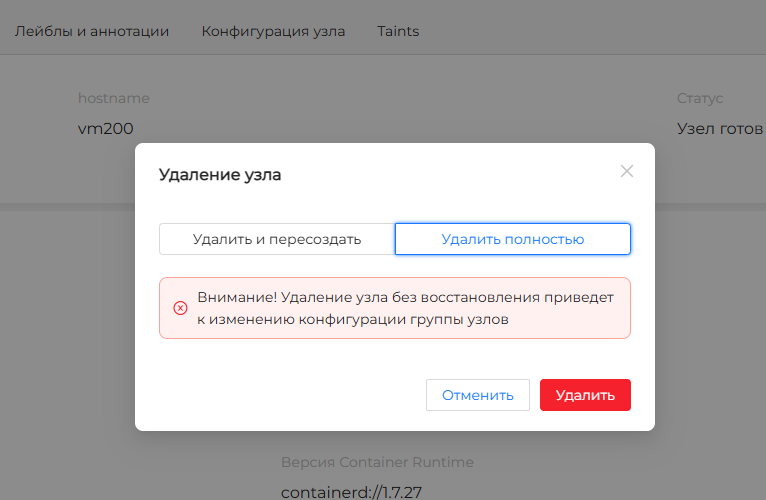
- Click Delete node and select the option Delete without re-creating.
Screenshot
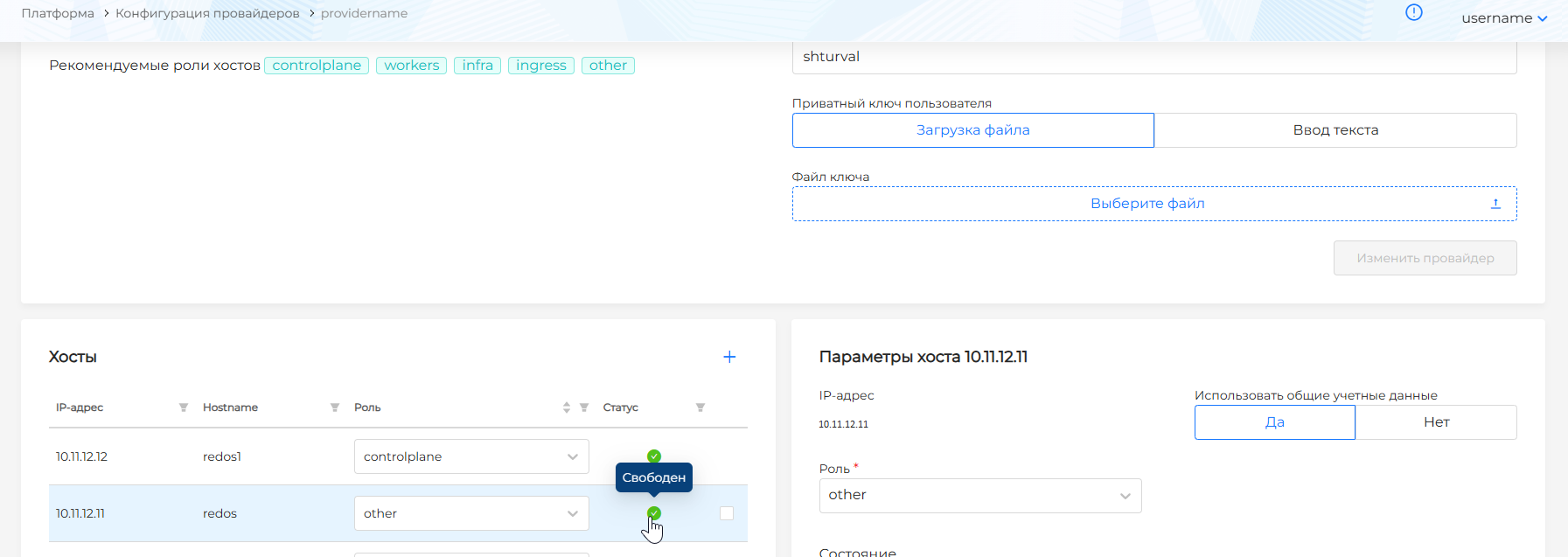
- Go to the Providers section of the platform to the Provider Configuration page.
- Select the provider instance with which the cluster was deployed.
- Make sure that the released host has acquired the Free status.
Screenshot