ConfigMaps
A ConfigMap is a Kubernetes resource for non-confidential data as key-value pairs. Pods use ConfigMaps as environment variables, command-line arguments, or files in a volume.
A ConfigMap does not encrypt data. For confidential data, use a Secret.
Where to manage
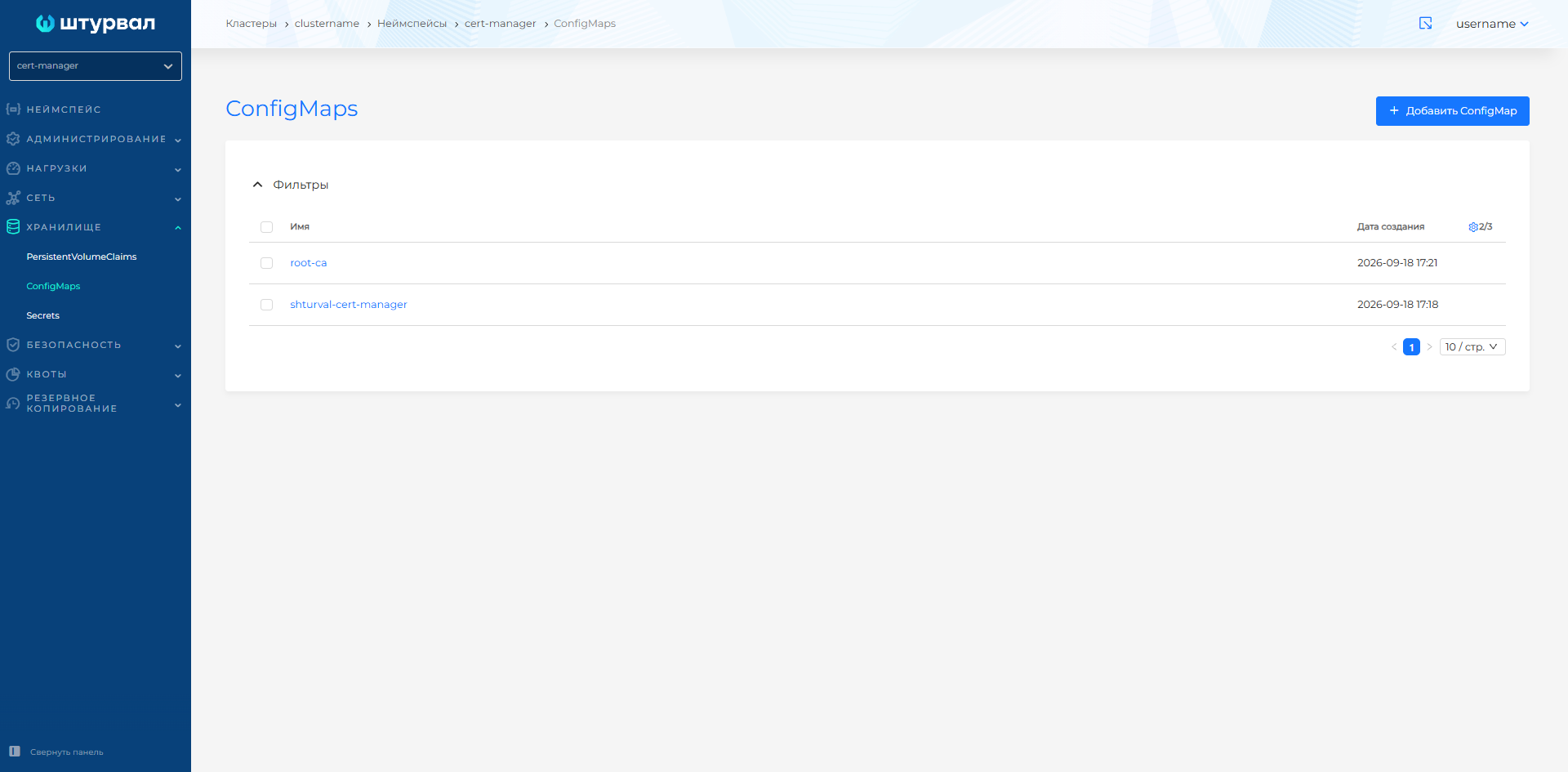
Namespace → Storage → ConfigMaps.
Screenshot: ConfigMaps list
Creating a ConfigMap
- Storage → ConfigMaps → + Add ConfigMap.
- Set the ConfigMap name.
- Optionally set editability, text keys, and binary keys.
- Click Save.
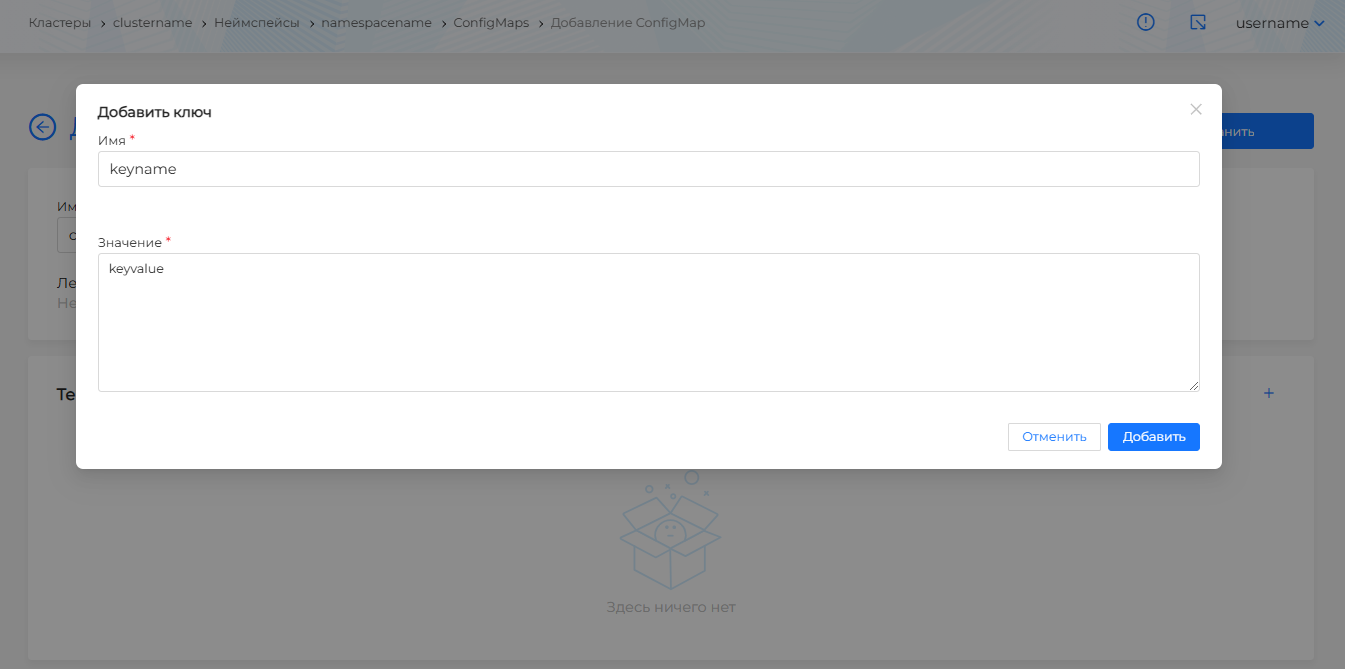
To add a text key, click +, enter the key and value, then Add.
Screenshot: ConfigMap text key
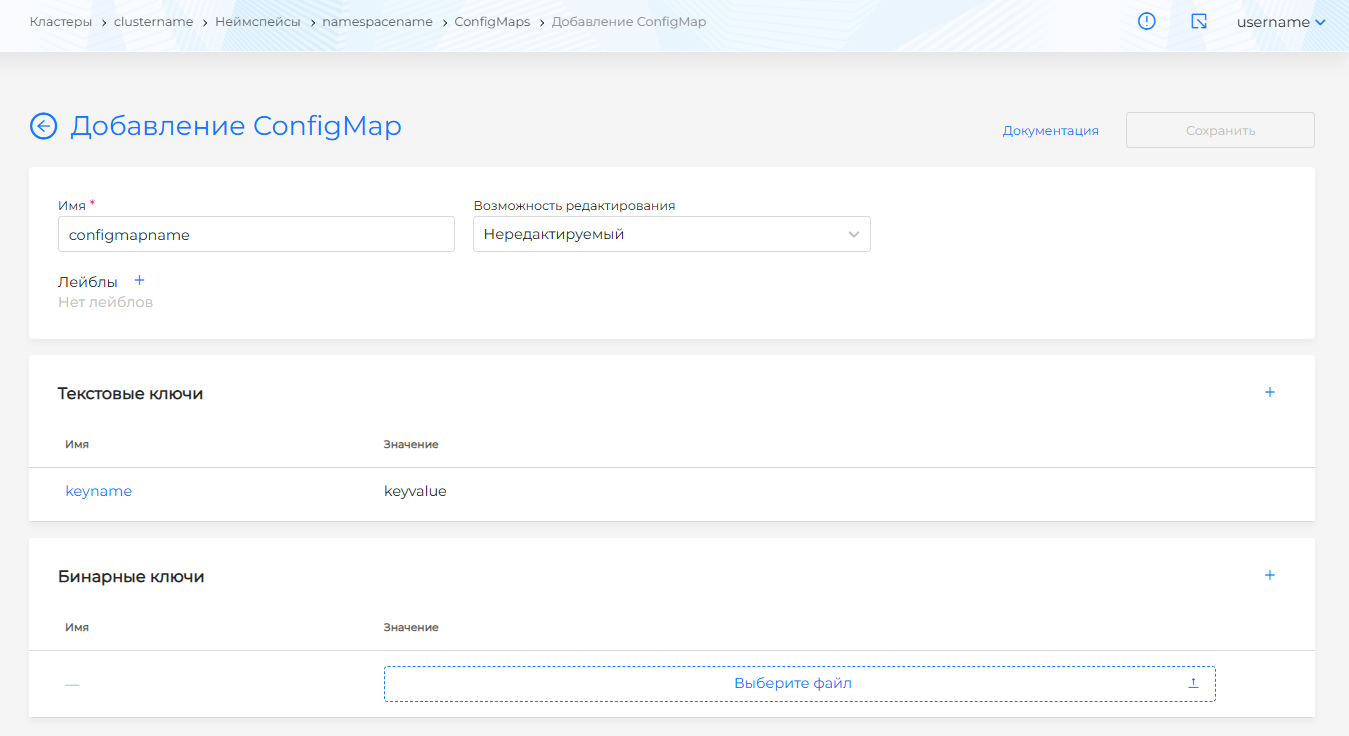
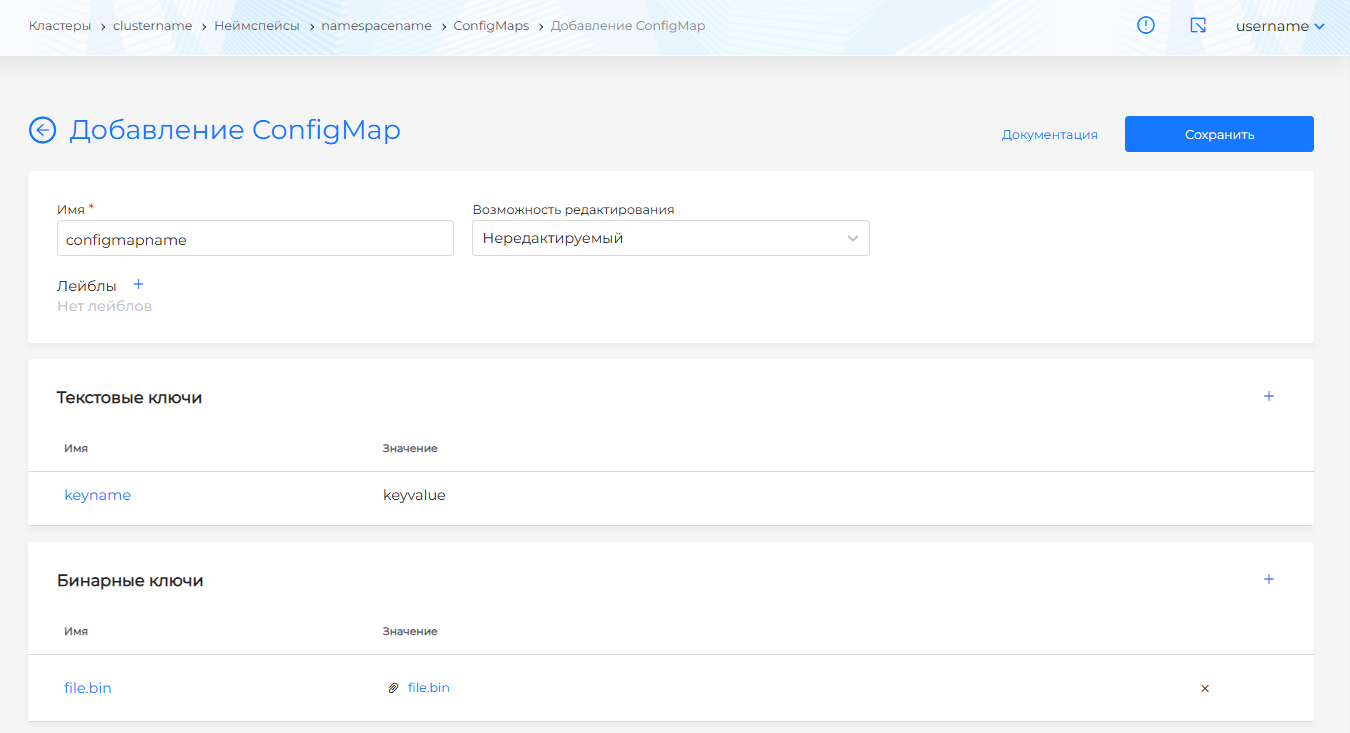
To add a binary key, click + and upload the file.
Screenshot: ConfigMap binary key
If Editability is set to Non-editable, the ConfigMap cannot be changed.
View, edit, and delete
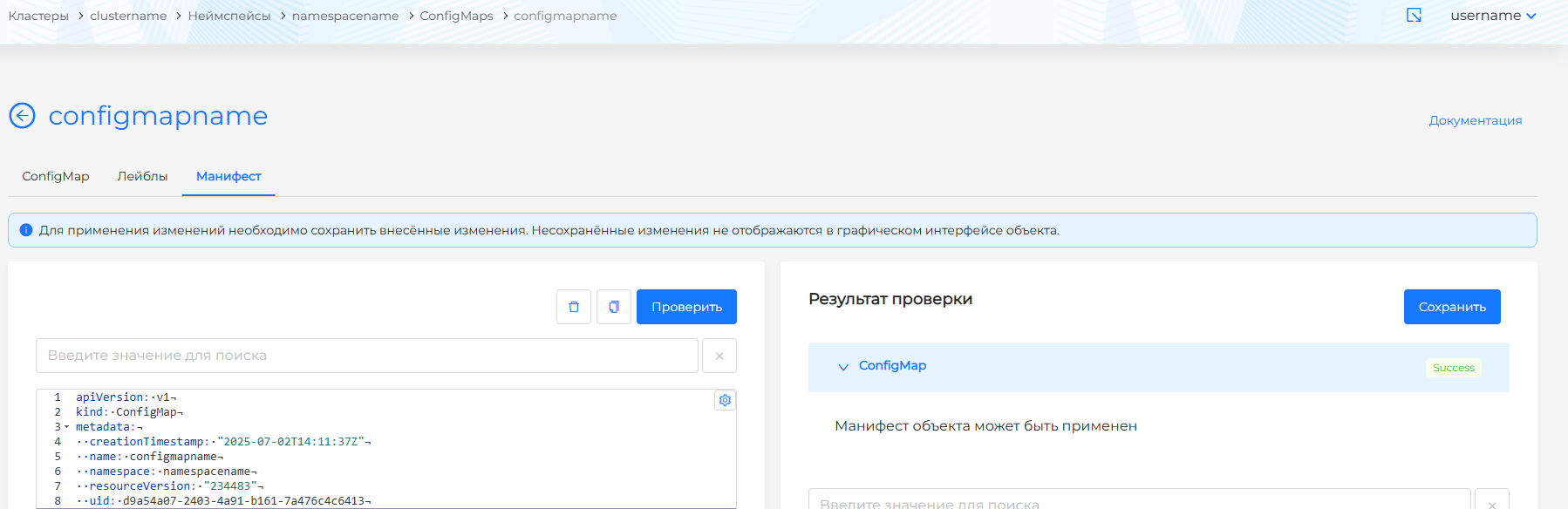
On the Manifest tab you can edit the ConfigMap as YAML. After edits, run a check; the result appears on the right. Unsaved changes are not applied.
Screenshot: ConfigMap manifest
You can delete a ConfigMap in one of the following ways:
- in the ConfigMaps list, click the delete icon in the object row;
- on the detail page, on the ConfigMap tab, click Delete;
- on the Manifest tab, click the delete icon.
In the ConfigMaps list you can delete one object or several at once. How to select objects and confirm deletion: Bulk deletion.